How to Record Instagram Live on Android (3 Methods)
There are 3 ways to record Instagram Live on Android: GREC (automatic cloud recording), your phone's built-in screen recorder, and third-party apps like XRecorder or AZ Recorder. This guide covers all three methods step-by-step, with honest pros and cons so you can pick the right one.
3 ways to record Instagram Live on Android
Quick overview:
- GREC — Automatic cloud recording. Records every live in HD without touching your phone. Works offline. Best overall.
- Android built-in screen recording — Available on Android 11+. Free, no install needed. Manual.
- Third-party apps — XRecorder, AZ Recorder, Mobizen. More features, but same screen recording limitations.
Method 1: GREC — automatic cloud recording (recommended)
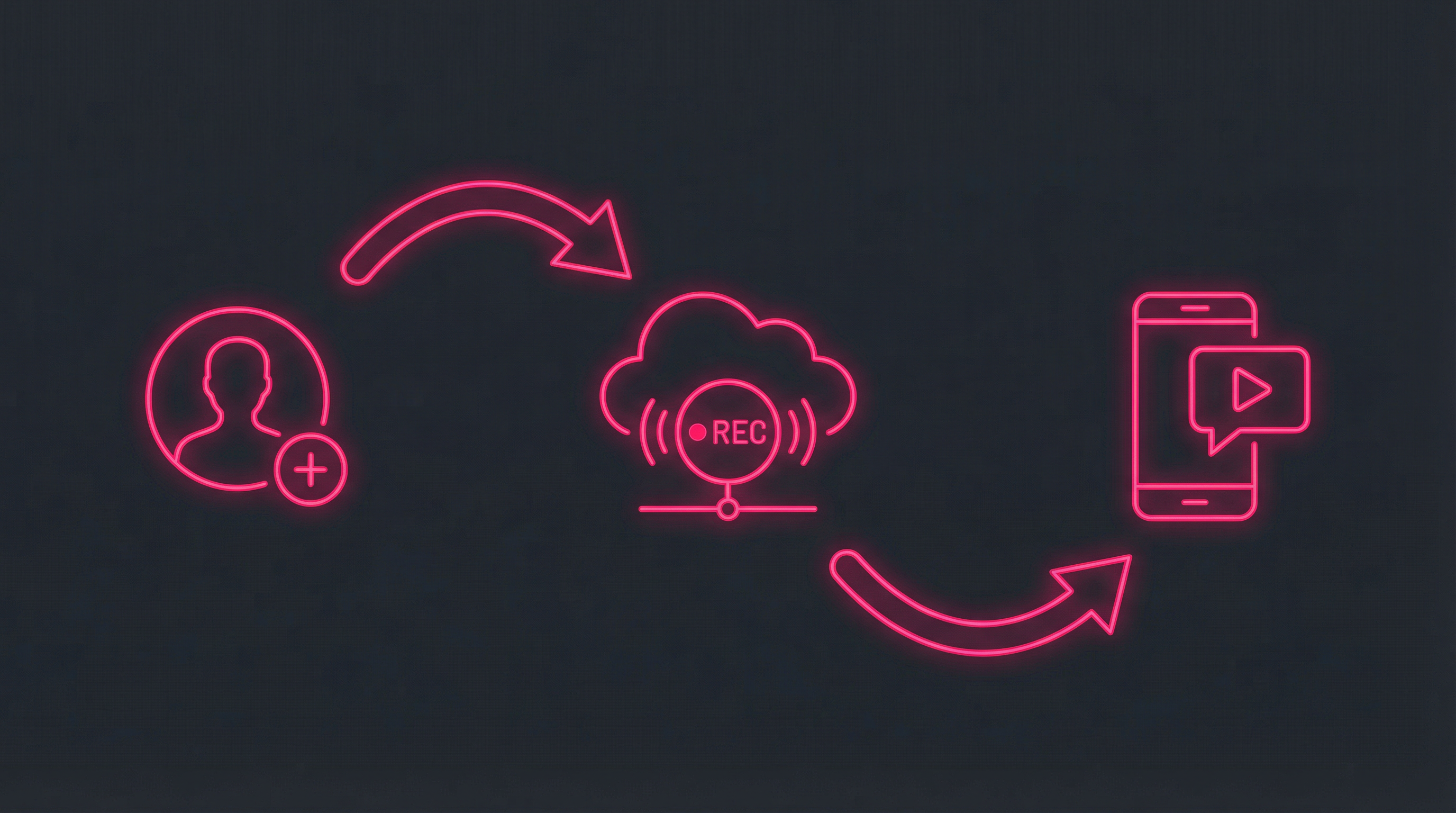
GREC records Instagram Lives from the cloud. It doesn't capture your screen — it captures the actual live stream directly on GREC's servers, completely independently from your Android phone.
How to set up GREC on Android:
- Download GREC from Google Play (free, requires Android 7.0+).
- Create an account — sign up with email, Google, or Apple.
- Search for profiles — type any Instagram username and tap "Add to Auto Rec."
- That's it — GREC will automatically record every future live from that profile in the cloud.
- Watch or download — you get a push notification when the recording is ready. Stream in-app or download in HD to your gallery.
Why GREC is the best method for Android:
- Fully automatic — no manual action needed after setup. GREC detects lives and records them 24/7.
- 100% private — your username never appears in the streamer's viewer list.
- Works with your phone off — recording happens in the cloud. Your Android can be locked, charging, or turned off.
- Full-length capture — records from the first second to the last. No missed beginnings.
- HD quality — higher quality than most screen recordings.
- Multiple streams at once — record unlimited simultaneous lives.
- Zero battery drain — your phone isn't involved in the recording.
- No storage usage — recordings live in GREC's cloud until you choose to download them.
- Past live history — browse and unlock previously recorded streams.
Pricing: Free tier available. GREC Premium starts at $4.99/week.
Method 2: Android built-in screen recording
Most Android phones running Android 11 or later include a built-in screen recorder in Quick Settings. Samsung, Google Pixel, OnePlus, and Xiaomi all have this feature (the exact UI varies by manufacturer).
How to screen record Instagram Live on Android:
- Check for the Screen Recorder tile — swipe down twice from the top of your screen to open Quick Settings. Look for "Screen Record" or "Screen Recorder." If you don't see it, tap the pencil/edit icon to add it.
- Open Instagram and join the live stream you want to record.
- Start recording — pull down Quick Settings and tap "Screen Record." Choose whether to record audio (media audio, microphone, or both).
- A countdown begins — switch back to Instagram. A recording indicator appears in the status bar.
- Stop recording — pull down the notification shade and tap "Stop," or tap the floating stop button (varies by device).
- Video saves to your gallery — usually in a "Screen recordings" folder.
Samsung-specific: On Samsung Galaxy phones, you can also access the screen recorder from the Edge Panel or Game Launcher.
Pros:
- Free, built into Android 11+
- No app installation needed
- Captures video + audio
- Works with any app
Cons:
- You must be watching — the live must be playing on your screen the entire time
- Your name appears — you're actively in the streamer's viewer list
- You miss the start — by the time you notice the live and start recording, the beginning is gone
- Notifications are captured — texts, calls, and app alerts appear in the recording
- Significant battery drain — screen recording while streaming uses heavy CPU/GPU
- Phone heats up — especially on longer streams (30+ minutes)
- Storage usage — screen recordings eat local storage quickly
- Only one stream at a time — can't capture two simultaneous lives
- Not available on Android 10 and below — older devices need a third-party app
Pro tip: Enable Do Not Disturb mode before recording to prevent notifications from appearing in your capture.
Method 3: Third-party screen recorder apps
If your Android doesn't have a built-in screen recorder, or you want extra features, several popular apps are available on Google Play.
XRecorder (by InShot)
The most popular free screen recorder on Android. No watermark, records up to 1080p, includes a floating control bubble and basic video editor.
AZ Screen Recorder
A long-standing favorite with no time limits on recordings. Supports external audio capture, video trimming, and merging. Pro version removes ads and adds GIF creation.
Mobizen
Popular with Samsung users. Includes a facecam overlay for reaction-style recordings and supports up to 1080p at 60fps. Clean interface, Samsung-optimized performance.
Pros of third-party apps:
- Works on older Android versions (below Android 11)
- Facecam overlay option (Mobizen, Record it!)
- Built-in video editing tools
- Custom resolution, frame rate, and bitrate settings
- Floating control bubble for easy start/stop
Cons:
- All the same limitations as built-in screen recording (must be watching, viewer list, miss the start)
- Most have ads in the free version
- Some add watermarks unless you pay
- Additional app using resources on your phone
Quick comparison
| Feature | GREC | Built-in Rec | XRecorder | Mobizen |
|---|---|---|---|---|
| Automatic recording | ✓ | ✗ | ✗ | ✗ |
| Records from start | ✓ | ✗ | ✗ | ✗ |
| Private / stealth | ✓ | ✗ | ✗ | ✗ |
| Works offline | ✓ | ✗ | ✗ | ✗ |
| HD quality | ✓ | ✓ | ✓ | ✓ |
| Multi-stream | ✓ | ✗ | ✗ | ✗ |
| No battery drain | ✓ | ✗ | ✗ | ✗ |
| No watermark | ✓ | ✓ | ✓ | Paid |
| Facecam overlay | ✗ | ✗ | ✗ | ✓ |
Frequently asked questions
Does Instagram notify when you screen record a Live on Android?
No. Instagram does not send any notification when you screen record. However, your username will be visible in the streamer's viewer list because you're actively watching. GREC avoids this — recording happens in the cloud without joining the live as you.
My Android doesn't have a built-in screen recorder. What can I do?
Phones running Android 10 or below may not include a screen recorder. Install XRecorder or AZ Recorder from Google Play (both free). Alternatively, use GREC for cloud-based recording that doesn't depend on your device's capabilities.
Which Android screen recorder has no watermark?
XRecorder by InShot is free and adds no watermark. The built-in Android screen recorder also has no watermark. Mobizen adds a watermark on the free version.
Can I record Instagram Live audio on Android?
Yes. Both the built-in screen recorder and third-party apps can capture internal audio (the stream's audio) on Android 10+. On older versions, some apps can only capture microphone audio. GREC always captures the original stream audio in full quality.
Does screen recording drain battery on Android?
Yes, significantly. Screen recording while streaming video is one of the most battery-intensive activities on any phone. Expect 2-3x faster battery drain. Your phone may also heat up during long recordings. GREC uses zero battery since recording happens in the cloud.
Record Instagram Lives on Android — automatically
GREC handles everything in the cloud. No screen recording, no battery drain, no viewer list.