How to Download Instagram Live Videos to Phone
Instagram doesn't let viewers download Live videos — there's no save button, no export option, and no way to keep a local copy through the app. If you want an Instagram Live on your phone for offline viewing, you need a workaround. This guide covers the practical options, from screen recording to cloud-based downloading, and walks through the cleanest workflow for getting HD recordings onto your device.
Can Viewers Download Instagram Lives?
No. Instagram has never given viewers the ability to download or save Live broadcasts. The app doesn't include a download button on live streams, Stories replays, or even on Lives that creators post to their Video tab. Instagram's design treats live content as something you watch in the moment, not something you take with you.
Creators have it slightly better — they can save their own broadcast to their camera roll after ending the stream. But that option is exclusively for the person who went live. As a viewer, you're left with whatever the creator decides to make available, which in most cases is either a 24-hour Stories replay (with no download) or nothing at all.
This means that if you want a downloadable copy of an Instagram Live, you need to record it yourself — either through screen recording or a dedicated tool like GREC.
Why Download Instead of Just Watching
There are several practical reasons to want a local copy:
- Offline access: Downloaded videos don't require an internet connection. Watch on a flight, during a commute, or anywhere with spotty coverage.
- No expiration: Stories replays vanish after 24 hours. A downloaded file stays on your phone until you delete it.
- Better playback control: Local video files work with any media player. Scrub to specific timestamps, adjust playback speed, or use picture-in-picture mode — features that Instagram's replay viewer doesn't support.
- Backup and archiving: If a creator's account gets deleted or they remove the Live, your local copy survives. For fans of niche creators, this can be the only way to preserve content long-term.
- Sharing: While you should always respect the creator's rights, having a local file makes it easy to share a specific clip with friends or reference it in discussions.
The Screen Recording Approach
The most common workaround is screen recording. Both iOS and Android have built-in tools for this:
- iOS: Add Screen Recording to your Control Center, then swipe down and tap the record button while watching the Live.
- Android: Pull down the notification shade and tap the screen record tile, or use a third-party app like AZ Screen Recorder.
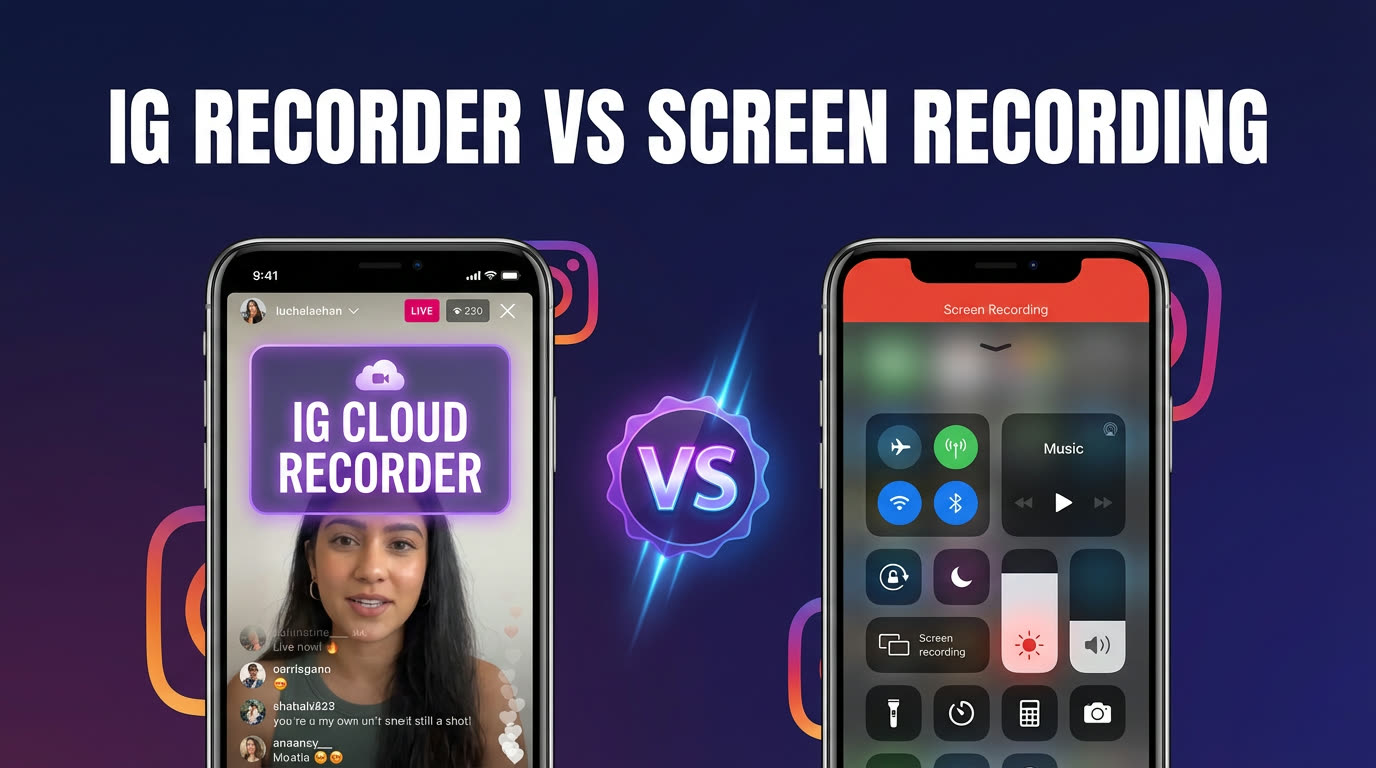
Screen recording works, but it comes with significant drawbacks. You must be watching the broadcast live — if you miss it, you can't record it after the fact. The recording captures everything on your screen: the Instagram UI, your status bar, incoming notifications, and any interruptions. Battery drain is noticeable during long streams, and the resulting files can be very large since they record at your screen's full resolution including all the chrome around the video.
There's also the privacy issue: joining an Instagram Live puts your username in the viewer list. The creator and other viewers can see you're watching. For a detailed breakdown, see Instagram Live recorder vs screen recording.
The GREC Cloud Approach
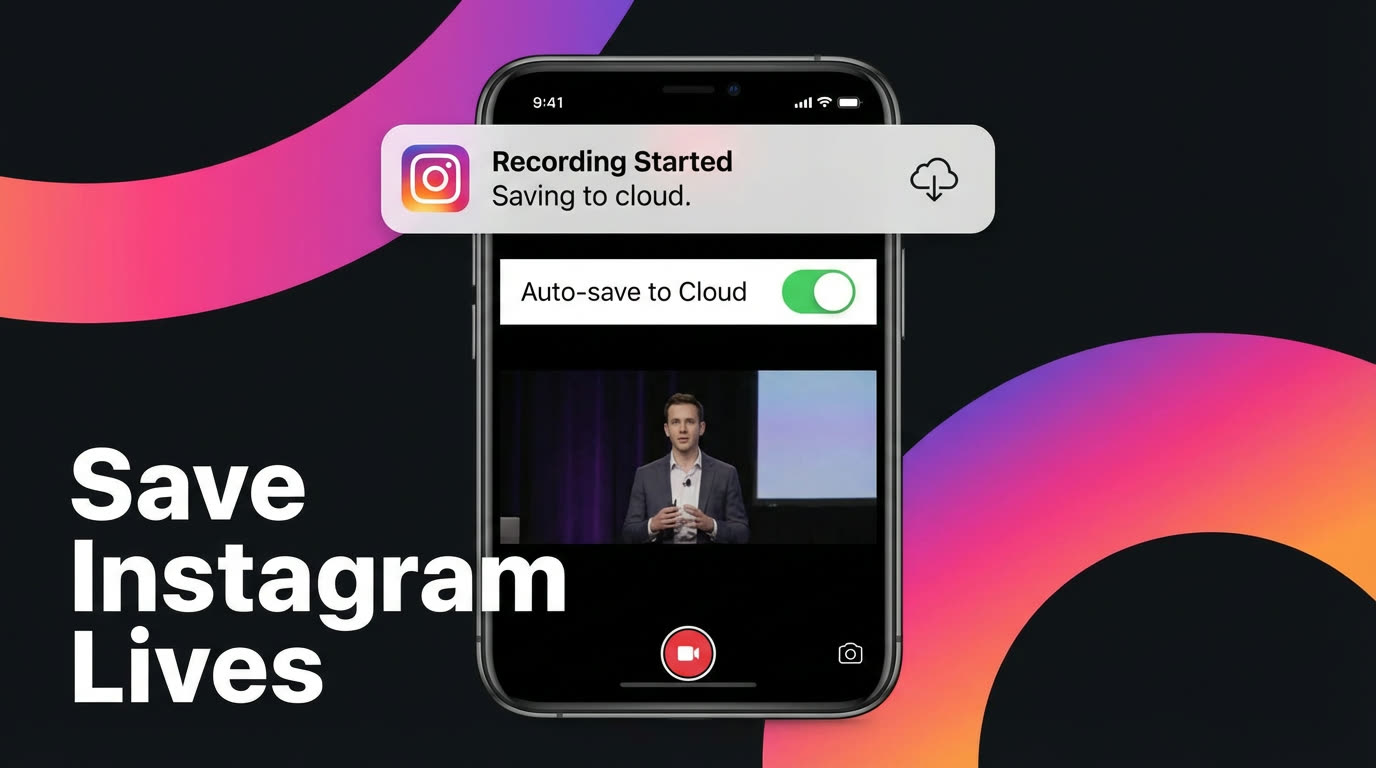
GREC takes a fundamentally different approach to downloading Instagram Lives. Instead of capturing your screen, GREC records the broadcast directly from cloud servers and stores the HD file in your library. You can then download it to your phone whenever you're ready.
Key advantages over screen recording:
- No need to watch live: GREC monitors your tracked creators 24/7 and records automatically. You can be asleep, at work, or offline — the recording still happens.
- Clean HD files: GREC captures the broadcast stream directly, so you get a clean video file at broadcast quality — no status bars, no notification popups, no Instagram UI overlays.
- No viewer footprint: Your Instagram account never joins the broadcast. Your name doesn't appear in the viewer list, and the creator receives no indication that a recording was made.
- Choose when to download: Recordings are stored in GREC's cloud library. You can stream them in-app first, then download only the ones you want to keep offline. This saves phone storage and lets you be selective.
GREC supports Instagram and 10+ other platforms including TikTok, Twitch, Kick, and X. Over 300,000 users trust it with a 4.9/5 app store rating.
Step-by-Step Download with GREC
- Install GREC from the App Store or Google Play.
- Add the Instagram creators you want to track. Search by username and tap to add.
- Wait for a broadcast. GREC monitors each account and starts recording the moment a creator goes live. You'll receive a notification when the recording is complete.
- Open GREC and browse your library. Tap the recording you want — you can preview it in-app first to make sure it's the one you need.
- Tap the download button. GREC exports the HD video file to your phone's camera roll or files app. The download typically takes a minute or two depending on the broadcast length and your connection speed.
- Verify in your gallery. Open your Photos app (iOS) or Gallery (Android) to confirm the file saved correctly. It's now fully offline — watch it anywhere, anytime.
File Management and Storage
Live stream recordings can be large files. A 60-minute broadcast in HD typically runs 500 MB to 1 GB. Here are some tips for managing your downloads:
- Stream first, download selectively: Use GREC's in-app streaming to watch recordings from the cloud. Only download the ones you genuinely want to keep offline. This avoids filling up your phone with recordings you'll only watch once.
- Create a folder structure: If you download multiple recordings, organize them by creator and date. Most file managers let you create folders — a structure like "GREC Downloads / CreatorName / 2026-03" keeps things tidy.
- Back up to cloud storage: For long-term archiving, move downloaded files to Google Drive, iCloud, or Dropbox. This frees up phone space while keeping a permanent backup.
- Check available storage before downloading: A quick look at your phone's storage settings before a batch download can prevent failed exports due to insufficient space.
- Supported format: GREC exports standard MP4 files that play on any device and media player. No special software or conversion needed.
For a broader overview of saving strategies, see how to save Instagram Lives: complete guide.
FAQ
What format are GREC downloads?
GREC exports recordings as standard MP4 files. They play natively on iOS, Android, Windows, and macOS without any additional software or conversion.
Can I download multiple Instagram Lives at once?
GREC stores all recordings in your cloud library. You can browse through them and download each one individually. For batch archiving, many users download a few recordings at a time during Wi-Fi sessions to manage bandwidth.
Does downloading an Instagram Live notify the creator?
No. Instagram doesn't send any notification when someone records or downloads a Live. With GREC, your Instagram account never even joins the broadcast, so the creator has no way to know a recording exists.
How much phone storage does a typical recording need?
A 30-minute HD recording is roughly 250–500 MB. A full hour is typically 500 MB to 1 GB. If storage is a concern, use GREC's cloud streaming to watch recordings without downloading them, and only export the ones you want to keep permanently.
Can I download an Instagram Live after the stream has ended?
Not through Instagram itself — there's no native download option for viewers. But if GREC was monitoring the creator, the recording is already in your library and available for download at any time. GREC captures broadcasts automatically, so even if you weren't aware the stream happened, the recording is waiting for you.
Never miss a live stream on any platform
GREC records live streams from TikTok, Instagram, Twitch, Kick, X, and more — automatically in the cloud.