How to Rewatch Instagram Lives After They End
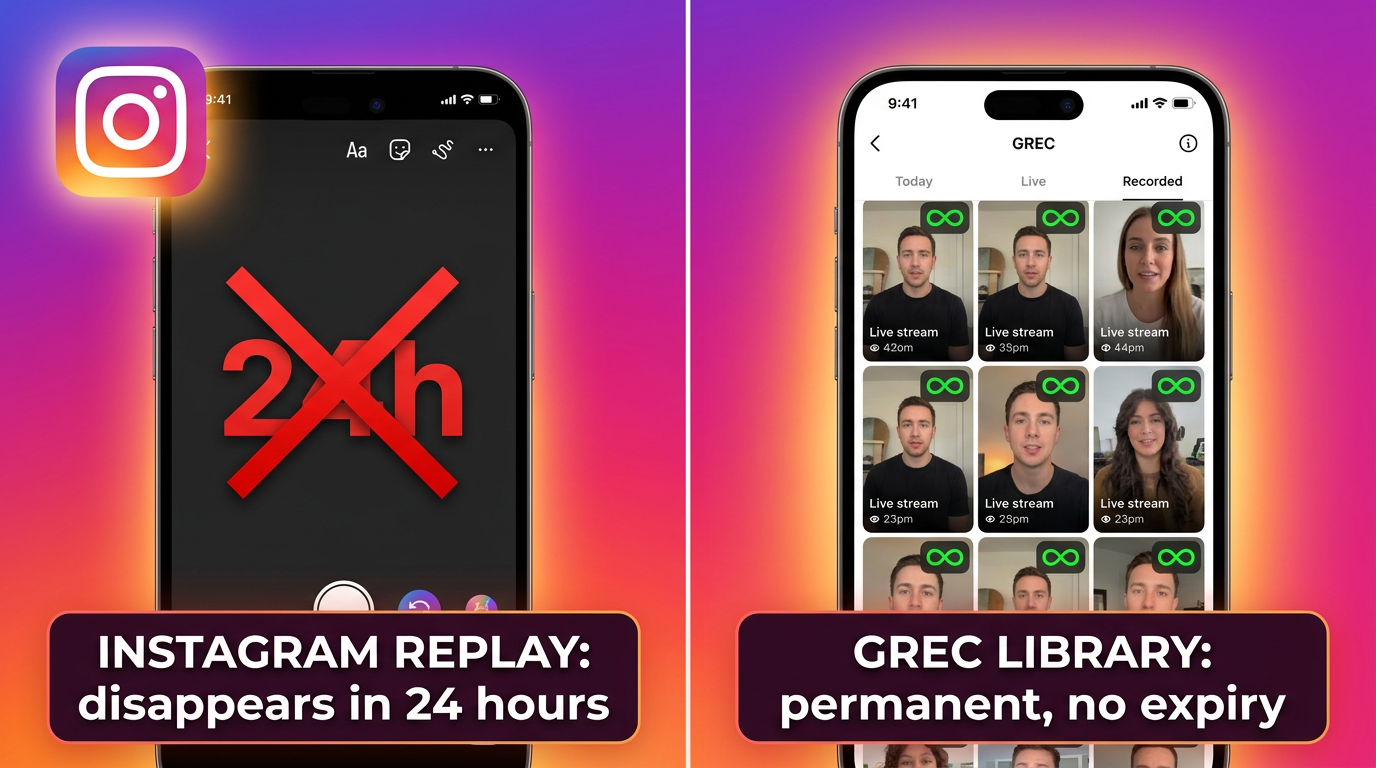
Instagram deletes most Live replays within 24 hours — and only if the creator manually shares them. Most don't bother. That window also means anyone in a different time zone, at work, or not checking Instagram constantly will miss it entirely.
We've seen this exact frustration from hundreds of thousands of GREC users: a creator they follow went live, the replay appeared briefly in Stories, and then it was gone. This guide covers every option you actually have — from Instagram's own (limited) features to the recording workflow that guarantees you never lose a broadcast again.
Related: does Instagram notify when you record a Live? and how to record Instagram Lives without the streamer knowing.
The Problem: Instagram Lives Disappear Fast
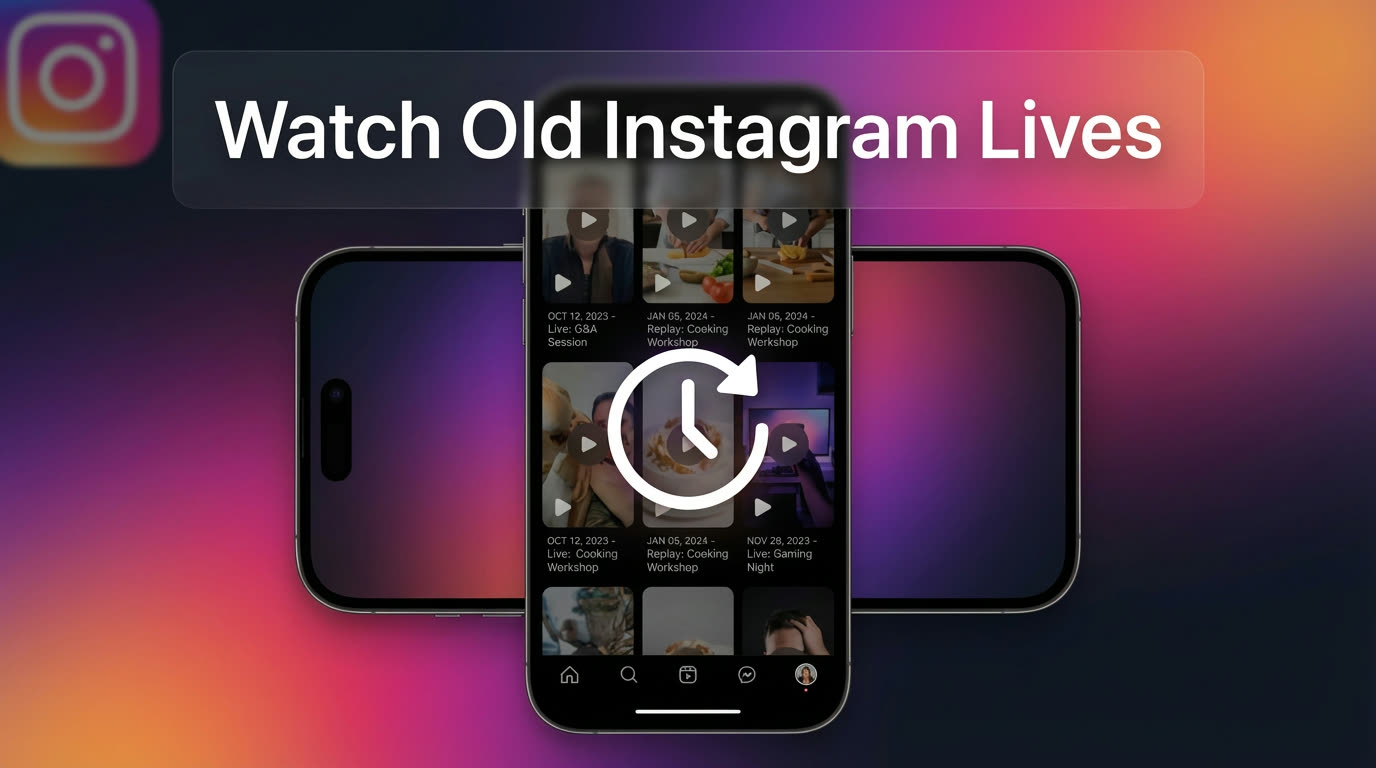
Unlike YouTube videos or TikTok posts, Instagram Lives are designed to be temporary. When a creator ends their broadcast, the live video doesn't automatically save anywhere that viewers can access. The only way to watch it again depends entirely on what the creator decides to do — and most of the time, they do nothing.
Instagram used to let creators post Live replays to IGTV, but the platform has since merged IGTV into the main Video tab. Today a creator can share the replay to their Stories (where it lasts 24 hours) or save it to their camera roll privately. Neither option guarantees that you, as a viewer, will get a second chance. If you're in a different time zone, asleep, or simply busy when the replay window closes, the content is gone permanently.
Instagram's Built-in Replay Options
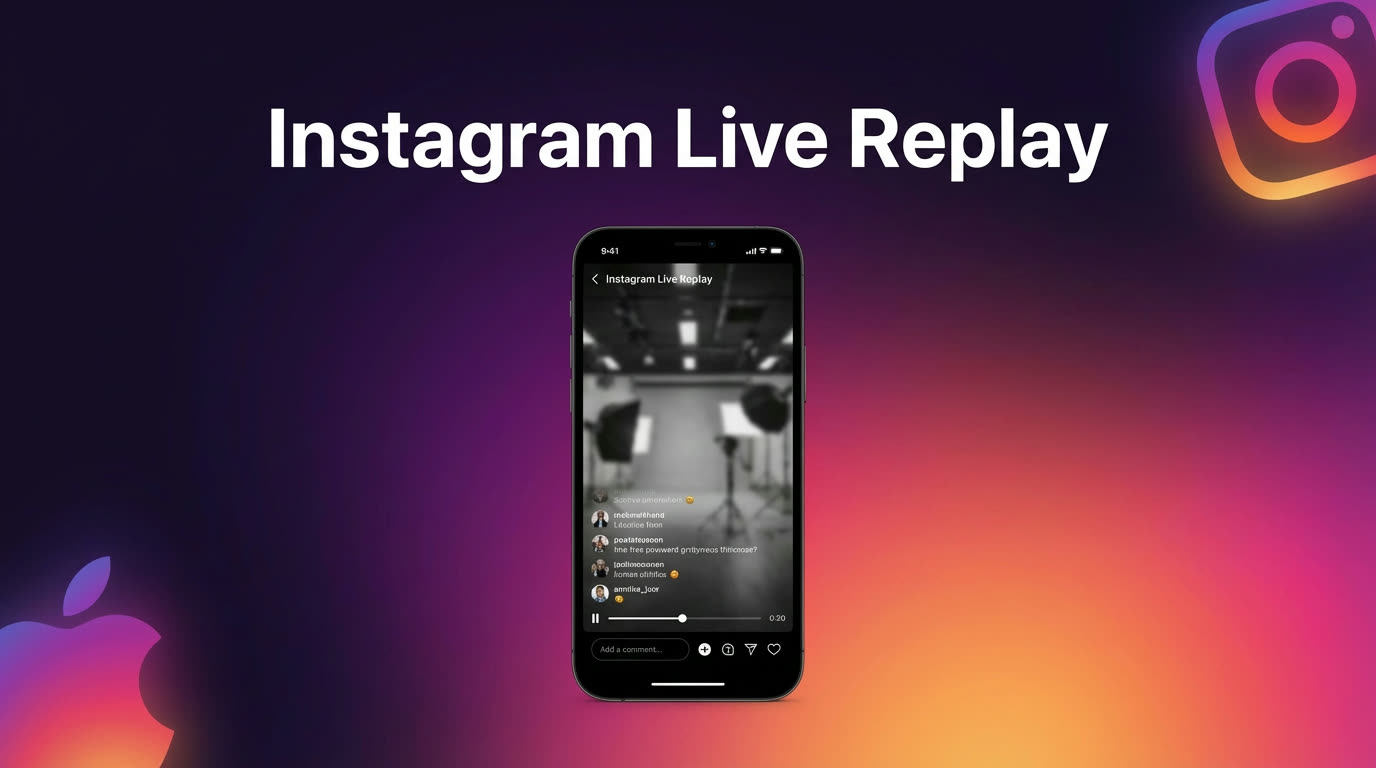
Instagram does offer a couple of native ways for broadcasts to live beyond the real-time stream:
- Stories replay (24 hours): After ending a broadcast, the creator can tap "Share to Stories." Viewers can then watch the replay from the creator's Stories ring for the next 24 hours. The replay plays like a normal Story — you can scrub through it, but you can't download it or save it outside of Instagram.
- Video tab / profile post: Creators can also post the Live recording as a permanent video on their profile. This is the only way a Live persists indefinitely. However, very few creators do this because live broadcasts are often unpolished and long, making them awkward as permanent profile content.
- Creator's camera roll: Instagram lets creators download their own Live to their phone after the broadcast. This doesn't help viewers at all, but it means creators at least have a personal copy.
The key takeaway: every replay option is controlled by the creator, not the viewer. If the creator forgets to share, doesn't want to share, or simply ends the stream without thinking about it, there's no way for you to go back and watch. For more detail, see our guide on rewatching lives you missed.
Why Native Replays Fall Short
Even when a creator does share their Live to Stories, the 24-hour window creates real problems for anyone who isn't checking Instagram constantly:
- Time zones: If a creator in Los Angeles goes live at 8 PM Pacific and shares the replay, someone in Tokyo has until roughly 1 PM the next day — a narrow window that overlaps with work hours.
- No download option: Instagram doesn't let viewers download Stories replays. You can watch, but you can't save a local copy for later.
- No expiry notification: You won't get a reminder that a replay is about to disappear. It simply vanishes from the Stories ring without warning.
- Quality and usability: Stories replays are compressed and don't support timestamps or chapters. For a 90-minute Live, you're scrubbing through a single continuous video with no way to jump to a specific moment.
- Most creators don't bother: Sharing to Stories is an extra step after ending a broadcast. Many creators — especially those who go live frequently — skip it entirely.
Every Instagram replay option requires the creator to do something. The viewer has zero control. If the creator doesn't share — or if the 24-hour window closes before you see it — the content is permanently gone. The only reliable way to rewatch Lives is to record them yourself before they disappear.
The Reliable Solution: GREC Cloud Recording
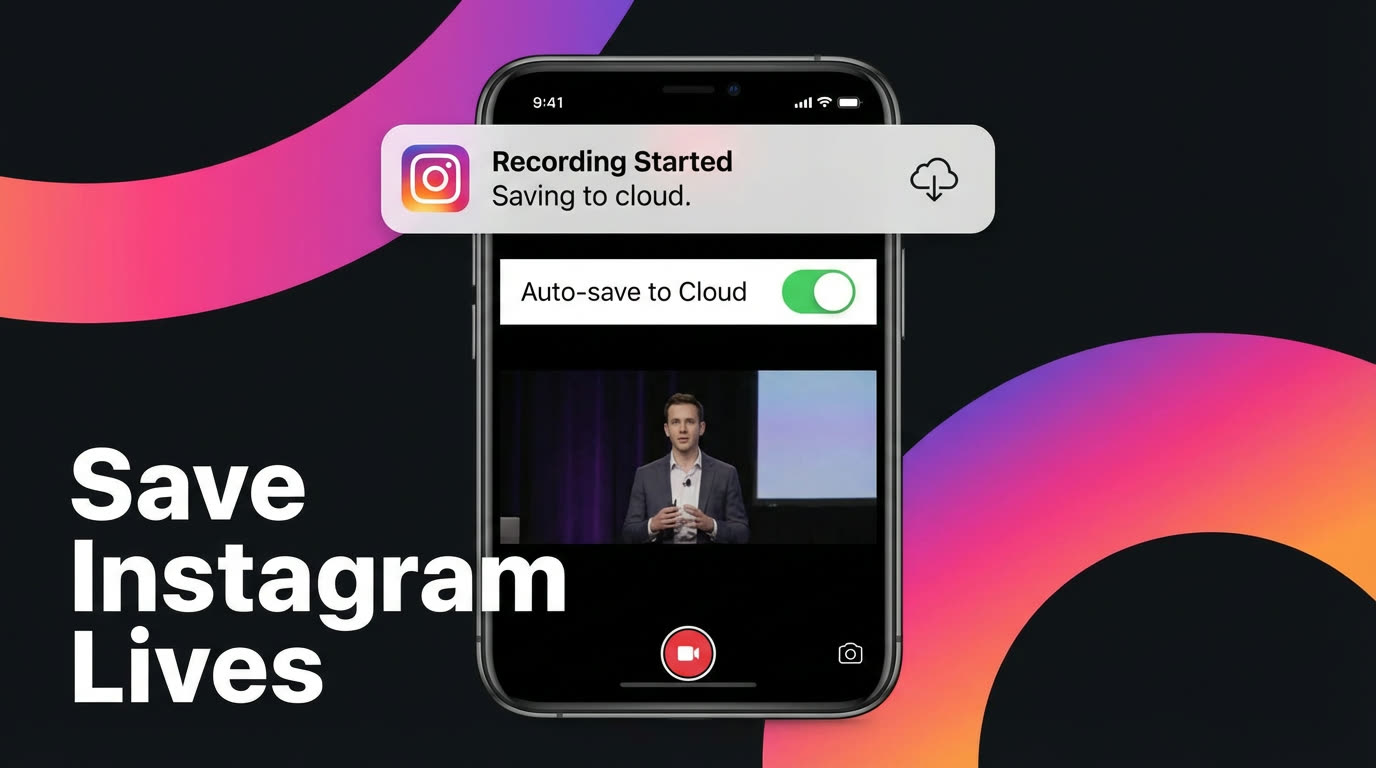
GREC solves the rewatch problem by removing your dependency on the creator entirely. Instead of hoping someone shares their replay, GREC monitors the accounts you care about and automatically records every Live broadcast in HD — from the very first second.
Here's what makes GREC different from trying to catch replays manually:
- Automatic recording: GREC's cloud servers detect when a creator goes live and start recording immediately. You don't need to be online, awake, or even have your phone turned on.
- No expiration: Recordings stay in your GREC library indefinitely. There's no 24-hour window and no disappearing content. Rewatch a broadcast from last month or last year — it's still there.
- HD quality: GREC captures at the same resolution Instagram delivers during the broadcast, producing clean recordings without the compression artifacts that come with Stories replays.
- 10+ platforms: GREC works with Instagram, TikTok, Twitch, Kick, X (Twitter Spaces), and more — all from the same app. For a full comparison, see best live stream recorder apps 2026.
- Trusted by 300,000+ users with a 4.9/5 rating across app stores.
How to Set Up GREC for Instagram
- Download GREC from the App Store or Google Play.
- Create your account and choose a plan. There's a free tier to start with, and Premium starts at $4.99/week for unlimited recording.
- Add Instagram creators by searching their username. GREC begins monitoring each account the moment you add it.
- Wait for the next broadcast. When a creator goes live, GREC's cloud servers automatically capture the stream in HD. You'll get a notification when the recording is ready.
- Watch or download from your GREC library. Recordings can be streamed in-app or exported to your camera roll for offline viewing.
The entire setup takes under two minutes. Once your creators are added, GREC runs in the background with zero maintenance. For details on exporting your recordings, see how to download Instagram Live videos.
The Privacy Advantage
One detail many people overlook: when you screen-record an Instagram Live, you first have to join the broadcast. The moment you tap in, your username appears in the viewer list and the creator sees a "[username] joined" notification. Your presence is logged for the entire duration you're watching.
GREC works differently. Because recording happens on cloud servers, your Instagram account never connects to the broadcast. The creator's viewer list won't show your name, no join notification fires, and there's no trace that you watched — let alone recorded. If privacy matters to you, cloud recording is the only approach that keeps you completely invisible.
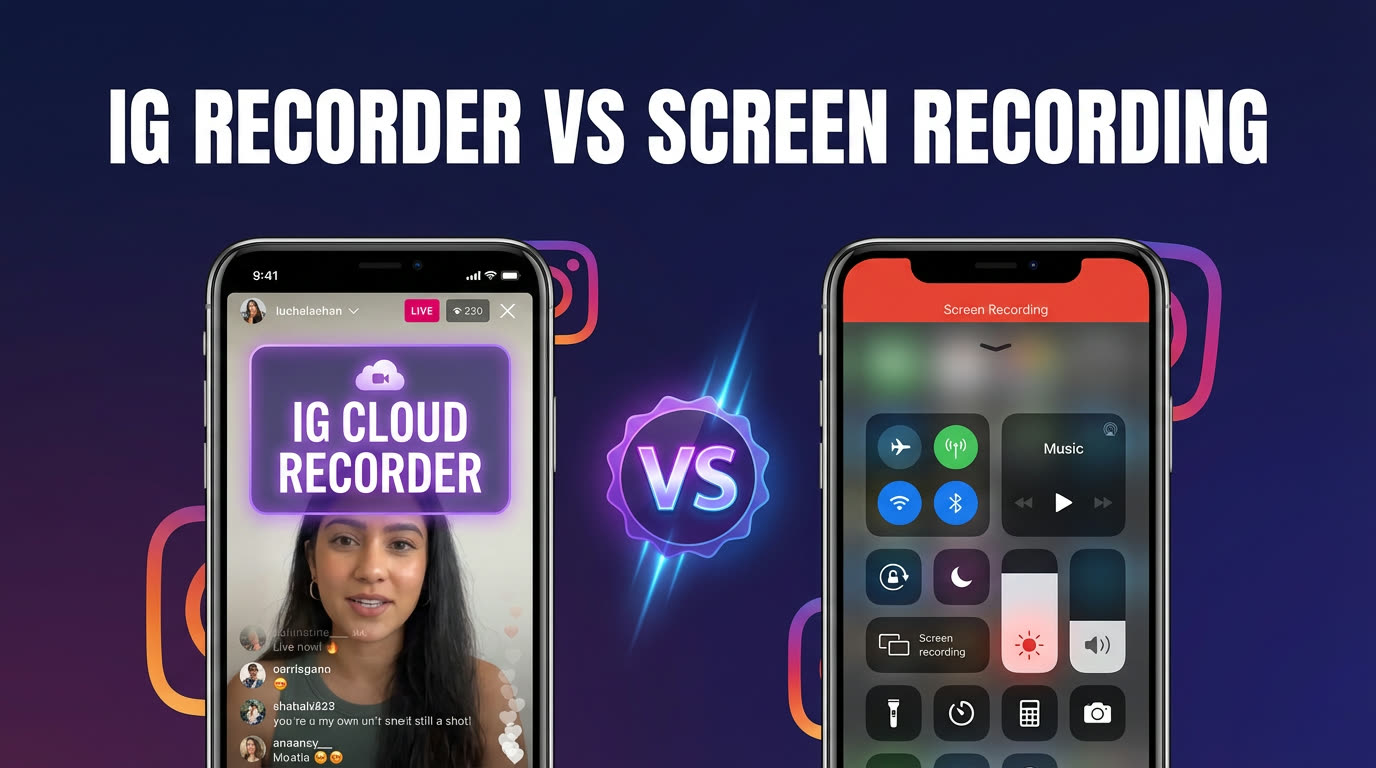
For a deeper comparison of both approaches, see Instagram Live recorder vs screen recording.
FAQ
How long does Instagram keep live replays?
If the creator shares their broadcast to Stories, the replay is available for 24 hours. After that, it disappears permanently. If the creator posts the Live as a permanent video on their profile, it stays indefinitely — but this is uncommon. With GREC, recordings are stored in your library with no expiration, so you can rewatch weeks or months later.
Can I rewatch an Instagram Live from last week?
Only if the creator posted it to their profile's Video tab or you already have a recording. Instagram doesn't archive Lives for viewers beyond the 24-hour Stories window. GREC keeps every recorded broadcast in your library permanently, so going back to last week — or last month — is always an option.
Does the creator know if I rewatch their live replay?
Instagram doesn't send a specific notification for rewatching a Stories replay. The creator can see total Story views, but not a detailed replay-specific viewer list. With GREC, your account never connects to the broadcast at all, so there's nothing for the creator to observe.
Can GREC record Instagram Lives even when my phone is off?
Yes. GREC records from cloud servers, so it works whether your phone is on, off, in airplane mode, or out of battery. The recording is captured server-side and stored in your library until you're ready to watch or download it.
What's the difference between GREC and screen recording for rewatching?
Screen recording requires you to watch the live broadcast in real time — you must join the stream, which puts your name in the viewer list. GREC records automatically in the cloud with no viewer footprint. Screen recordings also capture your phone's UI elements and notifications, while GREC delivers clean HD video of just the broadcast content.
Never miss a live stream on any platform
GREC records live streams from TikTok, Instagram, Twitch, Kick, X, and more — automatically in the cloud.