Does Instagram Notify When You Record a Live? Here's the Truth
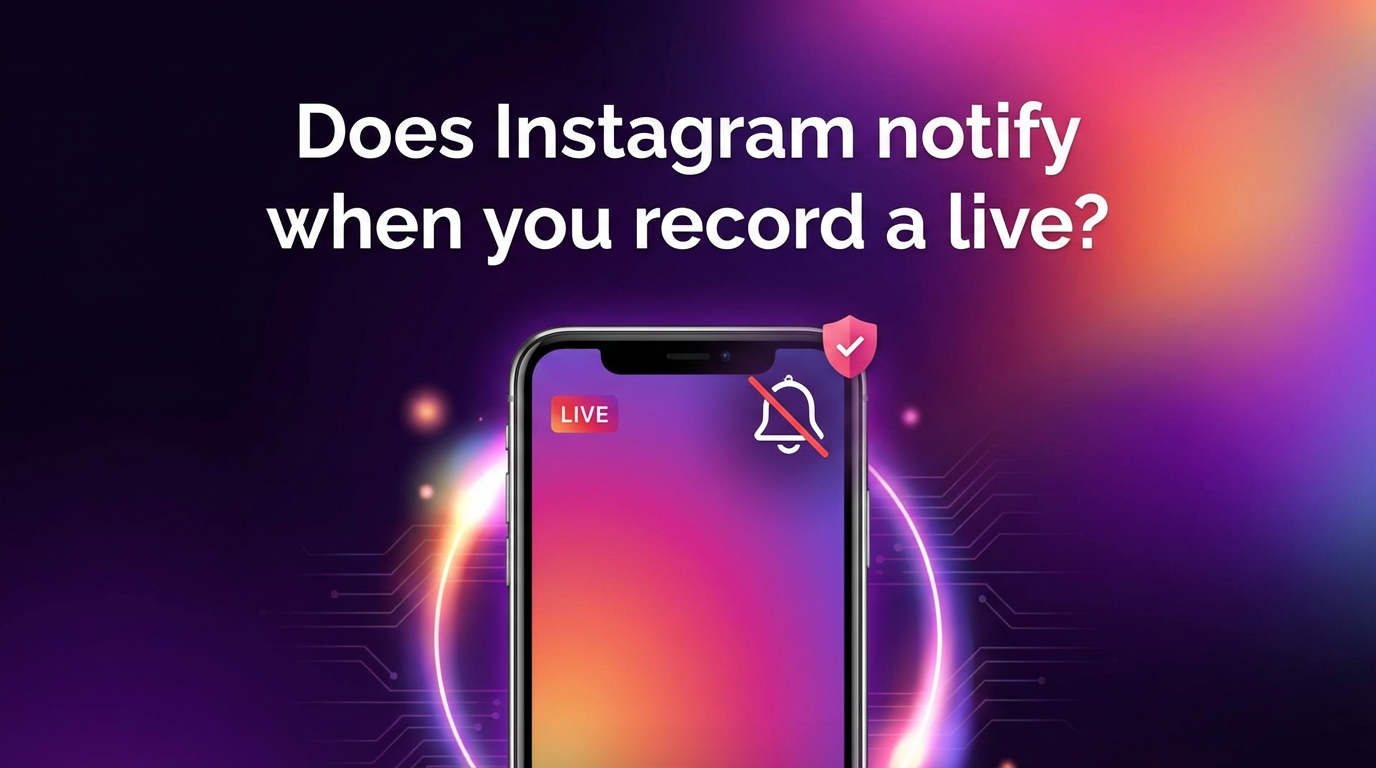
No, Instagram does not notify the streamer when you screen-record their live video. There's no push alert, no badge, and no in-app indicator that tells the creator someone just hit "record." This has been the case since Instagram Live launched, and nothing in recent updates has changed it.
That said, screen recording isn't exactly invisible either. The streamer sees your username the moment you join the broadcast, so your presence is logged even if the recording itself isn't. Let's break down exactly what Instagram does and doesn't reveal — and how a cloud-based tool like GREC sidesteps the issue entirely.
Does Instagram Notify When You Record a Live?
Short answer: no. Instagram has never sent recording notifications for live streams. The platform does notify users in a couple of other situations — most notably when someone screenshots a disappearing photo in DMs — but live videos don't get the same treatment.
You can fire up your phone's built-in screen recorder, use a third-party capture app, or even run OBS on a desktop browser. In every scenario, the person streaming won't receive any kind of alert. Instagram simply doesn't monitor the recording state of your device while you're watching.
It's worth noting that this applies to both iOS and Android. Apple's Control Center recorder, Samsung's Game Launcher capture, and Google's native screen recorder all work the same way: Instagram can't detect them and doesn't try to.
Screen Recording Detection on Instagram
Instagram's detection capabilities are more limited than most people think. Here's a quick breakdown:
| Feature | Screenshot notification? | Screen recording notification? |
|---|---|---|
| Disappearing DM photo | Yes | Yes |
| Regular DM messages | No | No |
| Stories | No (removed in 2018) | No |
| Reels | No | No |
| Feed posts | No | No |
| Live streams | No | No |
As you can see, the only place Instagram actively monitors captures is inside vanishing DMs. Everything else — including Live — flies under the radar. Instagram hasn't announced any plans to expand detection to live broadcasts, and given how the feature works on a technical level, it would be a significant engineering lift to add it.
What the Streamer Can Actually See
Even though recording goes undetected, other things don't. Here's exactly what the creator can see while they're live:
- Viewer list: Your username appears in the viewer list the moment you tap into the stream. The streamer (and other viewers) can see who's currently watching.
- Join notification: A brief "[username] joined" toast appears at the bottom of the stream. For popular accounts with hundreds of concurrent viewers, these scroll by fast and are easy to miss — but for smaller streams, the creator will likely notice.
- Viewer count: The total number of current viewers is displayed throughout the broadcast.
- Comments and reactions: Any hearts or comments you send are visible to everyone in the stream.
- Requests to go live together: If you request to join as a co-broadcaster, the streamer sees that request.
So while the act of recording is invisible, watching is not. Your username is publicly attached to the broadcast for as long as you're tuned in. If you'd rather not show up at all, you need a different approach.
How to Record Without Leaving a Trace
This is where GREC comes in. GREC is a cloud-based Instagram Live recorder that captures streams from its own servers — your phone (or computer) never connects to the broadcast directly.
Here's how it works in practice:
- Add the account you want to follow. Tell GREC which Instagram creators you're interested in.
- GREC monitors 24/7. The moment that creator goes live, GREC's cloud servers detect it and start recording automatically — typically within the first few seconds of the broadcast.
- Watch or download later. When the stream ends, you get the full recording in HD. Watch it in the app, download it, or just let it sit in your library.
The key difference from screen recording: your Instagram account never joins the live stream. The creator's viewer list won't include your name, no "joined" notification fires, and there's zero viewer footprint tying you to the broadcast. It's genuinely private viewing.
A few other things worth knowing about GREC:
- It works even when your phone is off or in airplane mode. The cloud does the heavy lifting.
- Recordings start from the very first second of the broadcast, so you don't miss the opening.
- There's a free tier to try it out, and Premium plans start at $4.99/week.
- Over 300,000 users and a 4.9/5 rating across app stores.
You can grab it on iOS or Android.
A Note on Privacy
Recording someone's live stream is legal in most jurisdictions — Instagram Lives are public broadcasts, and creators choose to go live knowing anyone can watch. That said, how you use a recording matters. Re-uploading someone's content without permission can violate copyright, and sharing recordings in a way that harasses or targets someone is never okay.
GREC is designed for private viewing: catching broadcasts you'd otherwise miss because of time zones, work schedules, or just bad timing. The cloud-based recording leaves no public trace, but it's still your responsibility to use the content respectfully. Think of it like a DVR for Instagram Lives — it's there so you don't miss what matters to you, not to redistribute someone else's work.
For more detail on recording approaches, check out our guide on how to record Instagram Live with no viewer footprint.
Frequently Asked Questions
Can Instagram detect screen recording apps on my phone?
No. Instagram doesn't have access to your device's screen recording state. Neither the iOS built-in recorder nor third-party Android apps trigger any kind of notification inside Instagram. The only exception is disappearing photos in DMs, where Instagram has built-in screenshot and capture detection.
Will the streamer know I watched the live after it ends?
If you joined the stream while it was happening, your username was visible in the viewer list during the broadcast. Instagram doesn't currently expose a permanent list of who watched after the live ends, but the creator may have noticed your name at the time. With GREC, your account never joins the stream, so there's nothing to notice.
Does GREC work with private Instagram accounts?
GREC records public live streams. If an account is set to private, GREC can't access the broadcast — the same limitation any viewer would face without a follow request being accepted. It's built for public content only.
What quality does GREC record in?
GREC captures live streams in HD quality, matching the resolution Instagram delivers during the broadcast. The resulting recordings are clean, watchable files — not choppy screen captures with notification bars and UI overlays.
Can I record Instagram Lives from a desktop browser instead?
You can watch Instagram Lives on desktop via instagram.com, and tools like OBS can capture your screen. However, you'll still appear in the viewer list since your account has to be logged in and watching. Cloud-based recording with GREC avoids this because the stream is captured server-side, with no viewer footprint attached to your account.
Record Instagram Lives privately
GREC captures Instagram LIVE streams in the cloud — your name never appears in the viewer list.