How to Save Instagram Lives: Complete Guide
Instagram Lives disappear the moment they end — unless someone takes action to save them. Whether you're a fan trying to keep a favorite creator's broadcast, a social media manager archiving brand content, or someone who simply can't watch live due to time zones, having a reliable save method is essential. This guide walks through every approach available, compares the pros and cons, and shows you the most dependable way to make sure no Instagram Live is ever lost.
Why Saving Instagram Lives Matters
Instagram Live has become one of the primary ways creators connect with their audience — product launches, Q&A sessions, behind-the-scenes moments, tutorials, and impromptu conversations happen on Live every day. But unlike a YouTube video that stays up forever, a Live broadcast is ephemeral by design. Once the stream ends, the content either disappears immediately or lingers for a maximum of 24 hours in Stories before it's gone.
For viewers, this creates a real problem. You might be sleeping when your favorite creator goes live. You might be at work. You might simply not have Instagram open at the right moment. Without a save method, that content is lost to you forever — no rewind button, no archive, no second chance. A reliable save workflow turns every broadcast into content you can return to on your own schedule.
Method 1: Creator-Side Save Options
Instagram gives creators — not viewers — the tools to preserve their own broadcasts:
- Share to Stories: After ending a Live, the creator can share the replay to their Stories. This makes it viewable for 24 hours. Viewers can watch and scrub through it, but cannot download it. Once the 24 hours pass, the replay vanishes.
- Post as video: Creators can also post the Live recording as a permanent video on their profile's Video tab. This is the only native option that preserves the content indefinitely, but few creators use it since unedited live broadcasts are often too long and informal for a curated profile.
- Save to camera roll: Creators can download their own broadcast to their phone. This keeps a personal copy but does nothing for viewers.
Pros: No third-party tools needed. Content stays within Instagram's ecosystem.
Cons: Entirely controlled by the creator. As a viewer, you have zero say in whether a Live is saved. The 24-hour Stories window is too short for anyone in a different time zone or with a busy schedule. No download option for viewers.
Method 2: Screen Recording
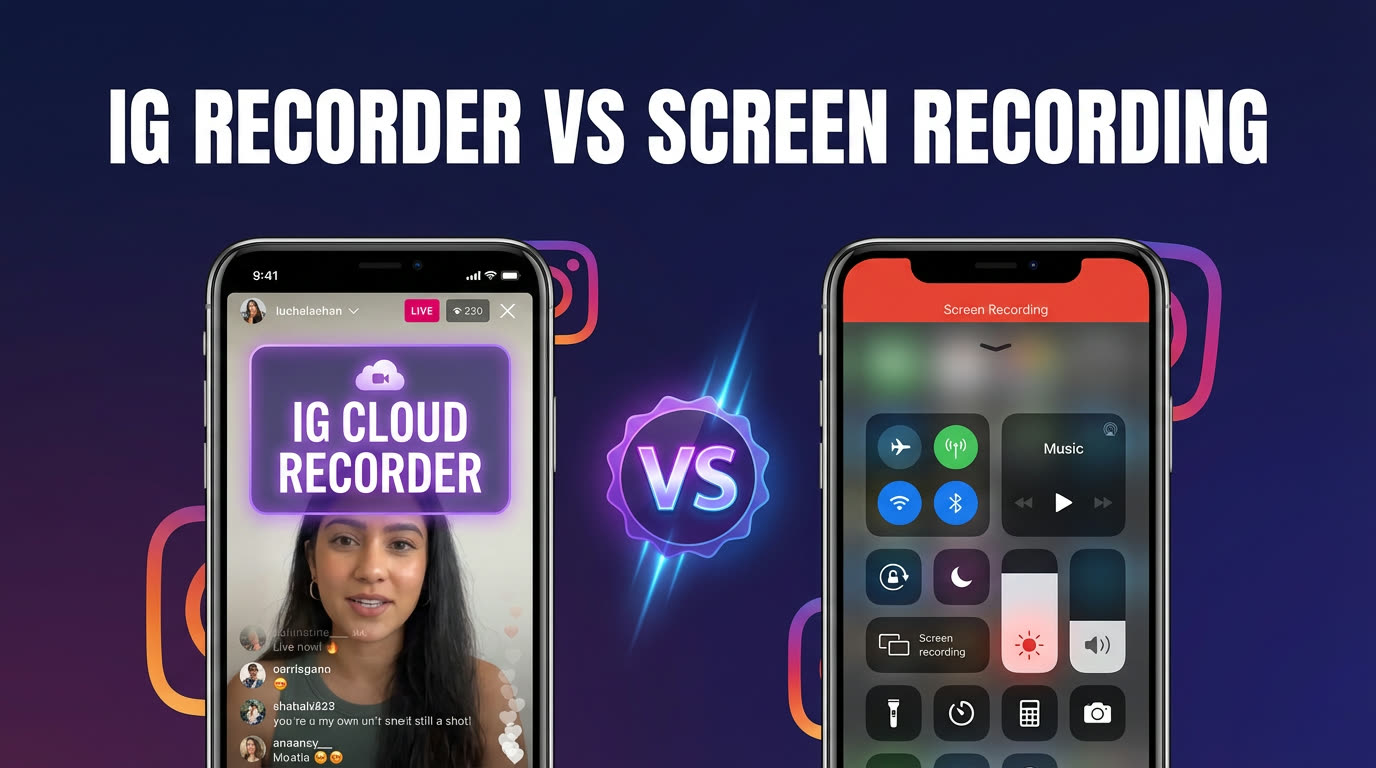
Both iOS and Android have built-in screen recording features. You can open an Instagram Live, start your screen recorder, and capture the broadcast as it plays on your device.
- iOS: Use the Control Center recorder (Settings → Control Center → add Screen Recording).
- Android: Most devices have a built-in screen recorder in the quick settings tile, or you can use apps like AZ Screen Recorder.
Pros: Free. Works immediately. No additional app required on most devices.
Cons: You must be watching the live broadcast in real time — if you miss it, you can't screen-record it. Your phone screen must stay on for the entire duration, draining battery and consuming local storage. The recording captures everything on your screen, including notification banners, status bars, and the Instagram UI. Most importantly, your username appears in the viewer list the moment you join, so the creator (and other viewers) can see that you're watching. For a detailed comparison, see Instagram Live recorder vs screen recording.
Method 3: Cloud Recording with GREC
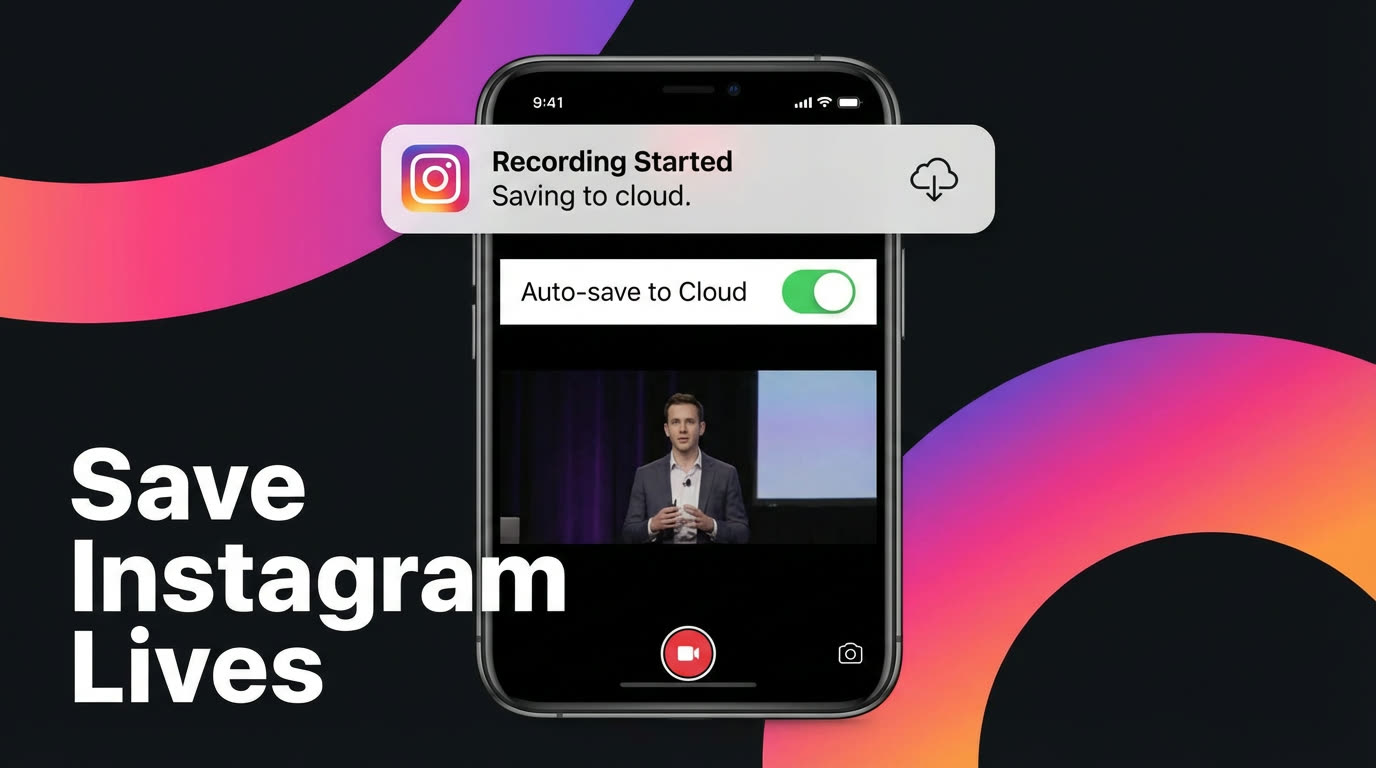
GREC is a cloud-based live stream recorder that monitors the Instagram accounts you follow and automatically captures every broadcast in HD — without requiring you to be online. Here's how it works:
- You add the Instagram creators you want to track.
- GREC's cloud servers monitor those accounts 24/7.
- The moment a creator goes live, GREC starts recording automatically — typically within seconds of the broadcast starting.
- When the broadcast ends, you receive a notification. The full HD recording is ready to watch or download from your GREC library.
Pros: Fully automatic — works even when your phone is off. HD quality without UI artifacts. No viewer footprint (your Instagram account never joins the broadcast). Recordings stored permanently with no 24-hour limit. Supports 10+ platforms including TikTok, Twitch, and Kick.
Cons: Requires a GREC account. Premium features (unlimited recordings, multiple creators) start at $4.99/week. Only records public broadcasts.
GREC is trusted by over 300,000 users with a 4.9/5 app store rating. Download it on iOS or Android.
All Methods Compared
| Feature | Creator Save | Screen Recording | GREC |
|---|---|---|---|
| Who controls it | Creator only | You | You |
| Must watch live | No | Yes | No |
| Recording quality | Compressed (Stories) | Screen quality + UI | HD (broadcast quality) |
| Viewer list visibility | N/A | You appear | Invisible |
| Storage limit | 24 hours (Stories) | Device storage | Permanent (cloud) |
| Works while offline | N/A | No | Yes |
Setting Up GREC Step by Step
- Download GREC from the App Store or Google Play.
- Create an account and choose your plan. A free tier lets you try the service, and Premium ($4.99/week) unlocks unlimited recording and multiple creator slots.
- Search for Instagram creators by username and add them to your watchlist. GREC begins monitoring each one immediately.
- That's it. The next time any of your tracked creators goes live, GREC records the entire broadcast in HD. You'll get a push notification when the recording is ready.
Setup takes under two minutes. From that point forward, every Live from your tracked creators is saved automatically — no manual effort, no missed broadcasts.
Managing Your Saved Library
Once you start saving Instagram Lives regularly, a bit of organization goes a long way:
- Use GREC's built-in library: Recordings are organized by creator and date automatically. You can browse, search, and stream any past recording directly in the app.
- Download selectively: Not every broadcast needs to live on your phone. Stream recordings from the cloud when you want to rewatch casually, and only download the ones you want to keep offline permanently. For the full export workflow, see how to download Instagram Live videos.
- Review weekly: Spend a few minutes each week going through new recordings. Archive the ones worth keeping and clear out anything you don't need.
- Folder structure for exports: If you download recordings to your phone or computer, organize them by creator name and month. A simple naming convention like "CreatorName_2026-03-15" makes old recordings easy to find.
For tips on rewatching your saved content, check out how to rewatch Instagram Lives.
FAQ
Can I save an Instagram Live as a viewer?
Instagram doesn't give viewers a native save or download option for Lives. Your only options are screen recording (which requires watching in real time and shows you in the viewer list) or a cloud recorder like GREC (which saves automatically in HD with no viewer footprint).
Does saving an Instagram Live notify the creator?
No. Instagram does not notify creators when someone screen-records their Live. If you use GREC, your account never even joins the broadcast, so the creator has no way to know a recording was made.
What happens if I miss the live broadcast entirely?
Without a recording tool, you're dependent on the creator sharing a replay to Stories (24 hours only) or posting it to their profile. With GREC, missed broadcasts aren't a problem — the app monitors your tracked creators 24/7 and records automatically, even when your phone is off.
Can GREC save Lives from private Instagram accounts?
No. GREC records public broadcasts only. If an account is set to private, GREC can't access the stream — the same limitation any non-follower would face.
How much storage do Instagram Live recordings use?
A typical 60-minute HD recording is roughly 500 MB to 1 GB, depending on the broadcast resolution. GREC stores recordings in the cloud, so they don't consume your phone's storage until you choose to download them. You can stream any recording from the cloud without downloading it first.
Never miss a live stream on any platform
GREC records live streams from TikTok, Instagram, Twitch, Kick, X, and more — automatically in the cloud.