How to Record TikTok Live Privately with TKREC
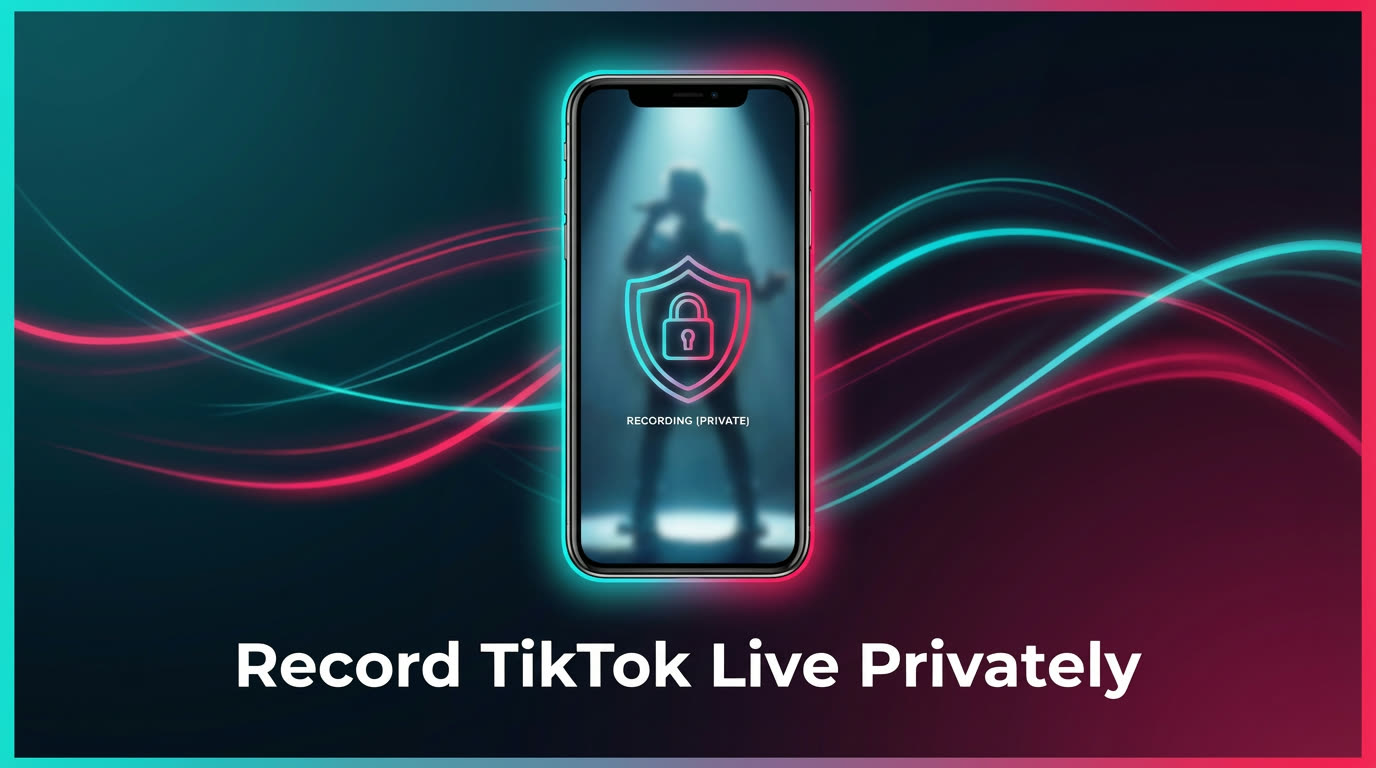
If you want to record a TikTok live stream without the creator or other viewers knowing, the method you choose makes all the difference. Screen recording forces you to be present in the live — your username shows up in the viewer list, and the creator can see you watching in real time. TKREC takes a fundamentally different approach: it records from the cloud, so your TikTok account never joins the stream at all. No viewer footprint, no notifications, no trace. This guide explains exactly how private recording works with TKREC and why it matters for anyone who values their viewing privacy.
Why people want private recording
There are plenty of legitimate reasons someone might want to record a TikTok live without being visible. It has nothing to do with hiding — it's about controlling your own digital footprint.
Competitive research. If you run a business or personal brand on TikTok, you might want to study how competitors run their live sessions — what products they showcase, how they engage their audience, what times they go live. Showing up in their viewer list every single time tips them off that you're paying close attention.
Personal preference. Some people simply don't want creators to know they're watching. Maybe they follow someone they know personally and want to avoid the social signal of appearing in the viewer list. Maybe they just value their browsing privacy. Either way, it's a perfectly reasonable choice.
Avoiding awkward social dynamics. TikTok's viewer list is visible to the creator and sometimes to other viewers too. If you regularly record someone's live sessions, the last thing you might want is your name popping up every single time in front of their entire audience. Cloud recording eliminates that concern entirely.
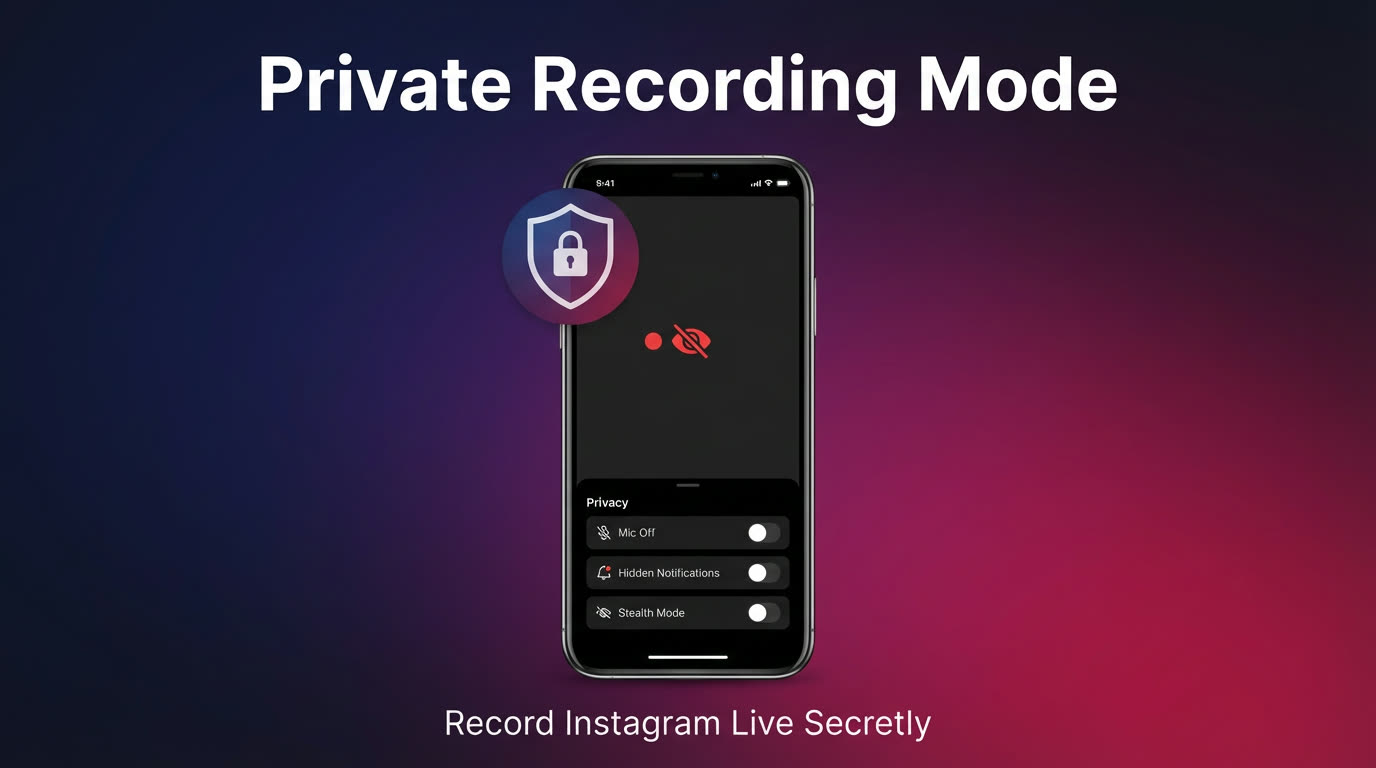
The screen recording exposure problem
Screen recording is the most common way people try to save TikTok lives, but it has a major privacy flaw: you have to actually be watching the live stream while it's happening. That means your TikTok account is logged into the live room, and your username appears in the viewer list for as long as you're there.
Here's what screen recording exposes:
- Your username in the viewer list — anyone in the live, including the creator and all other viewers, can see you're watching
- Your presence duration — the creator's analytics may show how long you stayed in the session
- Interaction prompts — TikTok may highlight you as a new viewer joining, especially if you enter late in the stream
- Notification risks — incoming calls, messages, and app alerts get captured in your screen recording, potentially leaking personal information into the saved file
Beyond privacy, screen recording also has practical problems. You have to sit through the entire live with your screen on, draining battery and storage. If the creator goes live at 2 AM, you either miss it or lose sleep. There's no way to screen-record something you're not actively watching.
How TKREC cloud recording stays invisible
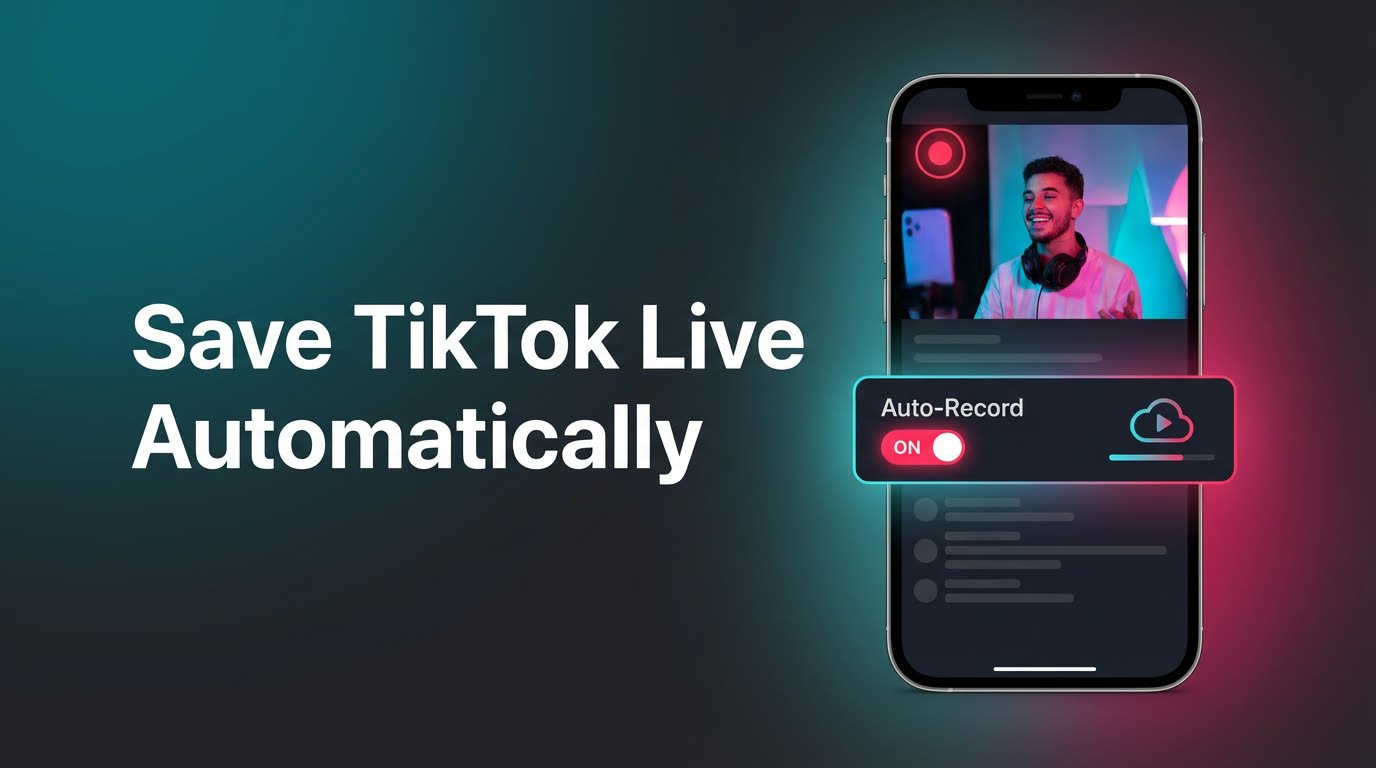
TKREC works differently from screen recording in a fundamental way. When you add a creator to your tracking list and enable auto-recording, TKREC's cloud servers handle the capture. The recording happens on remote infrastructure — your phone doesn't need to be on, and your TikTok account is never used to join the live stream.
This means:
- Zero viewer footprint — your name never appears in the creator's viewer list because your account never enters the live room
- No login required during the live — TKREC captures the stream independently from its own servers
- No notifications to the creator — TikTok doesn't send any alert because your account isn't participating
- Works while your phone is off — recordings happen on TKREC's servers 24/7, not on your device
The result is a clean recording of the full live stream — from first second to last — with no connection to your personal TikTok account. You can watch the replay whenever you want from your TKREC library, completely on your own schedule. For a deeper look at how this compares technically, see our TKREC vs screen recording comparison.
Step-by-step private recording setup
- Install TKREC from Google Play or App Store. The app is free to download and takes under a minute to set up.
- Search for the creator you want to record privately. You can add multiple creators to your tracking list — there's no need to limit yourself to just one.
- Enable auto-recording for that creator. TKREC will start capturing their next live session from the cloud the moment they go live, with no action needed from you.
- Go about your day. You don't need to open TikTok, watch the live, or even have your phone turned on. The recording runs entirely on TKREC's infrastructure.
- Watch the replay from your TKREC library once the live has ended. Browse by creator or date to find the session you want.
- Download if needed. If you want a local copy on your phone for offline access, export the recording from the library. For a full walkthrough on saving files, see our download guide.
The entire process requires no interaction with TikTok during the live. From the creator's perspective, it's as if you were never there — because you weren't.
Privacy comparison: screen recording vs TKREC
Here's how the two approaches compare on privacy and convenience:
- Viewer list visibility: Screen recording puts your username in the viewer list for the entire duration. TKREC keeps you completely invisible — your account never enters the stream.
- Creator notifications: With screen recording, TikTok may highlight you as a new viewer joining. TKREC generates zero notifications because there's no viewer to announce.
- Recording while offline: Screen recording requires your phone to be on and the TikTok app open. TKREC records from the cloud even when your phone is powered off or disconnected.
- Recording quality: Screen recording captures at your screen's resolution and includes notification pop-ups if they appear. TKREC records the original stream directly, producing cleaner output without interruptions.
- Missed streams: If you weren't watching when the creator went live, screen recording can't help. TKREC auto-records every live from tracked creators, so you never miss a session regardless of your schedule.
For a detailed breakdown of quality, storage, and workflow differences, read the full TKREC vs screen recording comparison.
FAQ
Can the creator detect that TKREC is recording their live?
No. TKREC records from cloud servers that operate independently of your TikTok account. The creator sees no additional viewer, receives no notification, and has no way to distinguish a TKREC-recorded stream from one that wasn't recorded. Your recording activity is completely invisible on the platform.
Will I appear in the viewer list if I use TKREC?
No. Your TikTok account never joins the live stream when TKREC handles the recording. You would only appear in a viewer list if you also open the live manually in TikTok at the same time — which isn't necessary and defeats the purpose of private recording.
Does TikTok send notifications when someone records a live?
TikTok does not currently notify creators when viewers use screen recording tools. However, your presence in the viewer list is still visible to the creator and other viewers. With TKREC, there is no presence to detect at all since the recording happens off-platform in the cloud.
Can I organize private recordings by creator?
Yes. TKREC automatically organizes your library by creator. Each tracked creator has their own section where you can browse past live sessions by date and duration, making it easy to find specific recordings without scrolling through an unsorted list.
Is private recording with TKREC legal?
Recording publicly available live streams for personal use is generally permitted in most jurisdictions. However, redistribution or commercial use of recorded content may be subject to copyright restrictions and platform terms of service. Always respect creators' intellectual property rights and your local regulations when saving or sharing recordings.
For a complete overview of everything TKREC can do beyond private recording, see our complete TKREC guide. To learn about the full automatic recording workflow, read the automatic save guide.
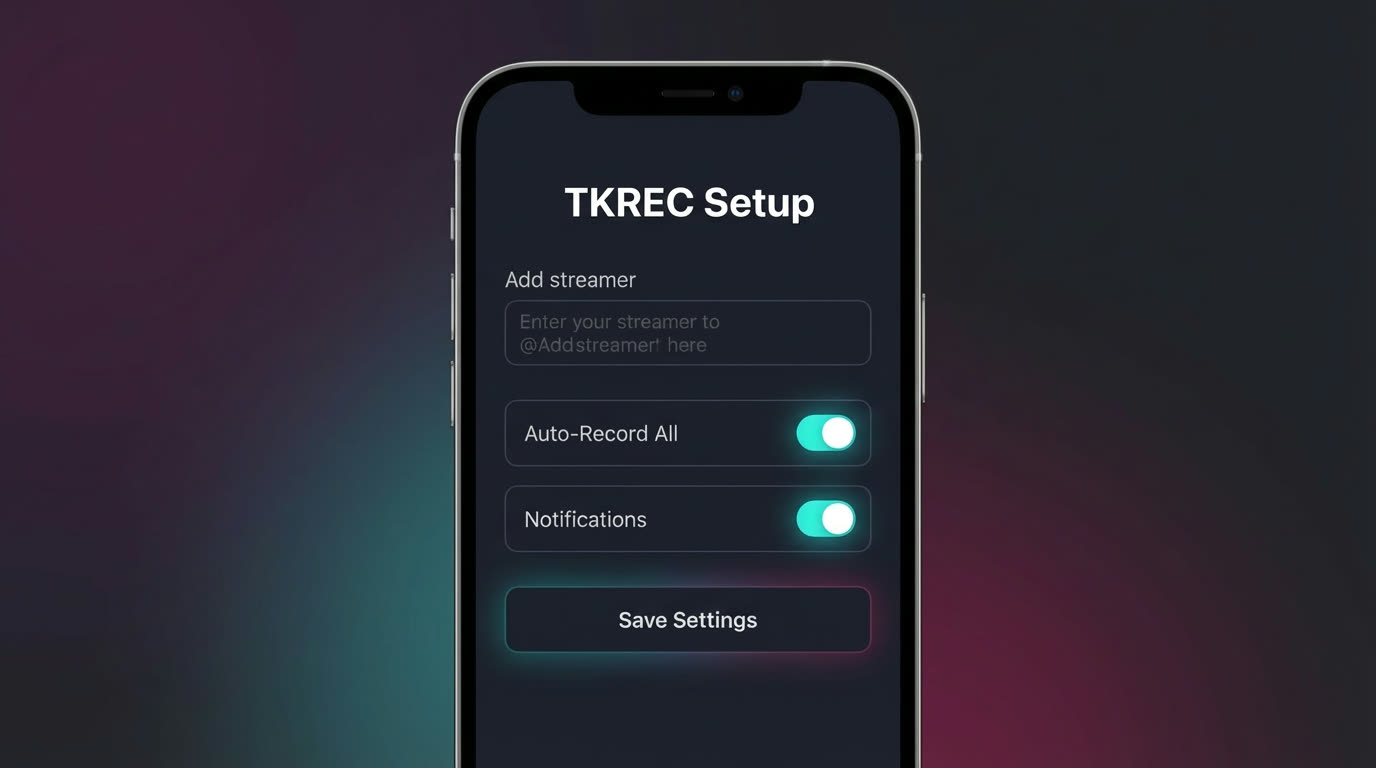
Never miss a TikTok LIVE again
TKREC records TikTok live streams automatically — save, rewatch, and download.