TKREC vs Screen Recording for TikTok Live
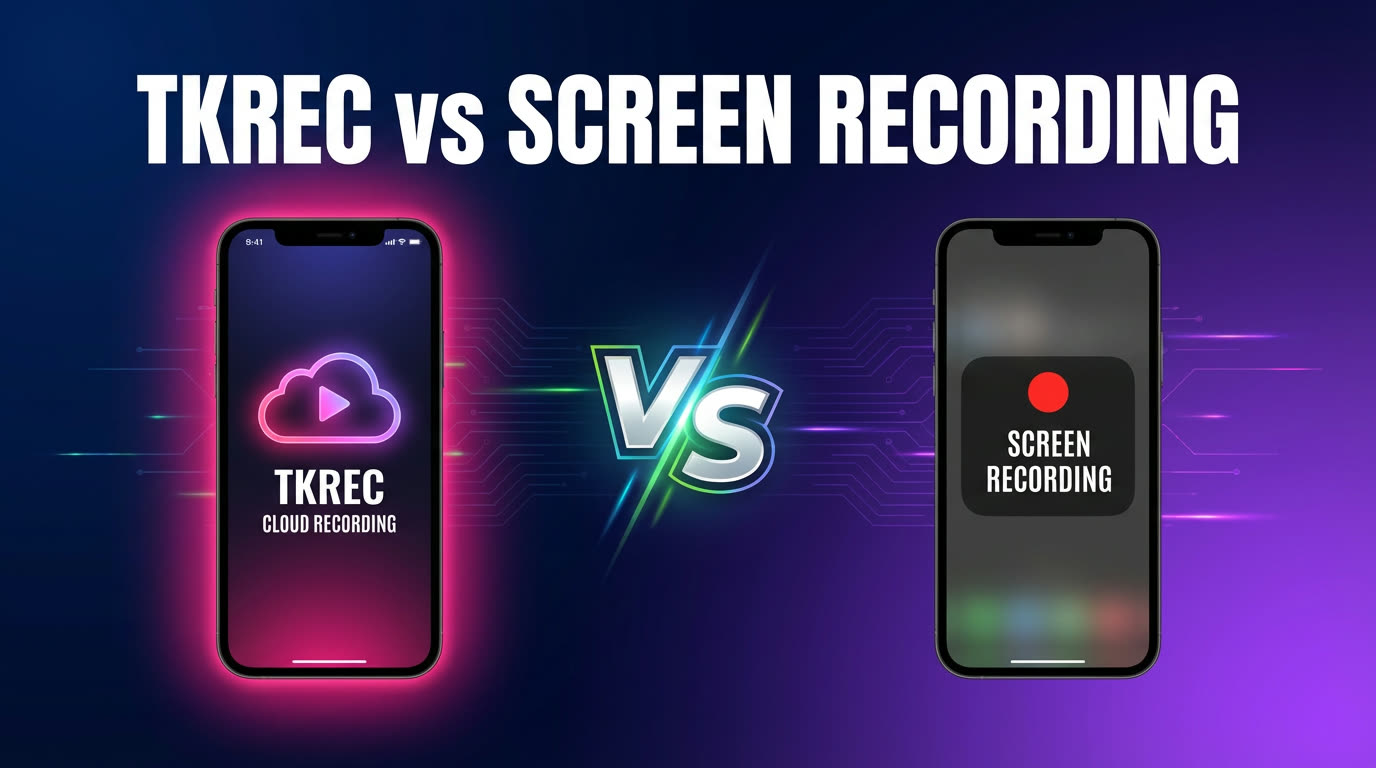
TKREC is better for consistent, repeatable recording at scale, while screen recording is fine for occasional one-off clips.
If you've ever tried to save a TikTok live stream, you've probably started with the most obvious method: your phone's built-in screen recorder. It's free, it's already on your device, and it seems like it should work. And for a single, short clip, it does work — technically. But the moment you try to use screen recording as a regular workflow for saving TikTok lives, the cracks show quickly. Missed starts, interrupted recordings, full storage, and no organization.
TKREC takes a fundamentally different approach: cloud-based automatic recording that doesn't depend on your phone at all. This comparison breaks down where each method works, where it fails, and which one makes sense for your situation.
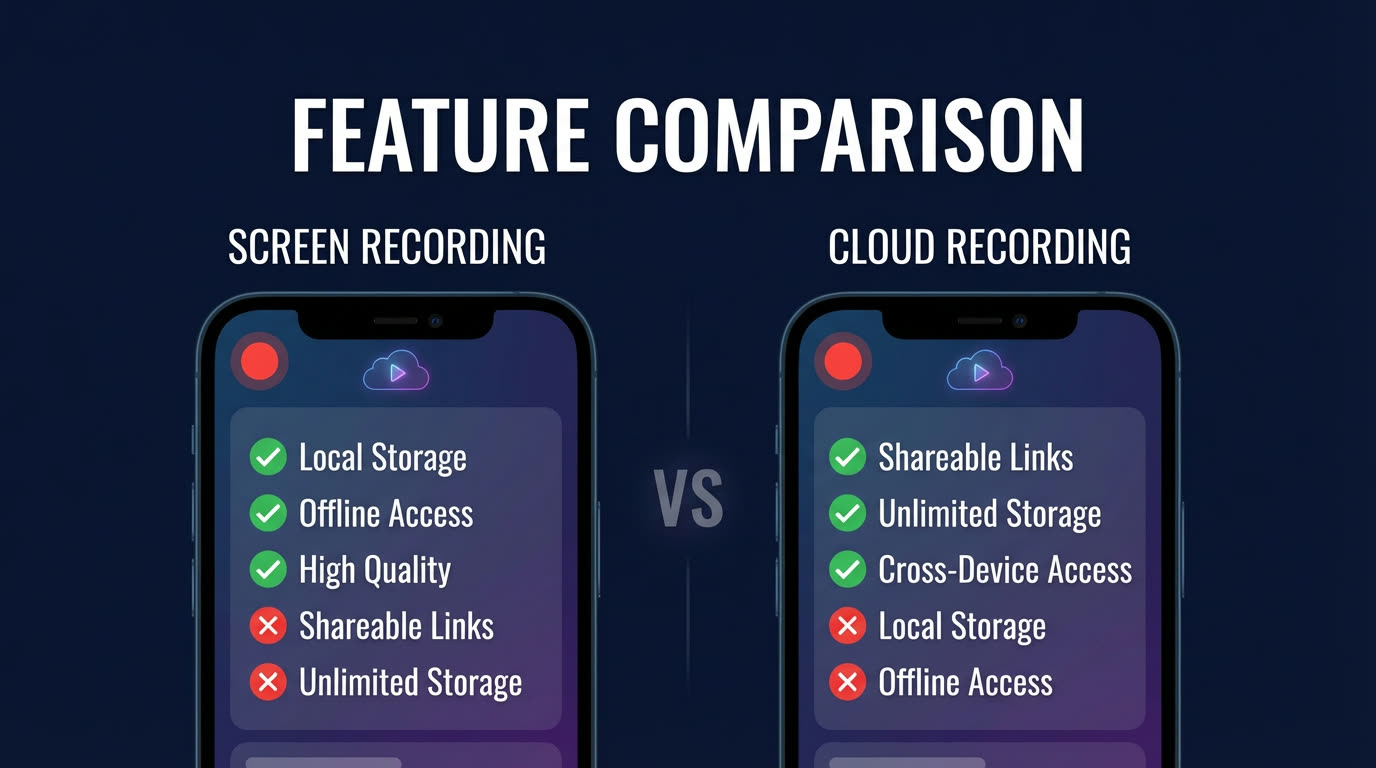
Comparison table
| Feature | TKREC | Screen Recording |
|---|---|---|
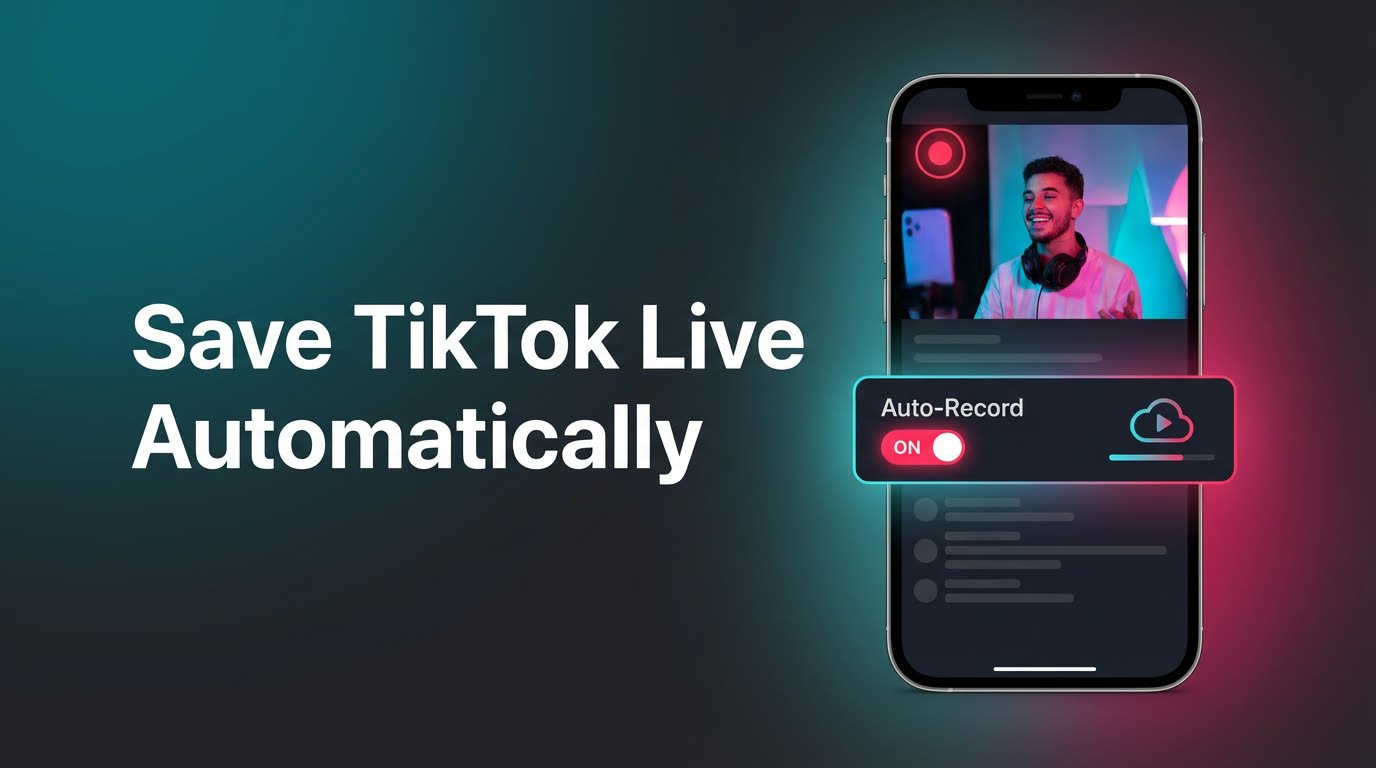
| Automatic capture | Yes — starts when creator goes live | No — you must start manually |
| Works with phone off | Yes — records on cloud servers | No — phone must stay on and unlocked |
| Captures from first second | Yes — detects live start automatically | Only if you happen to be watching |
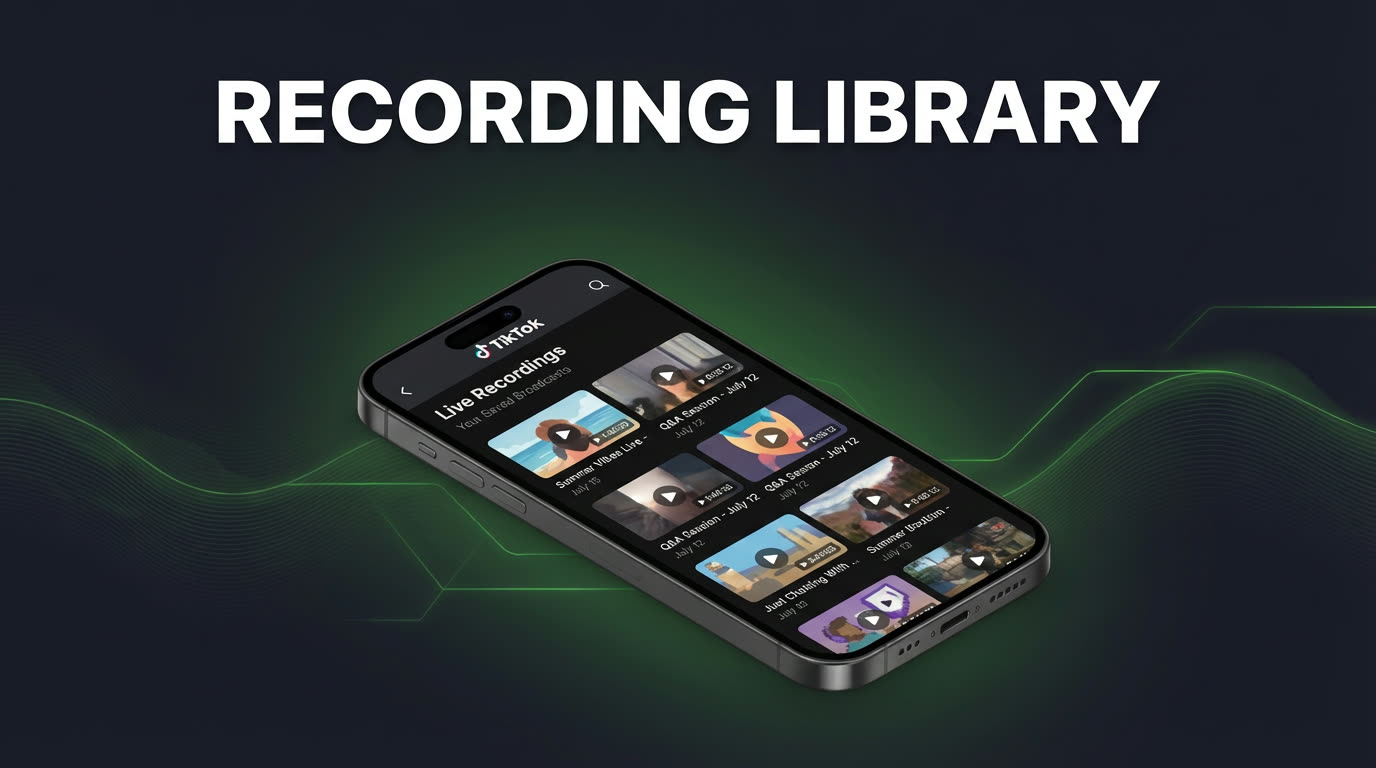
| Replay organization | Built-in library by creator and date | Manual files in camera roll |
| Multi-creator workflow | Track unlimited creators simultaneously | One stream at a time, one device at a time |
| Phone storage impact | None — stored in cloud until downloaded | Large files fill up device storage quickly |
| Recording interrupted by calls | No — cloud-based, unaffected | Yes — phone calls can pause or stop recording |
| Viewer footprint | None — completely private | Your username appears in viewer list |
| Quick one-off clip | Good | Good |
| Cost | Free tier + premium for unlimited | Free (built into phone) |
The real limitations of screen recording
Screen recording looks convenient on the surface, but in practice it has serious limitations that make it unsuitable as a regular recording method:
- You must be present — screen recording only works while you're watching. If a creator goes live at 3 AM or while you're in a meeting, you simply miss it. There's no way to capture a stream you weren't there for.
- Your phone must stay active — locking your phone, receiving a call, switching to another app, or letting the battery die will pause or end the recording. For a three-hour stream, keeping your phone continuously active and dedicated to TikTok is impractical.
- Missed beginnings — by the time you notice a creator is live, open TikTok, and start the screen recorder, you've already missed the first several minutes. Intros, announcements, and early content are gone.
- Storage fills up fast — screen recordings create large video files on your device. A single hour-long stream can take 2-4 GB depending on resolution. Do this regularly and your phone storage fills up within a week or two.
- No organization — screen recordings land in your camera roll as generic video files. There's no label for which creator it was, no date filtering, and no way to search. Managing even a dozen recordings becomes tedious.
- Records everything on screen — screen recording captures notifications, status bar, comments, and any accidental app switches. The result is often a cluttered video rather than a clean stream capture.
When TKREC wins
TKREC is the better choice whenever you need recording to be reliable, automatic, and scalable. Specific scenarios where TKREC clearly wins:
- You follow multiple creators — with screen recording, you can only capture one stream at a time on one device. TKREC tracks as many creators as you want simultaneously and records all of them on cloud servers.
- Creators go live at unpredictable times — if you can't predict when someone will stream, automated recording is the only way to guarantee you catch it. TKREC monitors 24/7.
- You want a clean archive — TKREC's library organizes recordings by creator and date. No scrolling through camera roll, no unnamed files, no guessing which video is which.
- You value your phone's battery and storage — TKREC doesn't use your device for recording. No battery drain, no storage consumed, no need to keep the app open.
- You want to record privately — TKREC records via cloud servers without your TikTok account being involved. Your username never appears in the viewer list. Screen recording requires you to be actively watching, which puts your username in the viewer list.
Get TKREC from Google Play or the App Store.
When screen recording is enough
Screen recording isn't bad — it's just limited. It works perfectly fine in these situations:
- You only want a short clip — if you're already watching a live and want to save a 30-second moment, screen recording is the fastest option. No setup required.
- You're recording a one-off stream — for a single stream from a creator you don't regularly follow, screen recording avoids the need to set up any additional tool.
- You don't care about missing the start — if catching the full broadcast from the first second isn't important, starting screen recording midway through is acceptable.
- You want zero cost — screen recording is built into every modern phone and costs nothing. If budget is the only factor, it's hard to argue against free.
The fundamental distinction is scope: screen recording is a one-at-a-time manual tool. TKREC is an automated system designed for ongoing recording of multiple creators.
The privacy difference
This is an area where TKREC has a clear advantage that screen recording can't match. When you screen-record a TikTok live, you must be watching the stream in the TikTok app. That means your username appears in the viewer list, the creator can see you're watching, and you're counted in the viewer total. There's no way around this — screen recording requires active viewing.
TKREC records via cloud servers. Your personal TikTok account is never involved in the recording process. Your username doesn't appear in chat, viewer lists, or any analytics the creator can see. For people who watch competitor streams, prefer anonymous viewing, or simply want their watching habits to stay private, this is a significant difference.
Read more about this in how to record TikTok live privately with TKREC.
How to switch to TKREC
If you've been relying on screen recording and want to upgrade to automatic cloud recording, the switch takes two minutes:
- Download TKREC from Google Play or the App Store.
- Create an account and add the TikTok creators you regularly watch.
- Enable auto-record for each creator.
- That's it — TKREC handles everything from here. Your next recordings will appear in your library automatically.
You don't need to delete your old screen recordings or change anything about how you use TikTok. TKREC runs independently. For a full overview of setup and features, see how to save TikTok live automatically with TKREC.
FAQ
Is screen recording bad?
No, it's not bad — it's just limited. Screen recording works well for quick, one-off clips when you're already watching. Its limitations show up when you try to use it as a regular, reliable recording workflow: you'll miss streams, interrupt recordings, fill up storage, and have no organization. For anything beyond occasional clips, TKREC's automated approach is more practical.
Does TKREC capture better quality than screen recording?
TKREC captures the actual stream feed directly, which means it records the same quality TikTok delivers. Screen recording captures whatever is displayed on your screen, which includes any compression TikTok applies for display plus the overhead of the screen recording itself. The difference is most noticeable on longer streams where screen recording may drop frames or compress further to save space.
Can I use both methods?
Absolutely. Many people use TKREC for their auto-recording workflow and still use screen recording for quick clips of live moments they're watching in real-time. The two methods don't conflict with each other. TKREC handles the automated background recording while screen recording remains available for spontaneous captures.
Will TKREC work for creators who stream very rarely?
Yes, and this is actually where TKREC shines most. If a creator only goes live once a month at unpredictable times, the chances of you being available to screen-record are low. TKREC monitors their status 24/7 and captures the stream automatically whenever it happens, even if you had no idea they were going live. Add them to your list once and forget about it.
Is TKREC free?
TKREC has a free tier that lets you try the core workflow. For unlimited auto-recording across all your tracked creators, there's a premium plan. With over 300,000 users across the GREC/TKREC family and a 4.9/5 rating, it's a well-tested tool. Check the best TKREC app for TikTok live in 2026 for a full breakdown.
Never miss a TikTok LIVE again
TKREC records TikTok live streams automatically — save, rewatch, and download.