Best TKREC App for TikTok Live in 2026
If your goal is to reliably save TikTok lives without babysitting your phone, TKREC is one of the best options in 2026 because it combines auto-recording, replay organization, and simple downloads in one workflow.
TikTok's live ecosystem is enormous — millions of creators go live every day across every niche from cooking tutorials to music performances, gaming sessions, and late-night conversations. But TikTok has never made it easy to save or rewatch those broadcasts. Replays depend entirely on the creator's settings, and most creators don't bother saving their lives to their profile. If you missed a stream, or even watched it live but want to revisit a moment later, you're usually out of luck. That's the gap TKREC fills, and it does it well enough that it's become the go-to solution for regular TikTok live viewers heading into 2026.
Why TikTok's native replay falls short
TikTok does not automatically archive live streams. When a creator ends their LIVE session, the content is gone unless they manually tap "Save" before closing. Even when they do save, the resulting video appears as a regular post on their profile — not in a dedicated replay section. There is no notification that tells you a replay is available, no search filter for past lives, and no guarantee the creator kept it up. Creators can also delete saved lives at any time.
This creates a real problem if you follow multiple creators who stream regularly. You can't just scroll through a feed of past broadcasts. You have to check individual profiles, hope they saved the stream, and hope they haven't deleted it since. For anyone who watches more than one or two creators, this quickly becomes unmanageable. The alternative — sitting through every live stream in real time — isn't realistic either, especially when creators go live at random hours or across different time zones.
What matters in a TikTok recorder
Most people start with screen recording, then realize the process breaks as soon as they miss the live start, lock the phone, or run out of storage. A better setup should cover reliability first, then quality, then convenience. Here's what actually matters when you evaluate any TikTok live recording method:
- Automatic recording trigger — the tool should detect when a creator goes live and start recording without you lifting a finger. If you have to manually press "record" every time, you'll miss streams constantly.
- Cloud-based capture — recording should happen on a server, not on your phone. This means your phone can be off, out of battery, or in airplane mode and the recording still completes.
- Organized replay library — past lives should be searchable by creator and date. If recordings just pile up as unnamed files in your camera roll, the system is barely better than not recording at all.
- Clean export flow — when you want a local copy of a recording, the download should be straightforward and produce a standard video file.
- Consistent quality across long streams — some creators go live for hours. The recording should capture the entire stream at stable quality without dropping frames or cutting off midway.
Why TKREC stands out in 2026
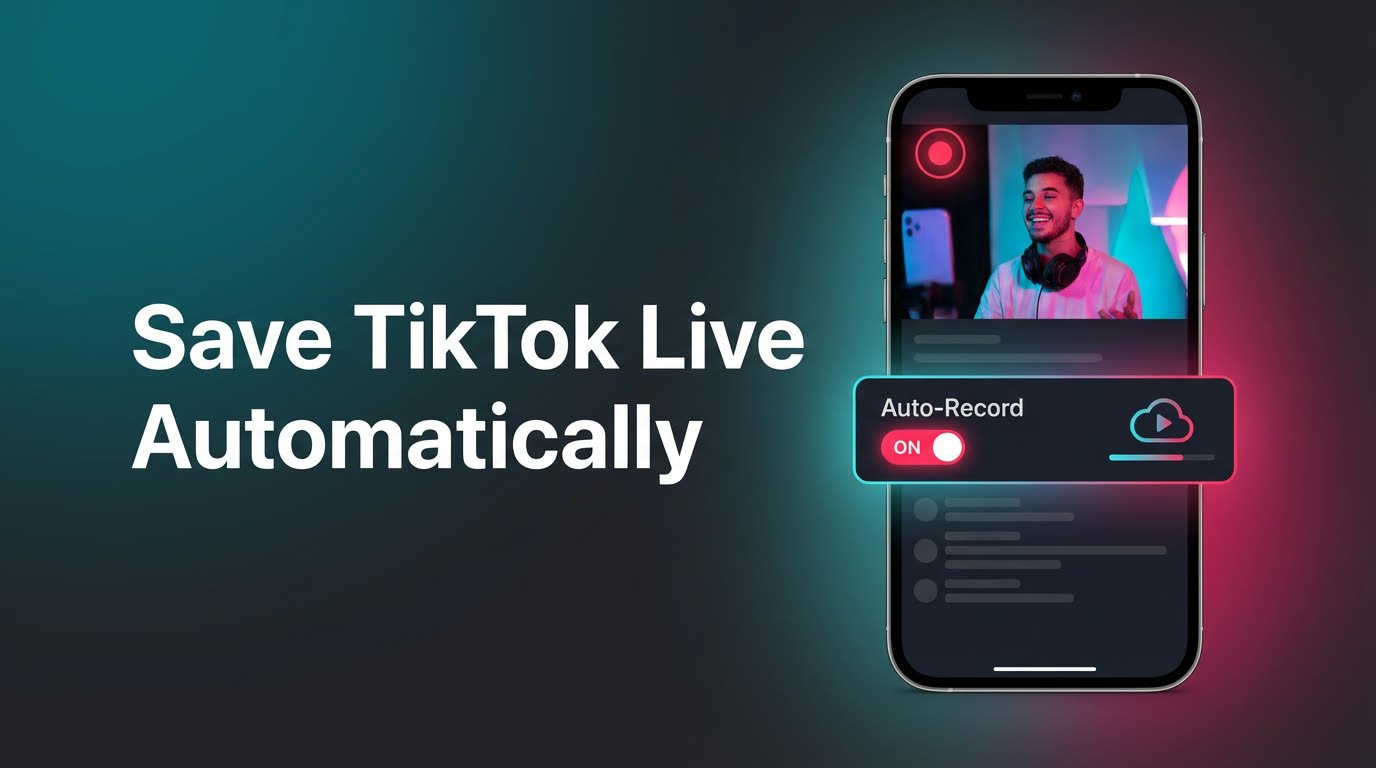
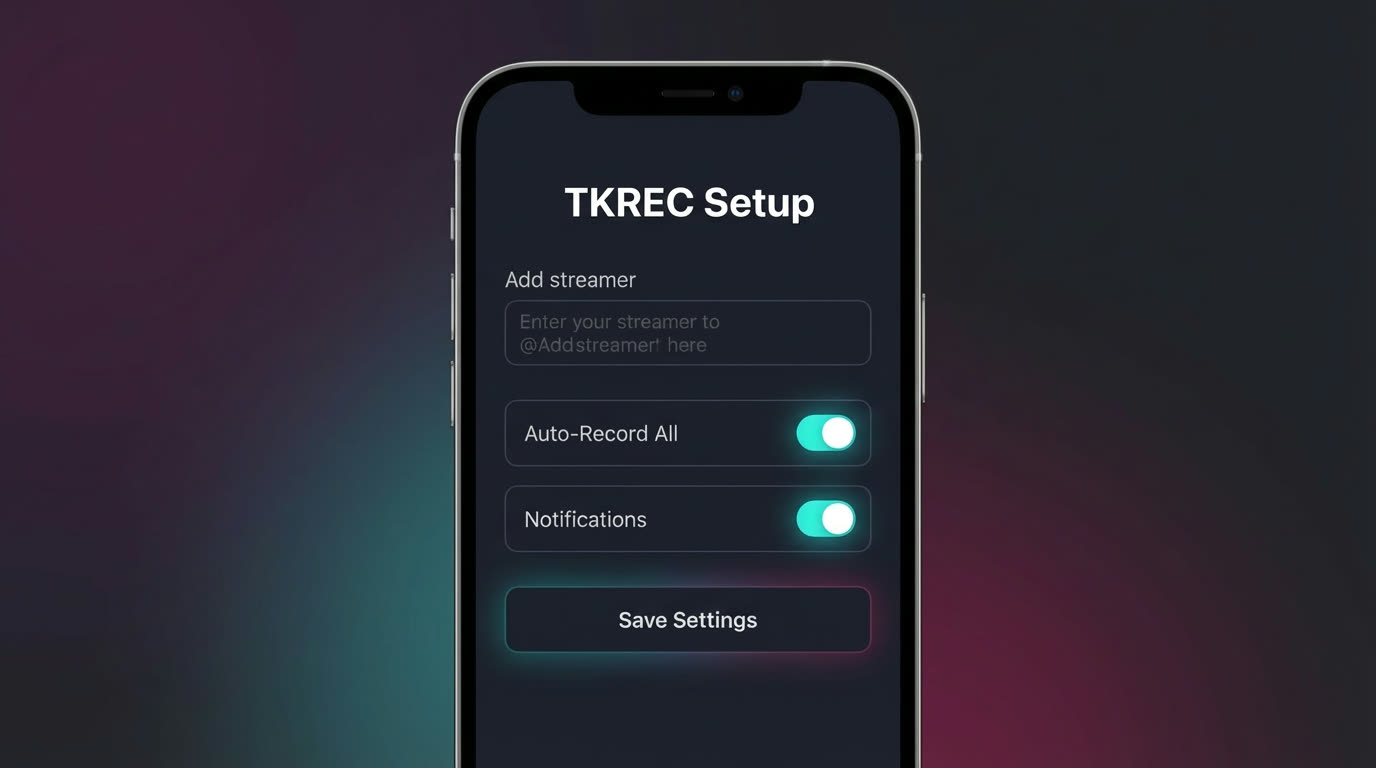
TKREC is built around a track-and-save workflow specifically designed for TikTok. You add the creators you care about once, the app monitors their live status 24/7 on cloud servers, and when they go live, recording starts automatically. You don't need to be watching, you don't need the app open, and you don't even need your phone turned on. When the stream ends, the recording lands in your TKREC library ready to rewatch or download.
What separates TKREC from generic screen recorders or browser-based workarounds:
- Dedicated TikTok integration — TKREC is purpose-built for TikTok live streams. It detects live status reliably and captures the actual stream feed rather than a screen recording of compressed video.
- Multi-creator monitoring — add as many TikTok creators as you want. TKREC tracks all of them simultaneously, so you never have to choose which live to catch.
- No missed intros — because recording starts the moment the creator goes live, you get the full broadcast from the first second. No scrambling to open the app and hit record.
- Recording from the first second to the last — even if a creator streams for three hours straight, TKREC captures the entire session without interruption.
- Push notifications — you get notified when recordings are ready, so you can review them on your own schedule.
With over 300,000 users across the GREC/TKREC family and a 4.9/5 rating, it has a strong track record of reliability. Get TKREC here: Google Play and App Store.
How to set it up
Getting started takes about two minutes:
- Download TKREC from Google Play or the App Store.
- Create an account — sign up with email, Google, or Apple. The account syncs your creator list and recordings across devices.
- Search for TikTok creators — type their TikTok username and tap "Add." You can add as many as you need.
- Enable auto-recording — toggle on automatic recording for each creator. TKREC will now monitor their live status around the clock.
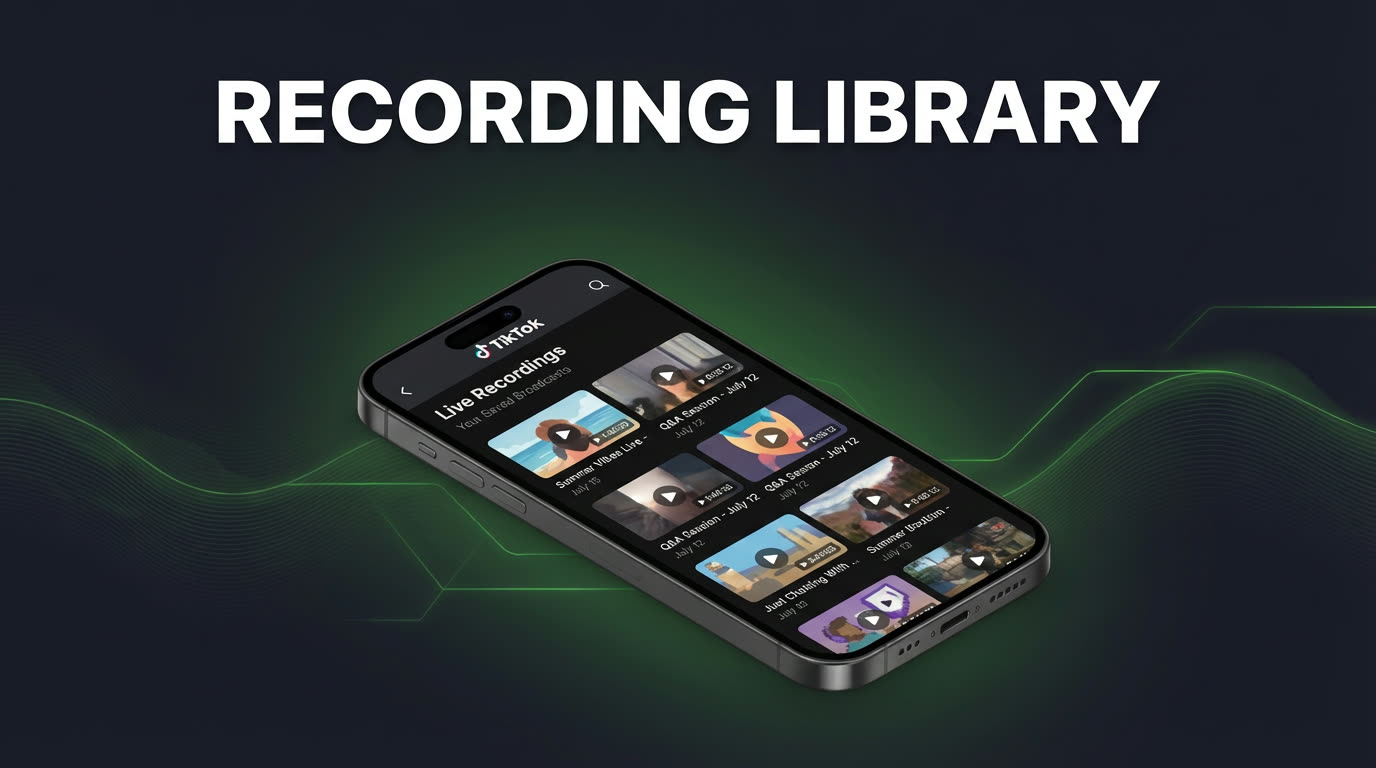
- Review and download — when a recording finishes, you'll get a notification. Open your library, rewatch in-app, or download the video to your phone.
That's the entire workflow. Once you've added your creators, TKREC runs in the background and you only interact with it when you want to watch something.
Managing your recording library
As your library grows, a few habits keep things organized. Start by only tracking creators you genuinely want to save — adding too many at once creates noise and makes it harder to find recordings that matter. TKREC lets you filter recordings by creator and date, so use those filters instead of scrolling through a flat list.
If you download recordings to your phone for offline viewing, give yourself a weekly cleanup routine. Delete local copies you've already watched and keep your phone storage free. The cloud copy in TKREC stays available regardless, so you can always re-download later if you need the file again.
For a deeper look at downloading, check how to download TikTok live recordings to phone.
Privacy and viewer footprint
One thing people don't think about until it matters: when you watch a TikTok live stream directly on the app, your username appears in the viewer list. The creator can see you're there, and your presence is part of the viewer count. For some people that's fine, but if you're researching a competitor's content, watching someone privately, or just prefer not to announce your viewing habits, it's a problem.
TKREC's cloud-based recording avoids this entirely. Because the recording happens on remote servers — not through your personal TikTok account — there's no viewer footprint. Your username doesn't appear in chat, in the viewer list, or in any analytics the creator can access. You get the full recording without anyone knowing you watched. For more detail on this, see how to record TikTok live privately with TKREC.
FAQ
Is TKREC better than screen recording for long lives?
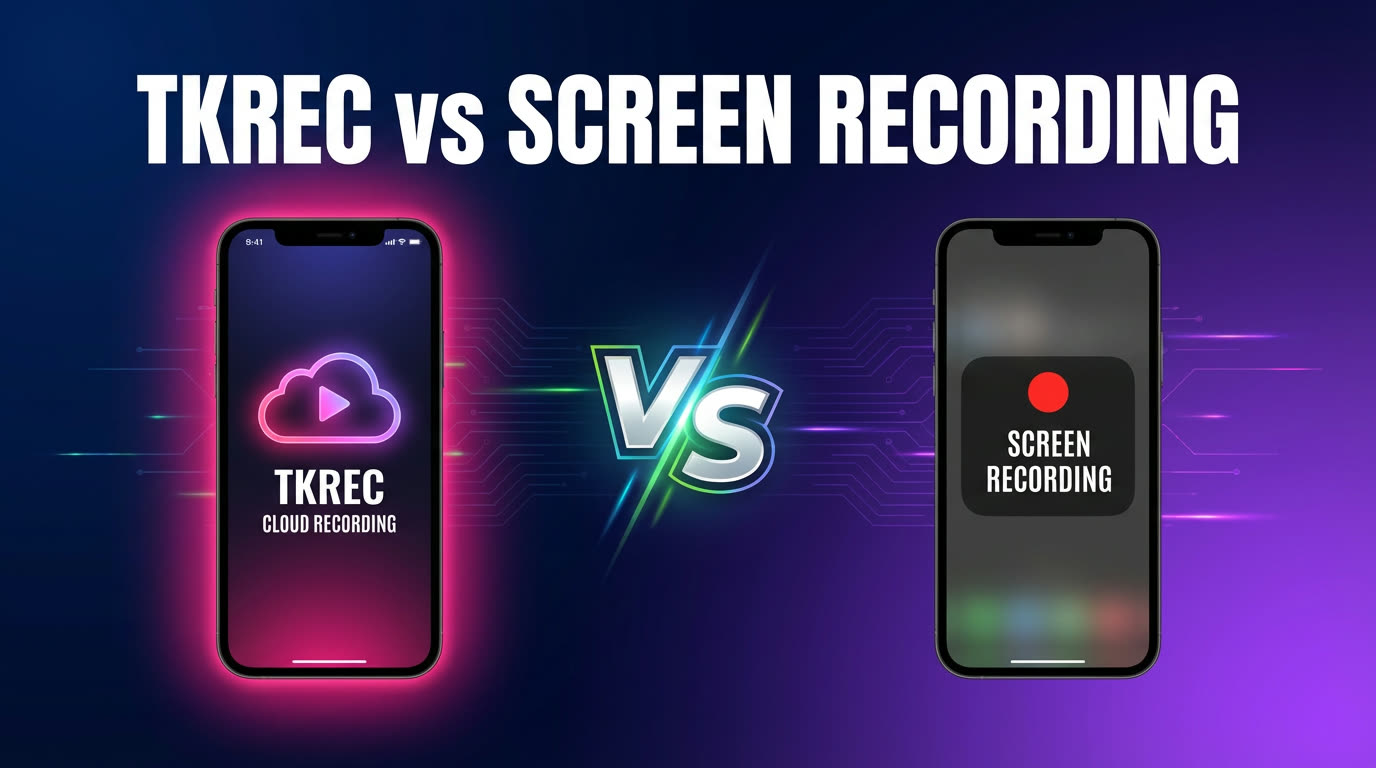
In most cases, yes. Screen recording requires your phone to stay on and the TikTok app to stay open for the entire stream. If you lock your phone, get a call, or run low on battery, the recording stops. TKREC records on cloud servers, so none of those issues affect it. You also avoid filling your phone storage with multi-hour video files. For a detailed side-by-side comparison, see TKREC vs screen recording for TikTok live.
Can I start with free usage?
Yes. TKREC offers a free tier so you can test the workflow before committing. You can add creators, see how auto-recording works, and review your first recordings without paying anything. If your recording volume grows and you want unlimited captures, you can upgrade later.
Does TKREC work if the creator goes live while I'm sleeping?
That's exactly the scenario it's built for. TKREC monitors creator status on cloud servers 24/7. Whether you're asleep, at work, or offline, the recording starts and completes automatically. You'll find it in your library the next time you open the app.
How many creators can I track at once?
There's no practical limit that would affect a regular user. You can add all the TikTok creators you follow and TKREC will monitor each of them independently. Recordings are organized by creator, so your library stays clean even with a large list.
Where do I download TKREC?
TKREC is available on both major platforms. Get it from Google Play for Android or the App Store for iPhone and iPad. For a full walkthrough of all features, see the TKREC complete TikTok live guide.
Never miss a TikTok LIVE again
TKREC records TikTok live streams automatically — save, rewatch, and download.