How GREC Works: App Walkthrough
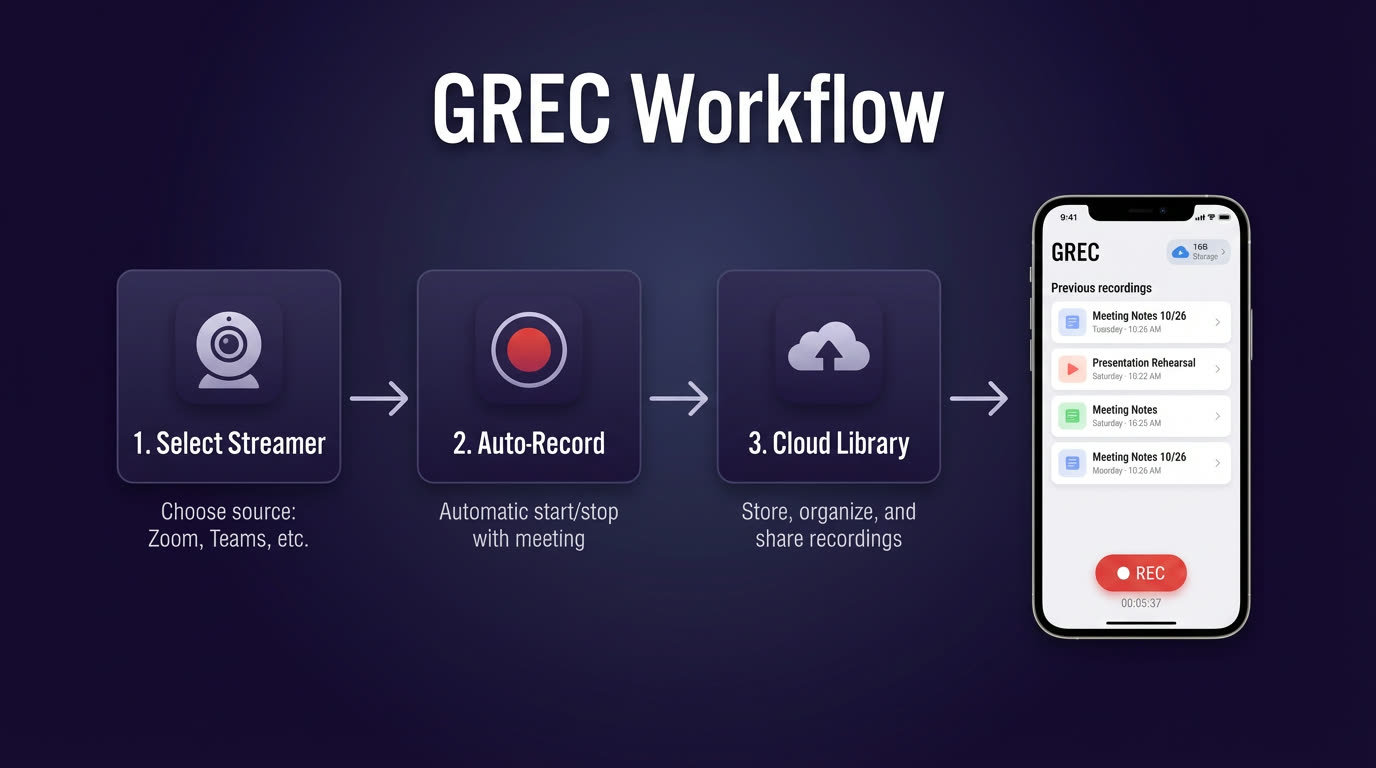
GREC is a cloud-based live stream recorder that works across TikTok, Instagram, Twitch, Kick, X/Twitter, YouTube, Facebook, BIGO, and more. You add creators you want to follow, and GREC monitors them 24/7 on remote servers. When they go live, recording starts automatically — no screen recording, no battery drain, no viewer footprint. Finished recordings appear in your library for replay or HD download.
If you've ever missed a live stream because you were asleep, at work, or simply didn't get a notification in time, GREC solves that problem permanently. With over 300,000 users and a 4.9/5 rating across app stores, it's the most popular dedicated live stream recorder available. This walkthrough covers every step from your first download to watching your first recording.
Step 1: Download and install
GREC is available on both iOS and Android. Grab it from whichever store matches your device:
- iPhone / iPad: Download from the App Store
- Android: Download from Google Play
The app is lightweight and installs in seconds. It doesn't require special permissions like microphone or camera access — all recording happens on GREC's cloud servers, not on your device. That also means GREC won't drain your battery or consume storage space while recording.
Step 2: Create your account
When you first open GREC, you'll be prompted to create an account. You have three options: sign up with your email address, continue with Google, or continue with Apple. Pick whichever is fastest for you — the experience is identical regardless of sign-up method.
Your account is where your tracking list, recordings, and preferences are stored. If you switch devices later, just log in and everything carries over. GREC has a free tier that lets you explore the app and try basic features. For unlimited auto-recording across all platforms, GREC Premium starts at $4.99/week.
Step 3: Search and add creators
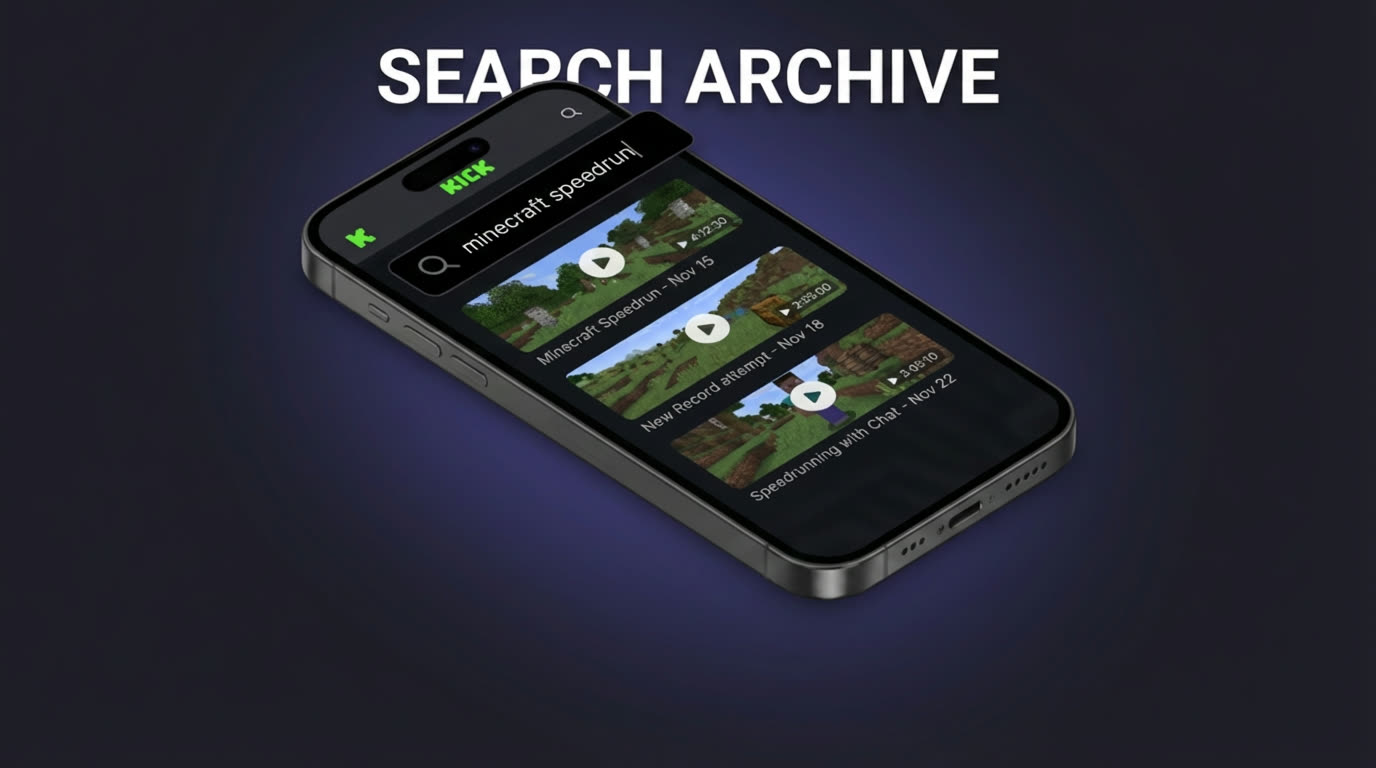
This is the core of GREC. Tap the search icon and type a creator's username from any supported platform — TikTok, Instagram, Twitch, Kick, X/Twitter, YouTube, Facebook, BIGO, and others. GREC supports 10+ live streaming platforms, all searchable from the same search bar.
Once you find the creator you're looking for, tap "Add to Auto Rec" (auto-recording). That creator is now on your tracking list. GREC's cloud servers will monitor their account around the clock. You can add as many creators as you want, from as many different platforms as you need. A TikTok dancer, a Twitch gamer, an Instagram lifestyle creator, a BIGO host — all managed in one place.
The search screen also shows you which platform each result is from, so there's no confusion if a creator uses the same handle across multiple services. You can add the same person from different platforms if they stream on more than one.
Step 4: Auto-recording in action
Once a creator is on your tracking list, you don't need to do anything else. GREC's servers check for live activity continuously. The moment a tracked creator starts a live stream on any platform, cloud recording begins automatically — from the very first second of the broadcast.
Here's what makes this different from screen recording or manual capture:
- Your phone can be off. Recording happens on remote servers. You can be asleep, in airplane mode, or have your phone powered down entirely.
- No missed intros. Because GREC detects the stream start instantly, you get the full broadcast from second one — not from whenever you happened to notice.
- HD quality capture. GREC records the actual stream feed directly, not a compressed screen recording. The result is clean, high-definition video.
- Multiple simultaneous streams. If three of your tracked creators go live at the same time on three different platforms, GREC records all three. No choosing, no conflicts.
You'll receive a push notification when a recording finishes, so you always know when new content is ready to watch.
Step 5: Library, replay, and download
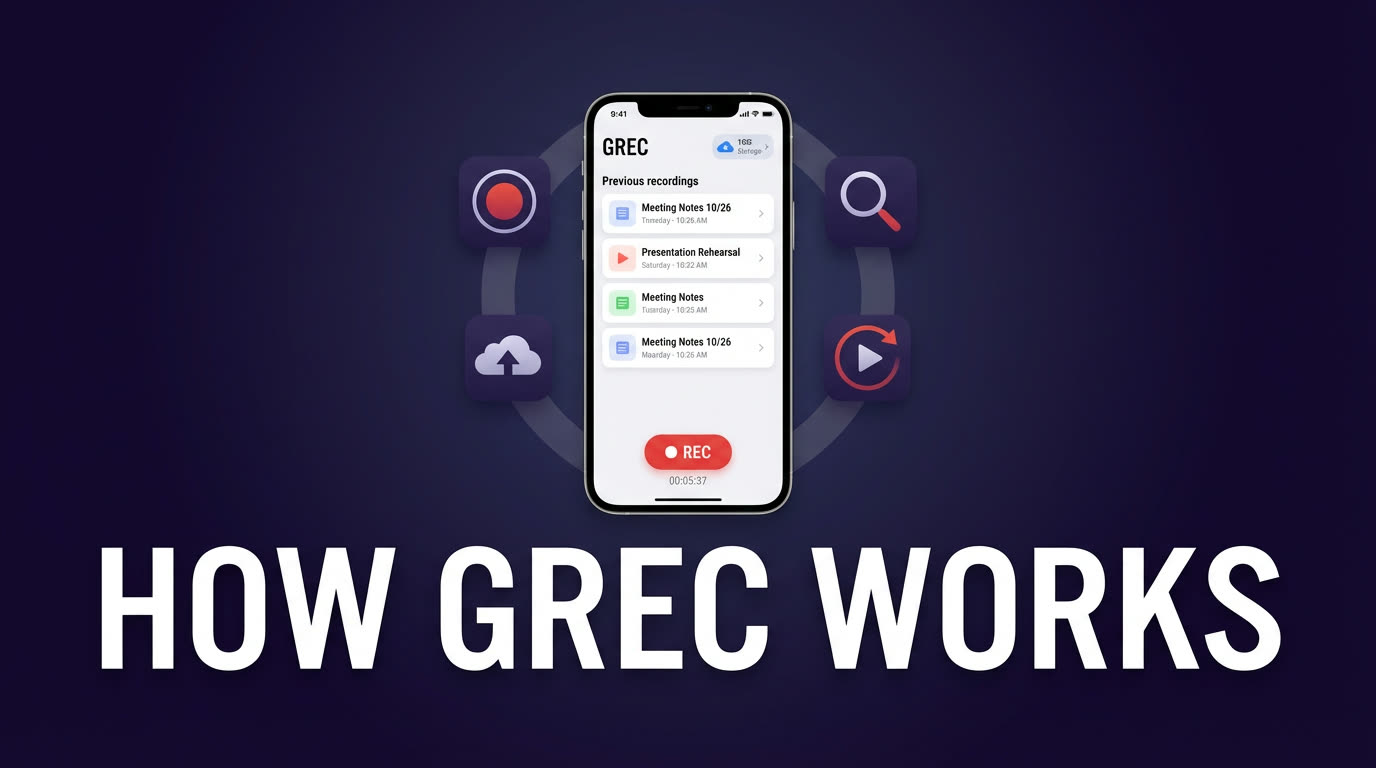
All finished recordings land in your GREC library. The library is organized by creator, so you can quickly find who you're looking for. Each entry shows the creator name, platform, stream date, and duration.
Tap any recording to start playback immediately within the app. You can scrub through the timeline, skip ahead, or rewatch specific moments. If you want a permanent copy, tap the download button to save the recording to your device in HD quality.
The library also keeps a complete history. Even if a creator deleted their live stream on the original platform, or the platform's replay window expired, your GREC recording stays available. It's yours to keep as long as you want it.
Power user tips
Once you've got the basics down, these tips will help you get more out of GREC:
- Enable push notifications. Make sure notifications are turned on so you know the moment a recording is ready. You can also get notified when a tracked creator goes live.
- Track across platforms. If a creator streams on both TikTok and Instagram, add them from both platforms. GREC will capture whichever one they go live on — or both if they simulcast.
- Review your tracking list regularly. Remove creators you no longer follow and add new ones. A focused tracking list means faster access to the recordings you actually care about.
- Use the library as your archive. Instead of saving clips on your camera roll, let GREC's library be your central archive. It's searchable, organized by creator, and doesn't eat your phone storage.
- Download only what you need. Stream everything in-app and only download the recordings you want to keep permanently or share elsewhere.
Privacy and viewer footprint
One of the most underappreciated features of GREC is what it doesn't do: it doesn't reveal your identity. When you watch a live stream directly on TikTok, Instagram, or any other platform, your username appears in the viewer list. The creator can see you were there, and you're counted in the viewer total.
GREC's cloud-based recording changes that completely. Because the recording happens on GREC's remote servers — not through your personal account on any platform — there's no viewer footprint. Your username never appears in chat, the viewer list, or any analytics the creator can access. It's completely private viewing.
This matters whether you're monitoring a competitor's streams, catching up on content without wanting to interact, or simply preferring to keep your viewing habits to yourself. For a deeper look at recording privacy, check out our guide on rewatching lives you missed.
FAQ
Is GREC difficult to set up?
Not at all. The entire setup — from downloading the app to having your first creator tracked — takes about two minutes. You download GREC from the App Store or Google Play, create an account, search for a creator, and tap "Add to Auto Rec." There's no complex configuration, no linking of external accounts, and no technical knowledge required.
Which platforms does GREC support?
GREC supports 10+ live streaming platforms including TikTok, Instagram, Twitch, Kick, X (Twitter), YouTube, Facebook, BIGO, and others. All platforms are accessible from a single search bar, and you manage all your tracked creators in one unified list. See the full platform list for details.
Does GREC work if my phone is off?
Yes. Recording happens entirely on GREC's cloud servers. Your phone can be powered off, in airplane mode, or out of battery — it makes no difference. When you open the app later, the finished recording will be waiting in your library.
Is GREC free?
GREC offers a free tier so you can explore the app and try it out. For unlimited auto-recording across all supported platforms, GREC Premium starts at $4.99/week. Most users find it worthwhile quickly, since it replaces the need to manually check for replays across multiple apps. For more on saving live streams automatically, see our dedicated guide.
Can I track the same creator on multiple platforms?
Absolutely. If a creator streams on both Twitch and YouTube, for example, you can add them from both platforms. GREC will monitor and record independently on each one, so you never miss a stream regardless of where they decide to go live. This also works well for creators who simulcast across platforms. For a broader comparison of recording tools, see our best live stream recorder apps roundup.
Never miss a live stream on any platform
GREC records live streams from TikTok, Instagram, Twitch, Kick, X, and more — automatically in the cloud.