How to Rewatch Live Streams You Missed
There is no single replay system that works across every live streaming platform. TikTok only saves replays if the creator chooses to, Instagram keeps them for 24 hours at most, Twitch VODs expire after 14–60 days, and several platforms offer no replay at all. The only reliable way to rewatch any live stream you missed — regardless of platform — is to record it before it disappears.
You open the app 20 minutes too late and the live is already over. Maybe you were asleep, maybe you were at work, maybe the notification never came. Either way, the stream is gone — and whether you can watch it again depends entirely on which platform it happened on and what the creator decided to do. Replay availability varies wildly from one service to the next, and even within a single platform it changes based on the broadcaster's settings. This guide breaks down what each major platform offers for replays, where the gaps are, and how to build a recording workflow that guarantees you never lose a live stream again.
Platform replay rules
Every platform handles live replay differently. Some auto-save, some leave it to the creator, and some barely offer replay at all. Here is what you can expect from each one:
TikTok
TikTok does not auto-save live streams. The creator must manually choose to save the replay after the broadcast ends. If they don't, the live is gone permanently. Even when saved, replays can be removed by the creator at any time. There is no guaranteed window for viewers — you either catch it live or hope the broadcaster saved it.
Instagram lets creators share their finished live to Stories as a replay, where it stays visible for up to 24 hours. If the creator doesn't enable this, or if they end the live without sharing, there is no replay. Instagram does not archive lives automatically, and after 24 hours the Story replay disappears even if it was shared.
Twitch
Twitch offers the most structured replay system through VODs (Video on Demand). If the streamer has VODs enabled, past broadcasts are saved for 14 days on standard accounts and up to 60 days for Partners and Turbo subscribers. However, many streamers disable VODs or delete specific broadcasts, and once the retention window passes the content is gone.
Kick
Kick has a VOD system, but it is still evolving. VOD availability depends on the broadcaster's settings and the platform's current feature rollout. Replay access is less predictable than Twitch, and retention policies are subject to change as the platform matures.
X / Twitter Spaces
X (formerly Twitter) allows Spaces hosts to make their audio broadcasts available for replay for up to 30 days after the session ends. This only applies if the host enables the replay option before starting. If they don't, the Space disappears as soon as it's over. Video lives on X have even more limited replay options.
YouTube
YouTube is the most replay-friendly platform. Finished live streams usually auto-convert into regular videos on the creator's channel, making them available indefinitely. However, creators can choose to unlist, private, or delete the video after the stream ends, which removes viewer access. Don't assume a YouTube live will stay available forever.
Facebook live streams typically remain on the creator's profile or page as a regular video post after the broadcast ends. This makes them relatively easy to find and rewatch. That said, the creator has full control and can delete or restrict the video at any time. Group and private lives may have additional visibility restrictions.
BIGO Live
BIGO has very limited replay functionality. Whether a past broadcast is available depends almost entirely on the broadcaster. There is no standardized VOD or replay system, and most lives disappear once the stream ends. If you want to rewatch BIGO content, you need to capture it during the broadcast.
No platform guarantees you can rewatch a live stream you missed. TikTok won't save it if the creator forgets. Instagram deletes the replay in 24 hours. Twitch VODs expire after 14–60 days. BIGO barely has replays at all. The only replay you can actually rely on is the one you recorded yourself.
One app for every platform
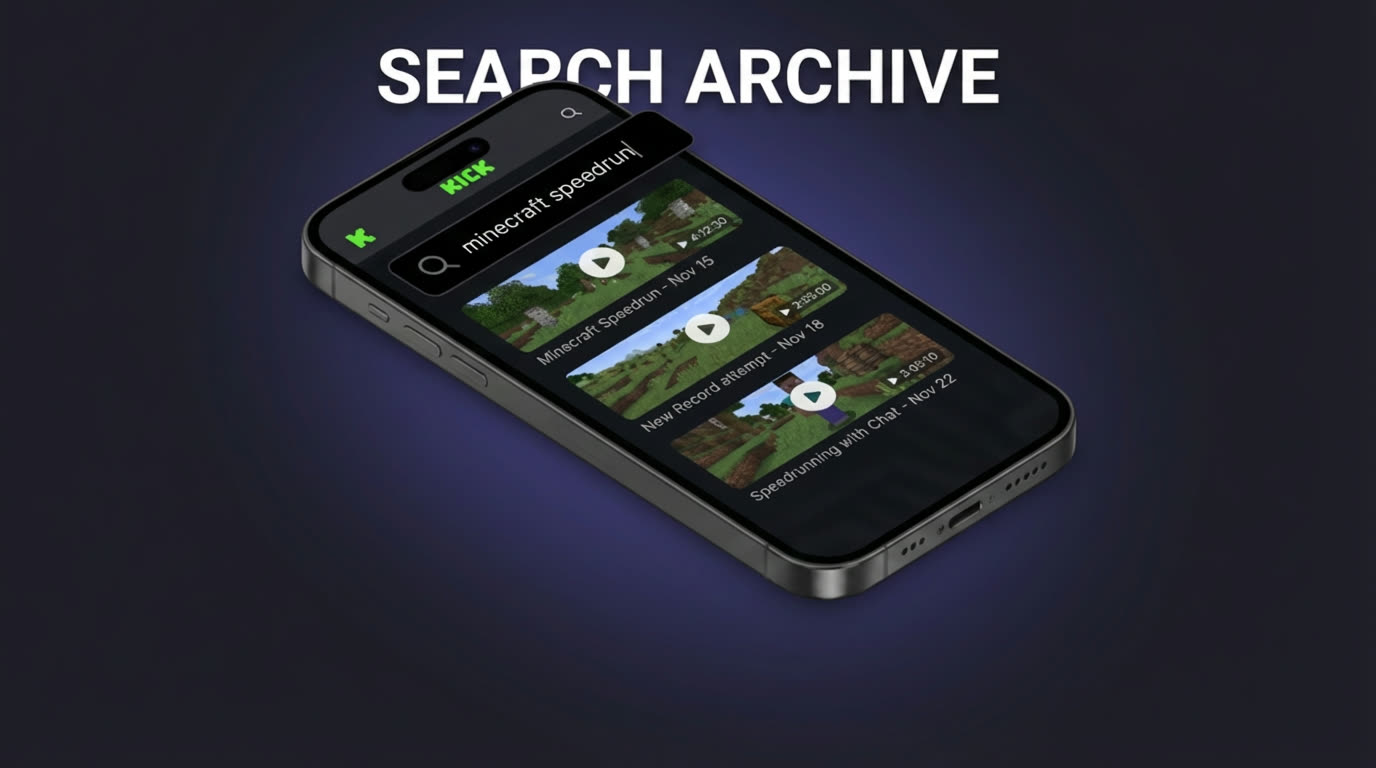
The platform-by-platform breakdown above makes one thing clear: you cannot rely on any single platform to preserve the lives you care about. Creators forget to save, replay windows expire, and some services simply don't offer rewatchable content. The only way to guarantee you can rewatch a live stream is to record it yourself — and the most effective way to do that across 10+ platforms is GREC.
GREC is a cloud-based live stream recorder used by over 300,000 people with a 4.9/5 rating across app stores. It works differently from screen recording. Instead of capturing your screen, GREC monitors creators you follow on remote servers 24/7. The moment any tracked creator goes live on TikTok, Instagram, Twitch, Kick, X/Twitter, YouTube, Facebook, BIGO, or any other supported platform, cloud recording starts automatically — from the first second of the broadcast, in HD quality.
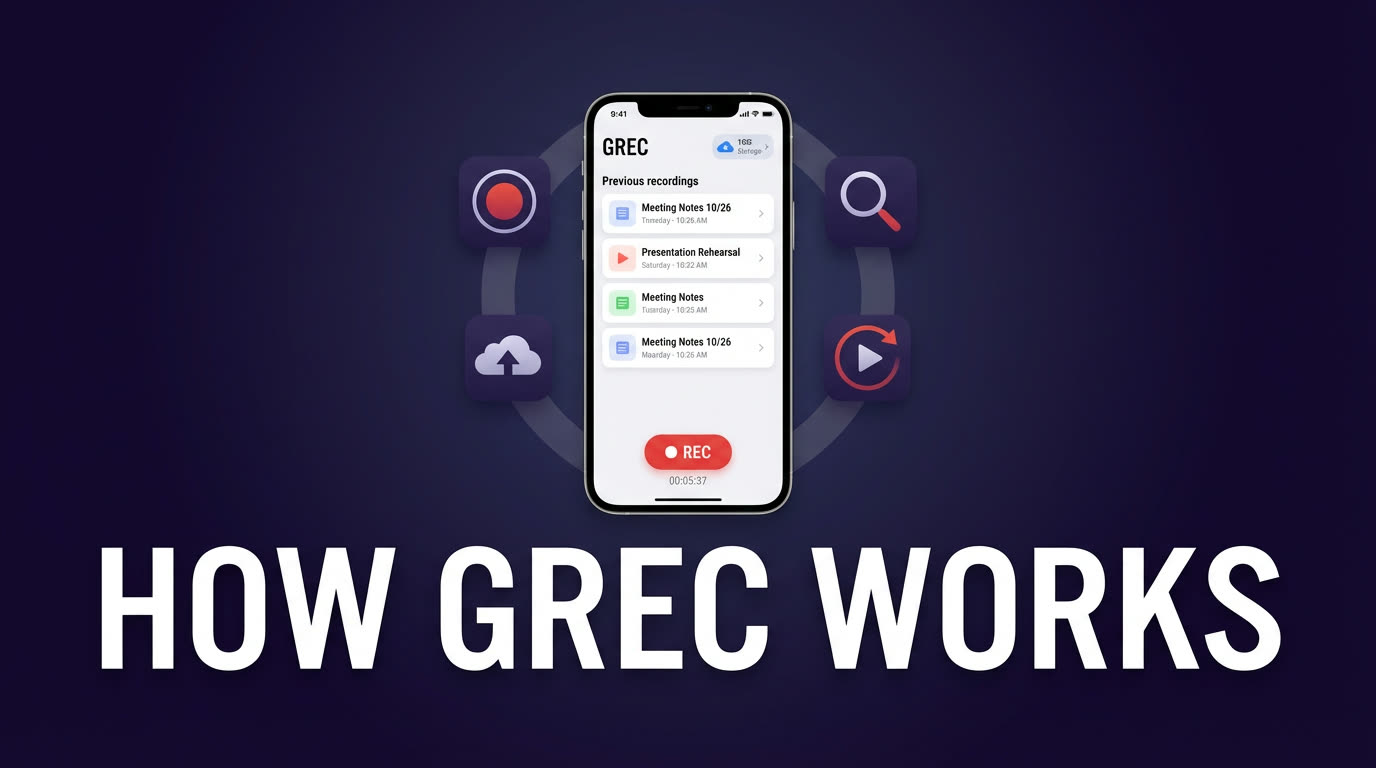
Because recording happens on GREC's servers, your phone can be off, in airplane mode, or out of battery. You don't need to be awake, online, or even aware that a stream is happening. When you open the app later, the finished recording is waiting in your library for replay or download. It solves the "missed live" problem permanently, regardless of what the platform's native replay policy is. For a full walkthrough of how the app works, see our GREC app walkthrough.
Getting started with GREC
Setting up GREC takes about two minutes. Here is the process from download to first recording:
- Download the app. GREC is available on both iOS and Android:
- Create your account. Sign up with email, Google, or Apple. Your tracking list and recordings sync across devices.
- Search and add creators. Use the search bar to find creators by username on any supported platform. Tap "Add to Auto Rec" to start monitoring them.
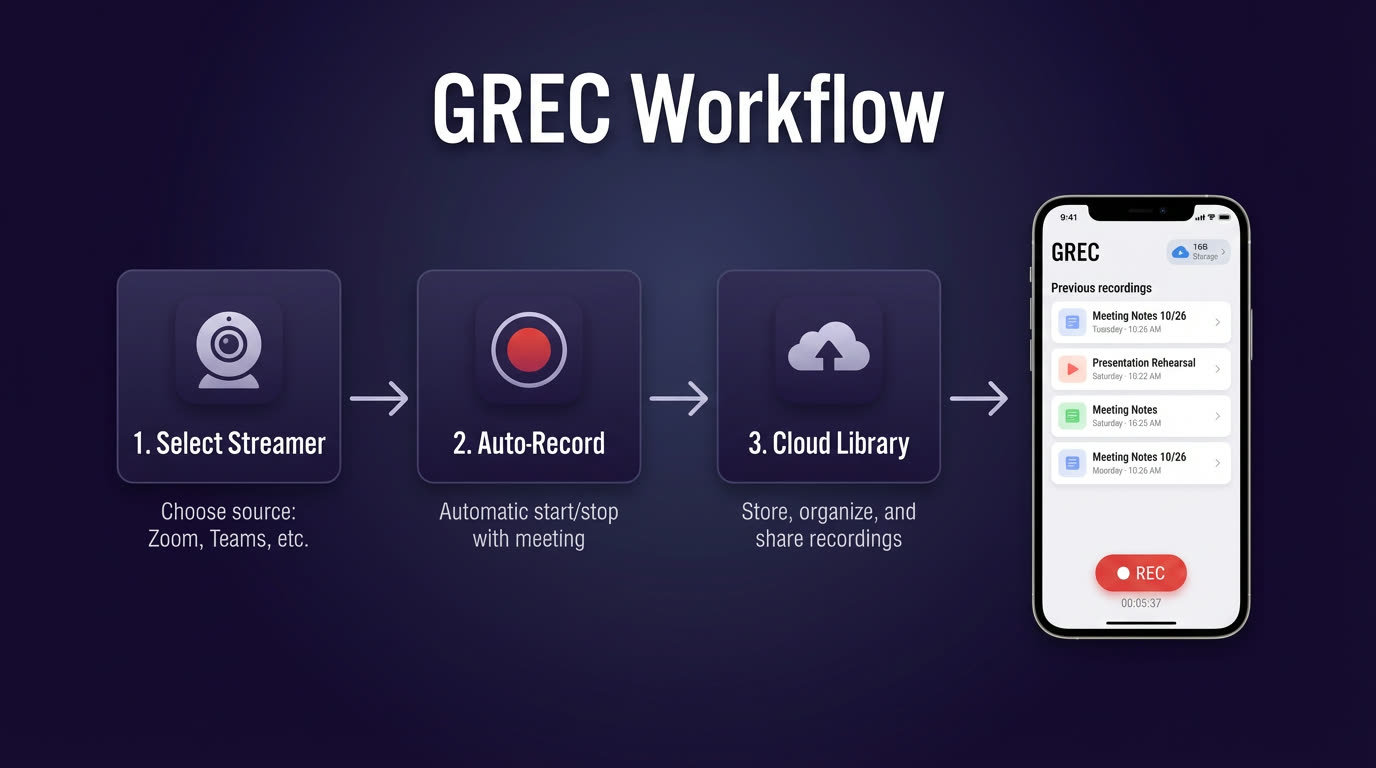
- Let GREC handle the rest. Cloud servers monitor your tracked creators around the clock. When they go live, recording starts automatically. Finished recordings appear in your library for in-app playback or HD download.
GREC has a free tier to explore the app and try basic features. For unlimited auto-recording across all platforms, GREC Premium starts at $4.99/week. Most users find it replaces the need to manually check half a dozen apps for replays. For a deeper look at automatic recording workflows, see our guide on saving live streams automatically.
Privacy and viewer footprint
When you watch a live stream directly on TikTok, Instagram, or any other platform, your username appears in the viewer list. The creator sees you were there, and you're counted in viewer analytics. GREC's cloud recording eliminates that entirely. Because the recording happens on GREC's remote servers — not through your personal account on any platform — there is zero viewer footprint. Your username never shows up in chat, the viewer list, or any creator-facing analytics. It's completely private viewing.
This matters if you're catching up on a competitor's content, watching without wanting to interact, or simply prefer to keep your viewing habits to yourself. For more on this topic, check our detailed guide on rewatching lives you missed privately.
FAQ
Can I rewatch a TikTok live after it ends?
Only if the creator manually saved the replay. TikTok does not auto-save live streams, so most lives disappear permanently once the broadcast ends. If the creator did save it, the replay will appear on their profile — but they can remove it at any time. The only guaranteed way to rewatch a TikTok live is to record it during the broadcast using a tool like GREC.
How long do Instagram live replays last?
Instagram live replays last up to 24 hours when the creator shares them to Stories. After that, they disappear. If the creator didn't share the replay at all, there's no way to rewatch it natively. Instagram does not offer a permanent live archive for viewers.
Does GREC work across all platforms at once?
Yes. GREC supports 10+ live streaming platforms from a single app — including TikTok, Instagram, Twitch, Kick, X/Twitter, YouTube, Facebook, and BIGO. You manage all your tracked creators in one list, and GREC's cloud servers record across every platform simultaneously. If three creators go live at the same time on three different platforms, all three are recorded. See the best live stream recorder apps comparison for context.
Do I need my phone on for GREC to record?
No. GREC records entirely on cloud servers. Your phone can be powered off, in airplane mode, or completely out of battery — it makes no difference. When you open the app later, finished recordings are waiting in your library. This is fundamentally different from screen recording, which requires your device to be on with the app open.
Is there a free option to try GREC?
Yes. GREC offers a free tier that lets you explore the app and try basic features. For unlimited auto-recording across all supported platforms, GREC Premium starts at $4.99/week. Given that it replaces manually checking replays across TikTok, Instagram, Twitch, and every other app, most users find the value immediate.
Never miss a live stream on any platform
GREC records live streams from TikTok, Instagram, Twitch, Kick, X, and more — automatically in the cloud.