How to Search Past Live Recordings
Once you start following multiple creators across different live streaming platforms, finding a specific past recording gets difficult fast. Between expired replays, platform-specific archives, and no unified search, locating that one stream from two weeks ago can take longer than rewatching it. GREC solves this by automatically organizing every recording by creator, platform, and date — all searchable from a single library.
If you follow five or ten creators — or even more — across TikTok, Instagram, Twitch, Kick, YouTube, and other platforms, the volume of live content adds up quickly. Some of those streams were memorable, others routine. But when you want to go back and find a particular broadcast, you realize there's no single place to look. Each platform handles replay history differently, and most make it harder than it should be. This guide covers why finding old live recordings is so frustrating on most platforms, and how GREC's organized library changes the experience entirely.
Platform-native search limitations
Every major live streaming platform handles past broadcasts differently, and none of them make it easy to search across your viewing history in a meaningful way.
TikTok does not save live replays by default. Unless the creator manually enables replay or saves the stream themselves, the content disappears as soon as the broadcast ends. There is no viewer-side archive, no search function for past lives you watched, and no way to retrieve a stream after the fact.
Instagram allows creators to share their live as a replay, but those replays vanish after 24 hours. If you didn't catch it within that window, it's gone. Instagram offers no long-term history or search for past live content.
Twitch stores VODs (video on demand), but they expire automatically — typically after 14 days for standard accounts and 60 days for partners and affiliates. Once the VOD expires, it's permanently deleted unless the creator highlights or exports it. Searching for a specific past stream means scrolling through a creator's VOD list before it disappears.
BIGO Live replay availability depends entirely on the broadcaster's settings. Some creators enable replays, others don't, and there's no consistent behavior you can count on. Kick, YouTube Live, Facebook Live, and X/Twitter Spaces each have their own replay rules, retention periods, and discoverability limitations.
The fundamental problem isn't any single platform — it's that there's no unified search across platforms. If you follow creators on TikTok, Instagram, and Twitch, you need to check three separate apps, navigate three different replay interfaces, and hope the content you're looking for hasn't expired. That's where a centralized recording library becomes essential.
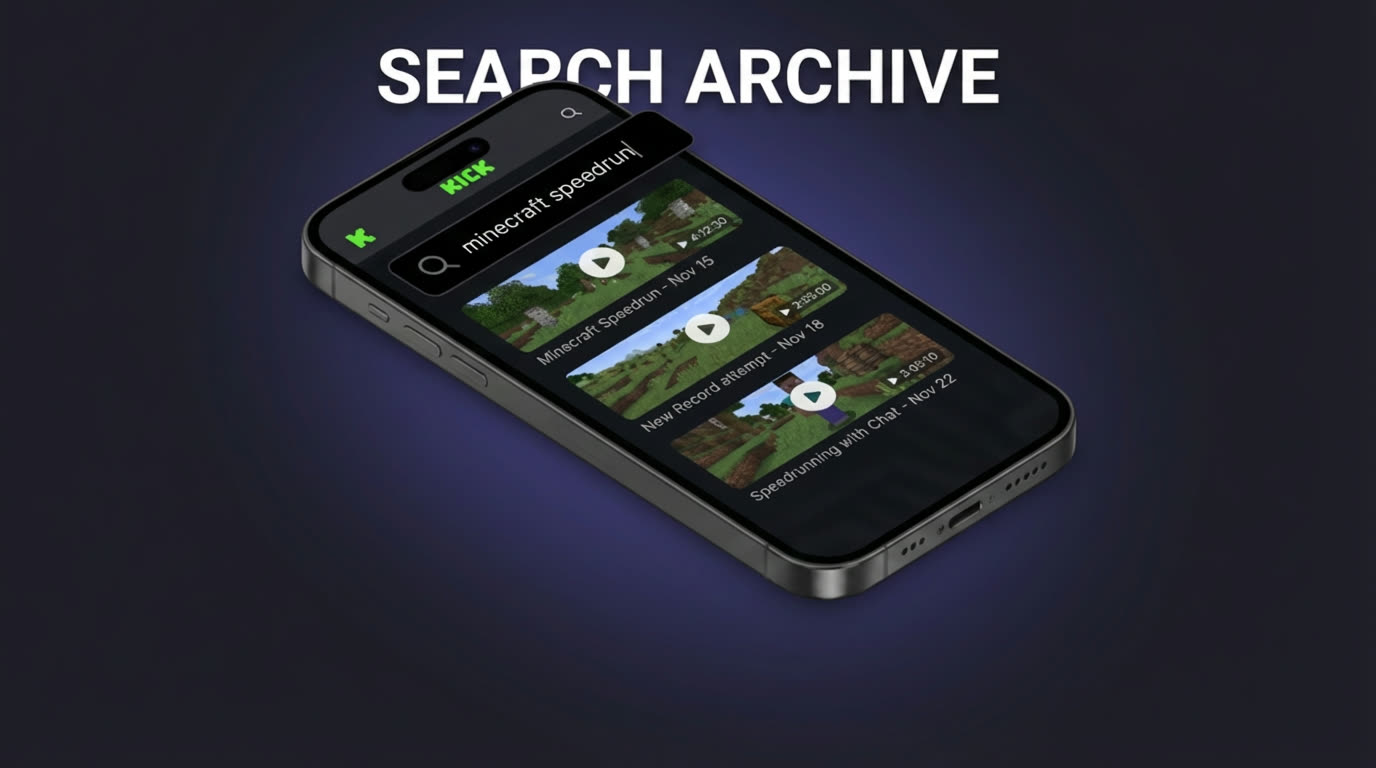
How GREC's library works
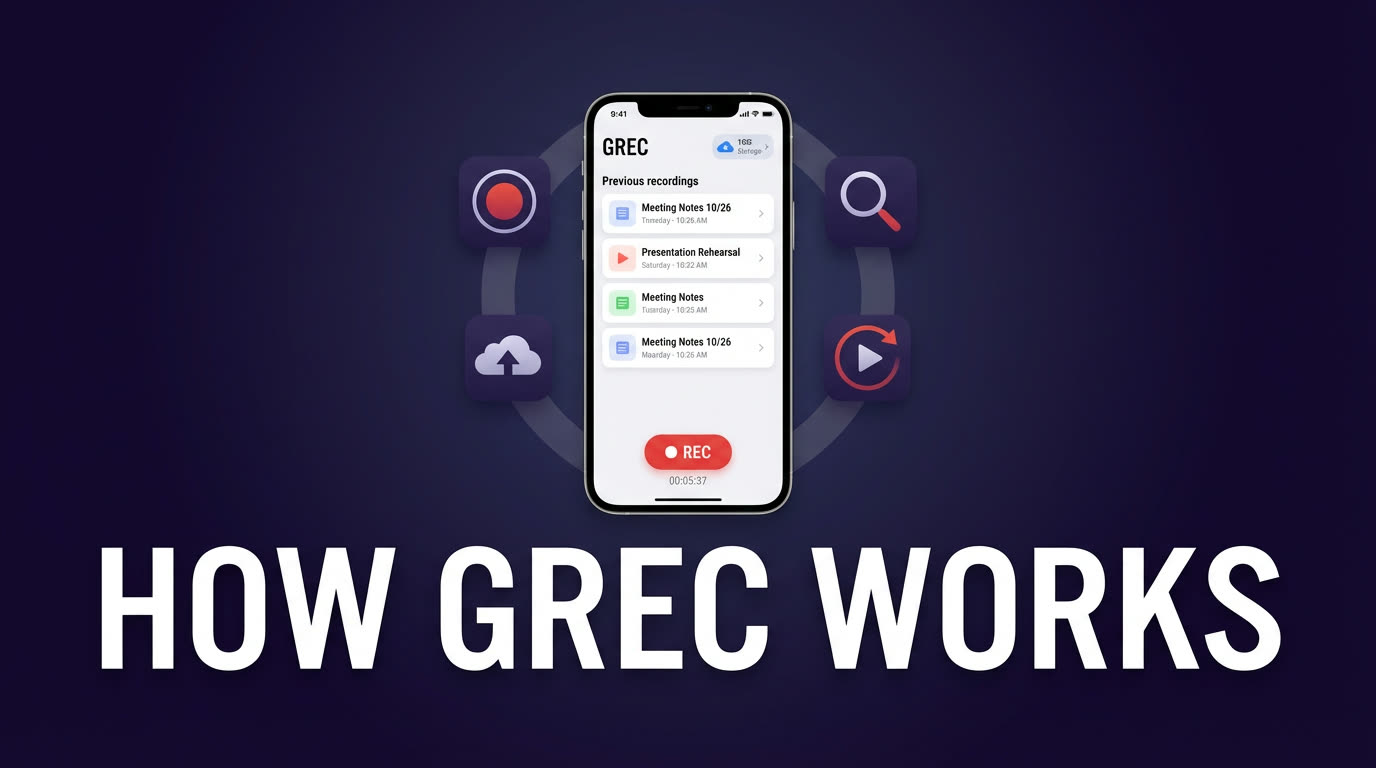
GREC is a cloud-based live stream recorder that supports 10+ platforms including TikTok, Instagram, Twitch, Kick, X/Twitter, YouTube, Facebook, BIGO, and more. When you add creators to your tracking list, GREC's remote servers monitor them 24/7 and automatically record every live stream they start — from the first second, in HD quality, with no viewer footprint. For a full walkthrough of this process, see our GREC app walkthrough.
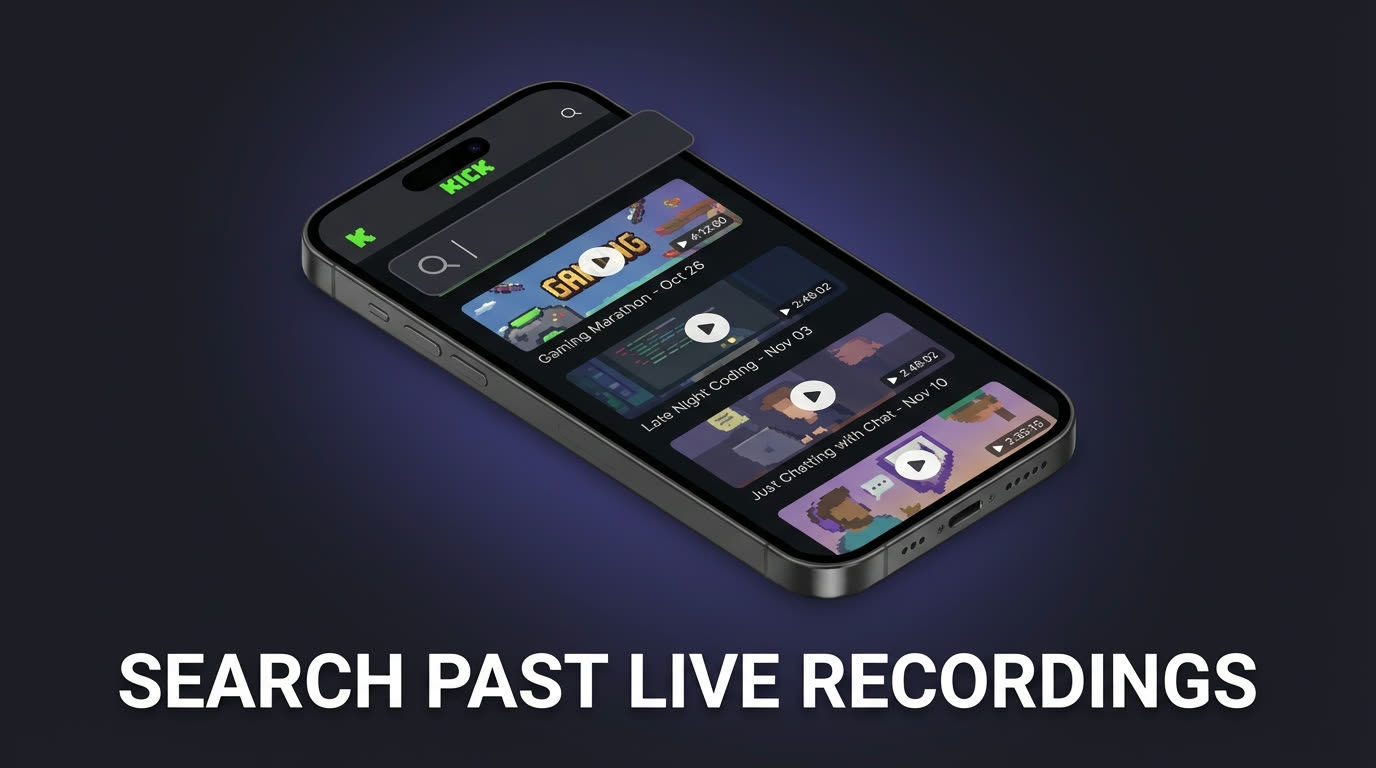
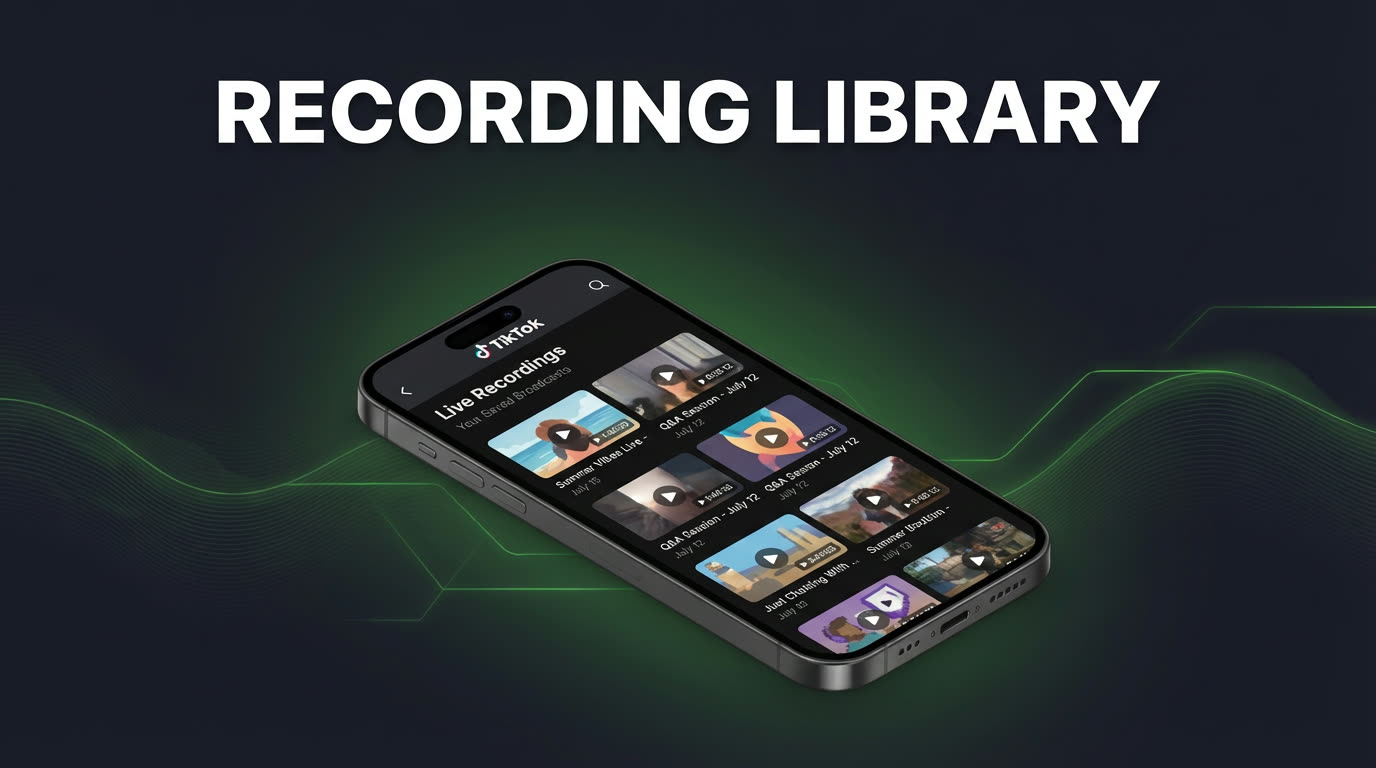
Every finished recording lands in your GREC library. The library is where all the organization happens automatically. Each recording entry shows:
- Creator name — who went live
- Platform icon — which service (TikTok, Instagram, Twitch, etc.)
- Date and time — when the stream happened
- Duration — how long the broadcast lasted
Tap any recording to start playback instantly within the app. No buffering delays, no external redirects, no platform logins. The recording is yours to watch whenever you want — even if the creator deleted the original stream or the platform's replay window expired long ago. With over 300,000 users and a 4.9/5 rating, GREC's library is trusted by fans, researchers, and content professionals alike.
Organizing your recordings
GREC's library is designed to stay manageable even as your recording collection grows into the hundreds. Here are the most effective ways to browse and organize your archive:
Browse by creator. The most natural way to find a recording is to start with the creator. Your library groups recordings by each tracked person, so you can quickly see every past stream from a specific creator in one place. If you follow someone across multiple platforms, their recordings from each platform appear together under their profile.
Sort by date. Within a creator's recordings, content is organized chronologically. The most recent streams appear first, making it easy to find something from last week or scroll back to older sessions. Date sorting is the fastest way to locate a recording when you roughly remember when it happened.
Use the platform filter. If you track creators on multiple platforms, filtering by platform helps narrow the list. Looking for that Instagram live specifically? Filter to Instagram-only recordings and skip the TikTok and Twitch entries. This is especially useful for creators who stream frequently across several services.
Let duration guide you. Each recording shows its total length. If you remember the stream you're looking for was a short 15-minute session rather than a two-hour marathon, scanning durations helps you spot it quickly without opening every recording. For tips on building a consistent recording habit, see our guide on saving live streams automatically.
Finding a specific stream
When you're searching for one particular recording among dozens or hundreds, a systematic approach saves time. Here's the practical workflow that works best in GREC:
Step 1: Start with the creator. Navigate to the creator whose stream you're looking for. This immediately narrows your search from your entire library to just one person's recordings.
Step 2: Narrow by approximate date. Think about roughly when the stream happened. Was it this week? Two weeks ago? Last month? Scroll to that date range within the creator's recordings. You don't need to know the exact date — just the general timeframe is enough to get close.
Step 3: Scan durations and thumbnails. Once you're in the right date range, look at the stream durations. A cooking stream might be 45 minutes, a quick Q&A might be 10 minutes. Combine the duration with the thumbnail preview to identify the right recording without having to open each one.
Step 4: Tap to confirm. Open the recording and scrub through the timeline. GREC lets you jump ahead quickly, so confirming you've found the right stream takes just a few seconds.
This entire process — from opening the app to watching the exact moment you were looking for — typically takes under a minute. Compare that to checking three different platform apps, scrolling through replay pages that may no longer exist, and hoping the content wasn't deleted. For more on catching up with past content, see our guide on rewatching live streams you missed.
Why GREC beats manual organization
Before GREC, the only way to maintain an organized archive of past live streams was manual effort: screen recording sessions, renaming files, sorting them into folders, and possibly maintaining a spreadsheet to track what was recorded when. That approach breaks down quickly when you're following more than a handful of creators.
GREC eliminates all of that overhead:
- No folder management. You never need to create, rename, or sort directories. GREC organizes everything automatically by creator and date.
- No manual file naming. Every recording is tagged with the creator name, platform, date, time, and duration — all without you lifting a finger.
- No external spreadsheets. There's no need to maintain a tracking document to remember which streams you captured and which you missed. If a tracked creator went live, it's in your library.
- No storage management. Recordings are stored in GREC's cloud, not on your phone. Your device storage stays untouched until you choose to download specific recordings.
- No missed recordings. Because GREC records automatically the moment a tracked creator goes live, there are no gaps in your archive. You don't have to be awake, online, or even have your phone turned on. Learn more about how cloud live stream recording works.
GREC Premium starts at $4.99/week and includes unlimited auto-recording across all supported platforms. A free tier is also available for trying the app. Download GREC from the App Store or Google Play.
FAQ
Can I search for a recording by keyword or topic?
GREC organizes recordings by creator, platform, date, and duration. While there is no full-text keyword search of stream content, the combination of creator-based browsing and date sorting makes it fast to locate any specific recording. Most users find the right stream within seconds by navigating to the creator and scanning the date range.
What happens if a creator deletes their live stream on the original platform?
Your GREC recording is completely independent of the original platform. Once GREC captures a live stream, the recording stays in your library regardless of what happens on TikTok, Instagram, Twitch, or any other service. Platform deletions, expired replays, and account changes don't affect your GREC archive. See our guide on rewatching missed streams for more details.
How far back does GREC keep recordings?
GREC keeps your recordings available as long as your account is active. Unlike platform-native replays that expire after hours or days, your GREC library maintains a complete history. Recordings from weeks or months ago remain accessible for playback and download at any time.
Does GREC work across all live streaming platforms?
Yes. GREC supports 10+ platforms including TikTok, Instagram, Twitch, Kick, X/Twitter, YouTube, Facebook, BIGO, and more — all managed from one app. Your library combines recordings from every platform into a single, browsable collection. Check our best live stream recorder apps comparison for a full breakdown.
Will the creator know I recorded their stream?
No. GREC records on remote cloud servers without using your personal account on any platform. Your username never appears in the viewer list, chat, or any creator analytics. Recording is completely private with zero viewer footprint.
Never miss a live stream on any platform
GREC records live streams from TikTok, Instagram, Twitch, Kick, X, and more — automatically in the cloud.