How to Save Live Streams Automatically
Why automatic saving matters
Creators go live on their own schedule. They stream at 2 AM your time, during your commute, or while you are stuck in back-to-back meetings. If you follow creators across multiple time zones, the math is brutal — you physically cannot be present for every broadcast. Missing the first ten minutes of a stream often means missing the most valuable content: announcements, Q&A openers, limited drops, and raw unscripted moments that never get repeated.
Manual recording forces you to be both aware and ready the instant a creator starts. You need to notice the notification, open your phone, launch a screen recorder, and hope nothing interrupts. Even dedicated fans lose streams this way. The gap between "I wanted to save that" and "I actually saved that" is where automatic recording changes everything. When saving happens without your input — triggered the moment a broadcast starts, running on remote servers, finishing while you sleep — every stream you care about lands in your library without effort.
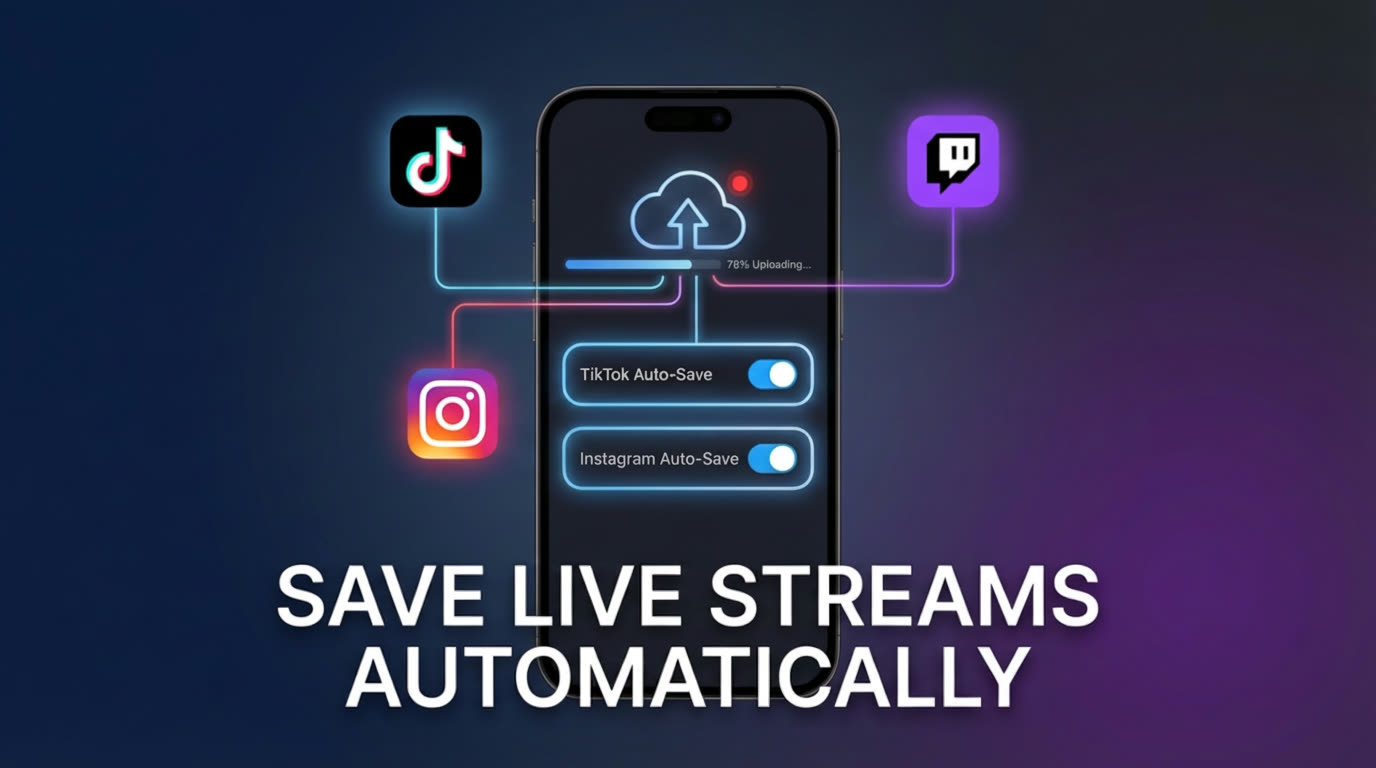
Why manual saving fails
Screen recording is the most common manual approach, and it breaks in multiple ways. First, it requires you to actively watch the stream while recording. Your phone stays locked to one app, draining battery and consuming storage in real-time. If you get a call, switch apps, or your screen locks, the recording corrupts or stops. You can only capture one stream at a time, so overlapping broadcasts force you to choose.
The alternative — relying on platform replays — is equally unreliable. TikTok does not save most live broadcasts at all. Instagram automatically deletes Lives after 24 hours unless the broadcaster manually shares them. Twitch VODs expire after 14 to 60 days depending on the account tier, and the broadcaster can delete them at any time. On BIGO Live, replay availability is entirely at the broadcaster's discretion. Facebook Live replays can vanish if the creator changes privacy settings or deletes the post. Across every platform, the pattern is the same: replays are temporary, controlled by someone else, and frequently disappear without warning.
This means if you do not capture the stream yourself at the time it happens, there is a real chance the content is gone permanently. Manual methods put the entire burden on you — your attention, your timing, your device. Automatic saving removes all three dependencies.
How GREC's auto-recording works
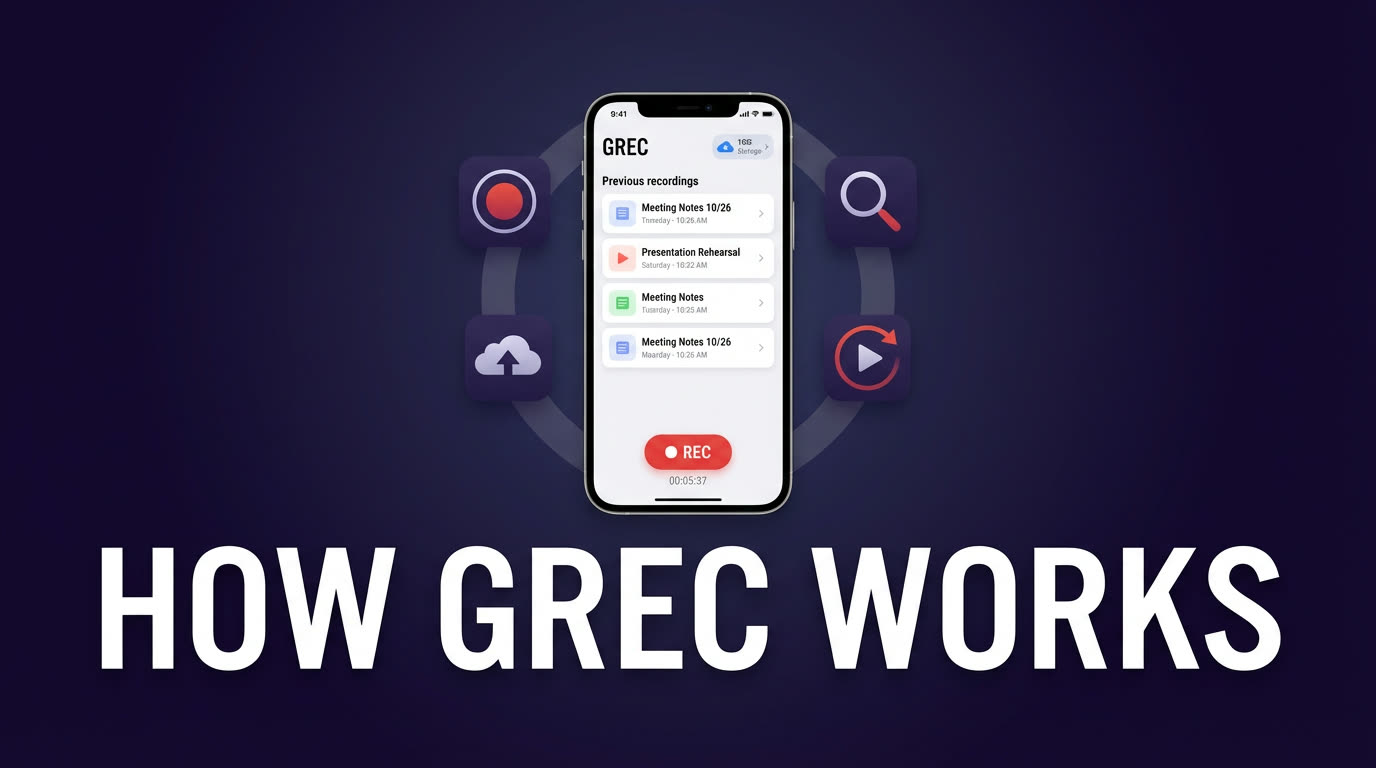
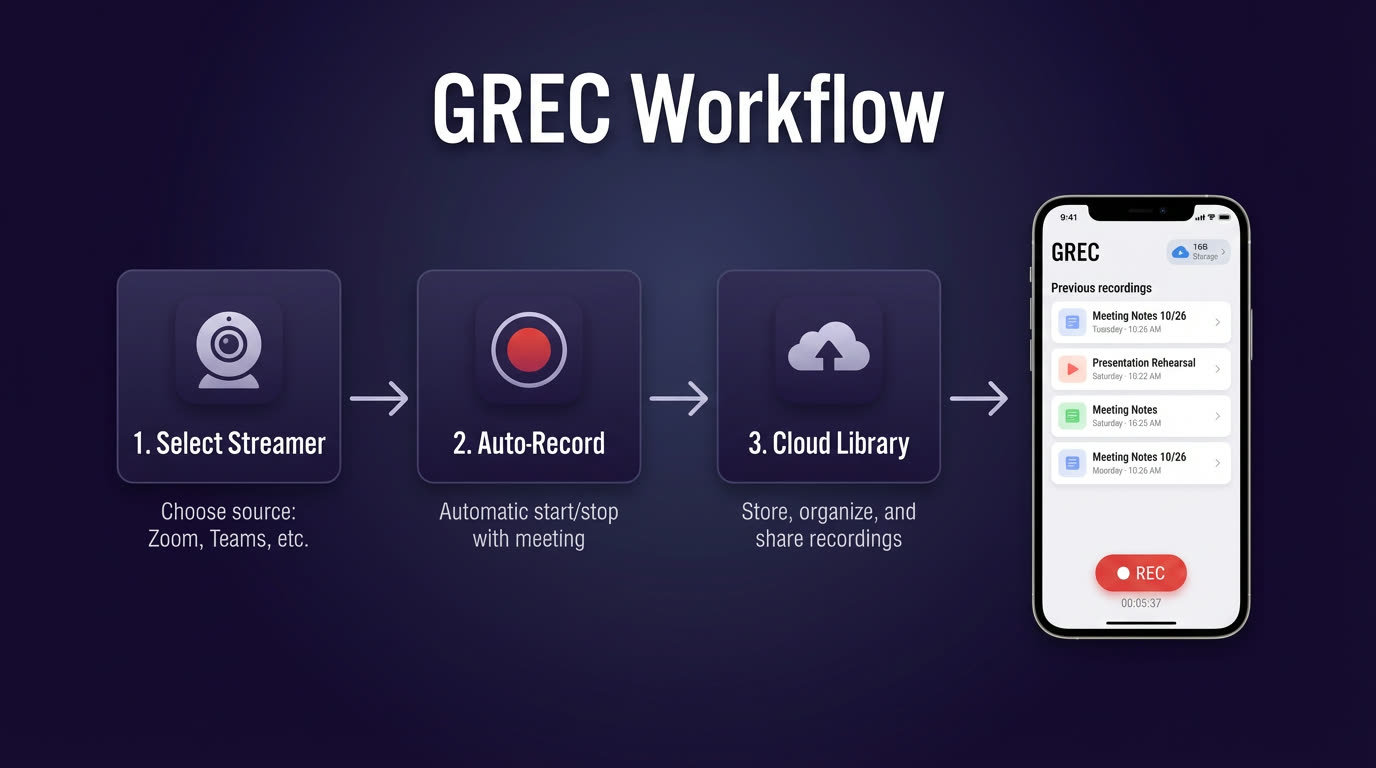
GREC uses cloud-based monitoring to detect when any tracked creator goes live. The moment a broadcast starts, recording begins on remote servers — not on your phone. This means capture starts from the very first second, with no delay, no missed intros, and no dependency on your device being awake or connected.
Because everything runs in the cloud, you can track 10+ platforms simultaneously. Your phone can be powered off, in airplane mode, or running a completely different app. There is no battery drain, no storage consumed during recording, and no viewer footprint left on the broadcaster's stream. GREC processes the recording in HD quality on its servers, and the finished file lands in your library ready to stream or download.
This architecture solves every failure mode of manual recording: you do not need to be present, you do not need to choose between overlapping streams, and you do not lose content when your device has issues. With over 300,000 users and a 4.9 out of 5 rating, the system has been battle-tested across millions of recording sessions.
Setup guide for automatic saving
Getting started takes under two minutes. Here is the step-by-step process:
- Download GREC — available on the App Store and Google Play. Install and create your account.
- Search for creators — use the search function to find the creators you want to track. GREC supports TikTok, Instagram, Twitch, Kick, YouTube, X/Twitter, Facebook, BIGO, and more.
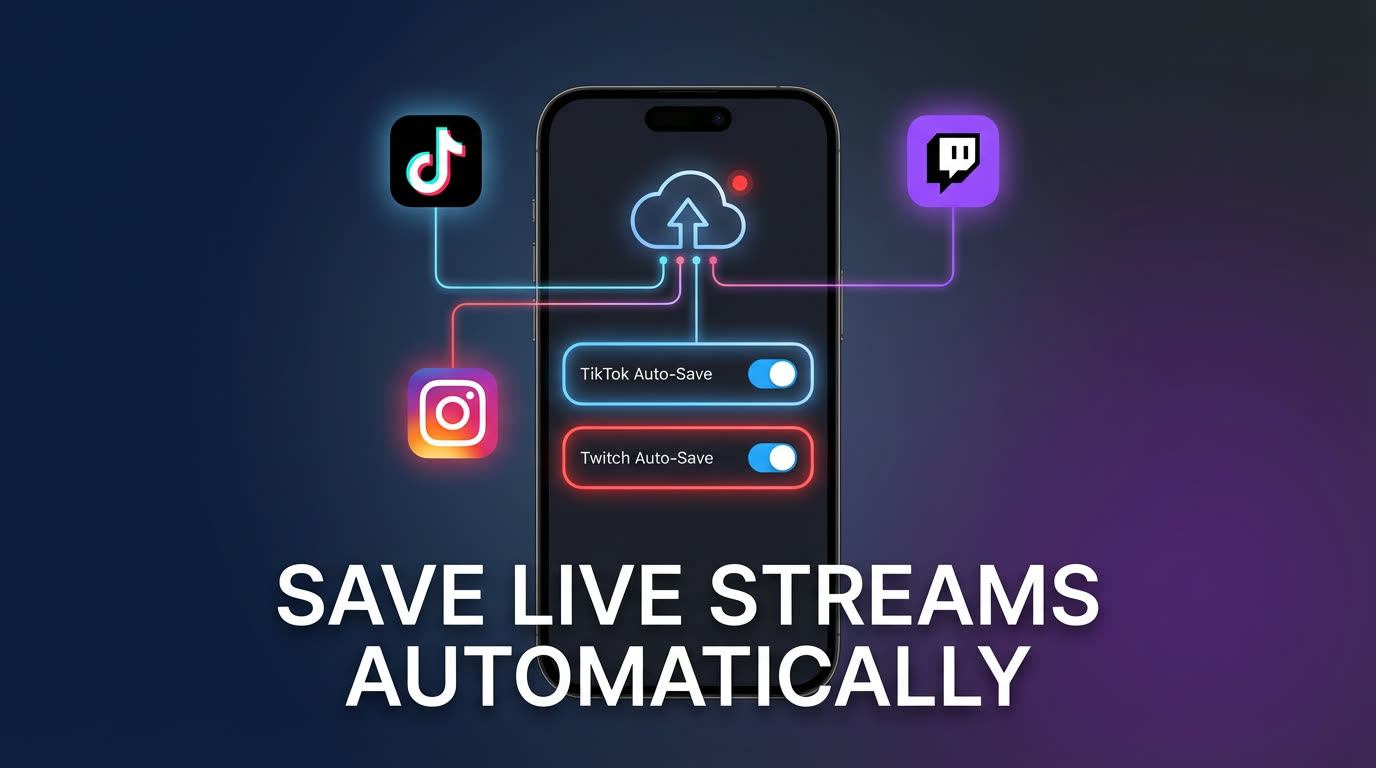
- Add to auto-recording — tap the auto-record toggle on each creator's profile. GREC's cloud monitors will start watching for their broadcasts 24/7.
- Receive notifications — when a tracked creator goes live, GREC starts recording automatically. You get a push notification when recording begins and another when the finished file is ready in your library.
- Watch or download — open your GREC library to stream the recording in-app or download the HD file to your device for offline viewing.
Once configured, you never need to touch the setup again unless you want to add or remove creators. The system runs continuously in the background with zero maintenance from your side.
Managing automatic recordings
As your library grows, a basic management routine keeps things organized. GREC sorts recordings by creator, date, and platform, so you can quickly locate any session. Inside the app you can stream any recording instantly without downloading it first, which saves device storage.
For long-term organization, consider these habits:
- Review new recordings weekly — skim recent captures to decide which ones are worth keeping locally. Download your favorites and let the rest stay cloud-only.
- Remove inactive creators — if a creator you were tracking has stopped streaming or you have lost interest, remove them from auto-recording to keep your feed focused.
- Use the search and filter tools — GREC's library lets you search by creator name, date range, and platform, making it easy to find a specific session even months later.
- Periodically check storage — if you download frequently, review your device storage and clear files you have already watched.
The goal is a library you can actually use — not a pile of unsorted files. A few minutes of maintenance each week keeps your archive clean and searchable. For more on rewatching strategies, see our guide on how to rewatch live streams you missed.
Coverage across platforms
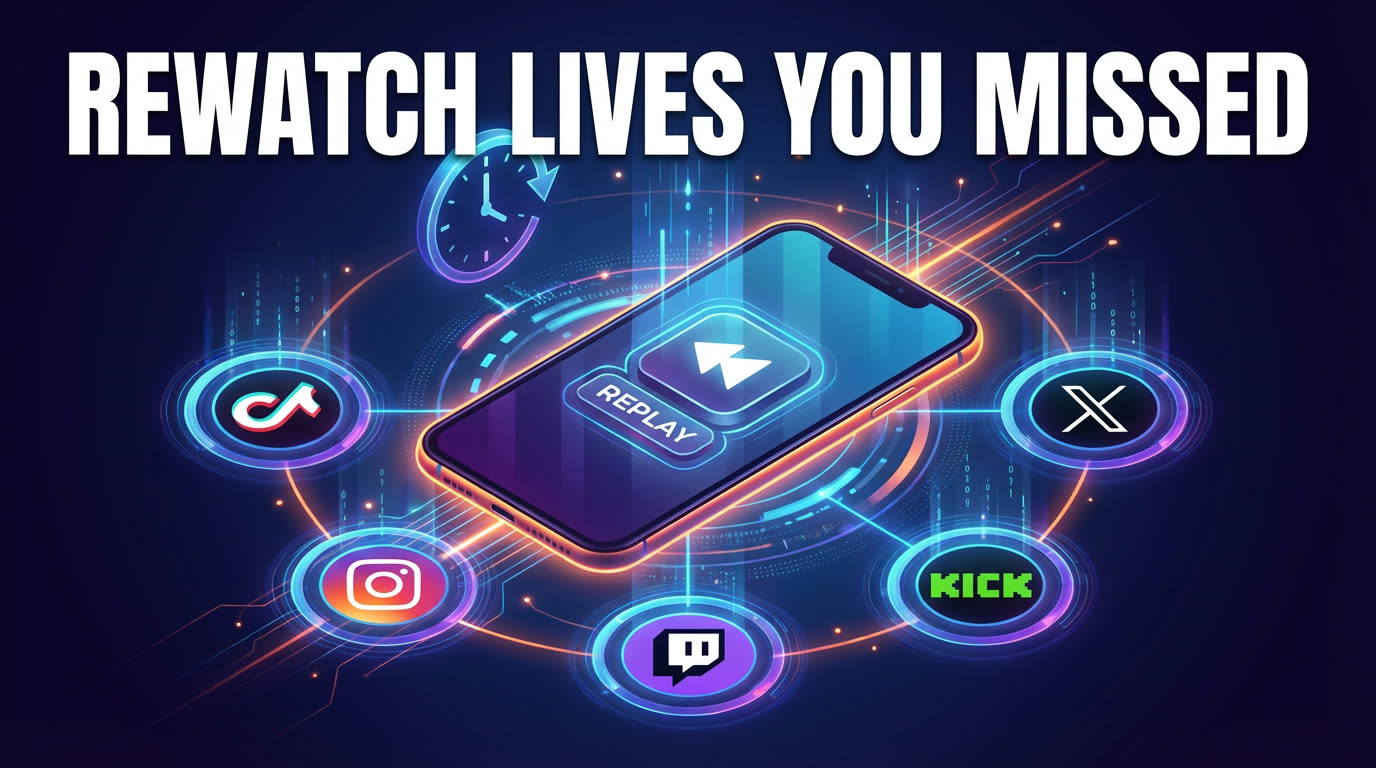
One of the biggest advantages of automatic saving with GREC is unified coverage. Instead of checking replay policies on six different platforms, you have a single app that handles everything. Here is what GREC currently monitors:
- TikTok — where most Lives are not saved and replay is rare
- Instagram — where Lives disappear after 24 hours
- Twitch — where VODs expire and can be deleted by the streamer
- Kick — growing platform with inconsistent replay support
- YouTube Live — replays depend on creator settings
- X / Twitter — Spaces and live video with limited replay windows
- Facebook Live — replays subject to privacy changes and deletions
- BIGO Live — replay entirely controlled by the broadcaster
Each platform has different rules for how long replays last — or whether they exist at all. GREC bypasses all of that by capturing the stream independently in real-time. You get a permanent copy regardless of what the platform or broadcaster decides to do afterward. For a deeper look at how GREC compares to other tools, check our best live stream recorder apps comparison. You can also learn more at our what is a live stream recorder overview.
FAQ
Does automatic recording work if my phone is turned off?
Yes. GREC records entirely in the cloud using remote servers. Your phone does not need to be on, connected to Wi-Fi, or running the app. Once you set up auto-recording for a creator, the cloud monitors handle detection and capture independently. You can check your recordings whenever you are ready.
Will the broadcaster know I am recording their stream?
No. GREC's cloud-based recording leaves no viewer footprint on the broadcaster's stream. You do not appear in the viewer list, and there is no notification sent to the creator. The recording happens on GREC's servers, completely separate from the platform's viewer tracking.
How many creators can I track at the same time?
There is no hard limit on the number of creators you can add to auto-recording. GREC handles simultaneous streams across different platforms without conflict. Whether two creators go live at the same time or ten do, each broadcast is captured independently on separate cloud processes.
What video quality are automatic recordings saved in?
GREC captures streams in HD quality — typically matching the broadcast resolution up to 1080p. The finished recordings are available for in-app streaming or full-quality download to your device. There is no compression or quality loss compared to watching the stream live.
Is there a free option, or do I need a subscription?
GREC offers a free tier that lets you explore the app and use basic features. For full auto-recording capabilities across unlimited creators with HD downloads, the premium plan is available at $4.99 per week. Given that it replaces the need to manually monitor streams, run screen recorders, and manage files across platforms, most users find the time savings alone justify the cost.
Never miss a live stream on any platform
GREC records live streams from TikTok, Instagram, Twitch, Kick, X, and more — automatically in the cloud.