Screen Recorder vs Cloud Recording for Live Streams — Which Is Better?
Screen recording sounds simple. Swipe down, tap record, watch the stream. It works — until you try it on a 2-hour TikTok Live and your battery hits 8%, a notification breaks the video, and the creator can see your username the entire time.
Cloud recording solves all three of those problems. But it's not better in every situation. The right tool depends on what you're actually trying to do. This is the breakdown we wish existed before we built GREC — an honest comparison of both methods from people who've analyzed how 300,000+ users record live streams.
See also: best live stream recorder apps compared — a full breakdown of every tool in this category.
Two fundamentally different approaches
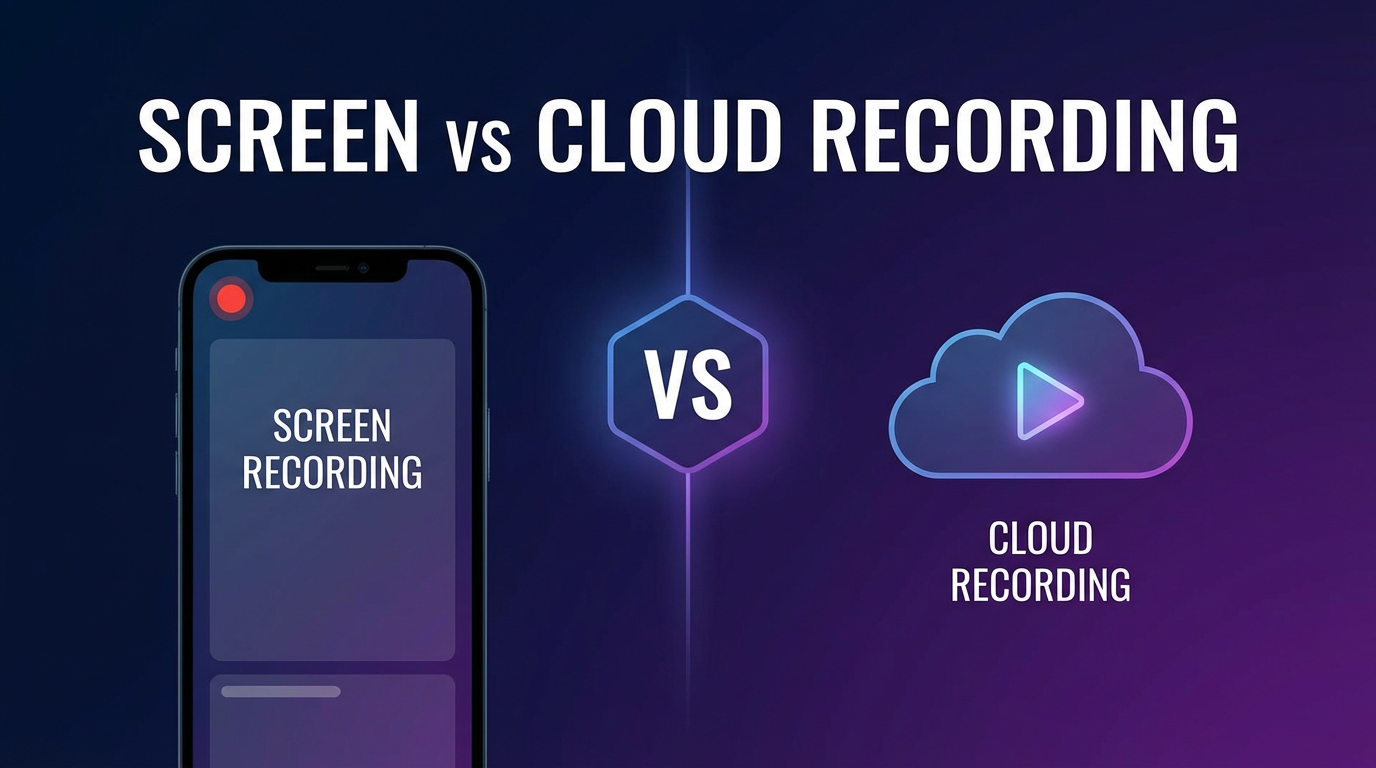
Screen recording and cloud recording seem like they do the same thing — save a live stream as a video file. But the mechanism is completely different, and that difference affects everything: quality, convenience, privacy, battery life, and whether you even need to be awake.
Screen recording captures pixels from your display. The stream plays on your screen, and the recorder grabs a video of what's shown. It's like pointing a camera at your TV — except it's built into the operating system.
Cloud recording captures the stream on a remote server. The server connects to the stream source, records it directly, and stores the file. Your phone or computer isn't involved at all.
- Screen recording — you must watch the stream live, on your device, for the full duration.
- Cloud recording — the stream is captured on a remote server whether you're watching or not.
That single difference cascades into everything: battery, storage, privacy, missed starts, and how many streams you can capture at once.
How screen recording works
Screen recording is built into iOS (14+), Android (11+), and desktop via OBS or similar tools. Third-party apps like XRecorder, AZ Screen Recorder, and Record it! extend this with editing features and facecam overlays.
The process:
- Open the live stream in its app or browser.
- Start the screen recorder.
- Watch the stream while it records your screen.
- Stop recording when the stream ends.
- Save the video file.
What's good about it:
- Free. Built-in screen recorders cost nothing. Third-party apps are free or cheap.
- No account needed. No sign-up, no subscription, no third-party service.
- Works on any content. Screen recording captures anything on your display — not just live streams.
- Immediate. No setup time. Just swipe down and hit record.
- Facecam overlay (with 3rd party apps). Useful for reaction-style content.
What's not great:
- You must be watching. The stream has to play on your screen for the entire duration. A 5-hour stream means 5 hours of your phone locked to that app.
- Manual start. You need to know the stream is live and start recording yourself. Miss the notification, miss the beginning.
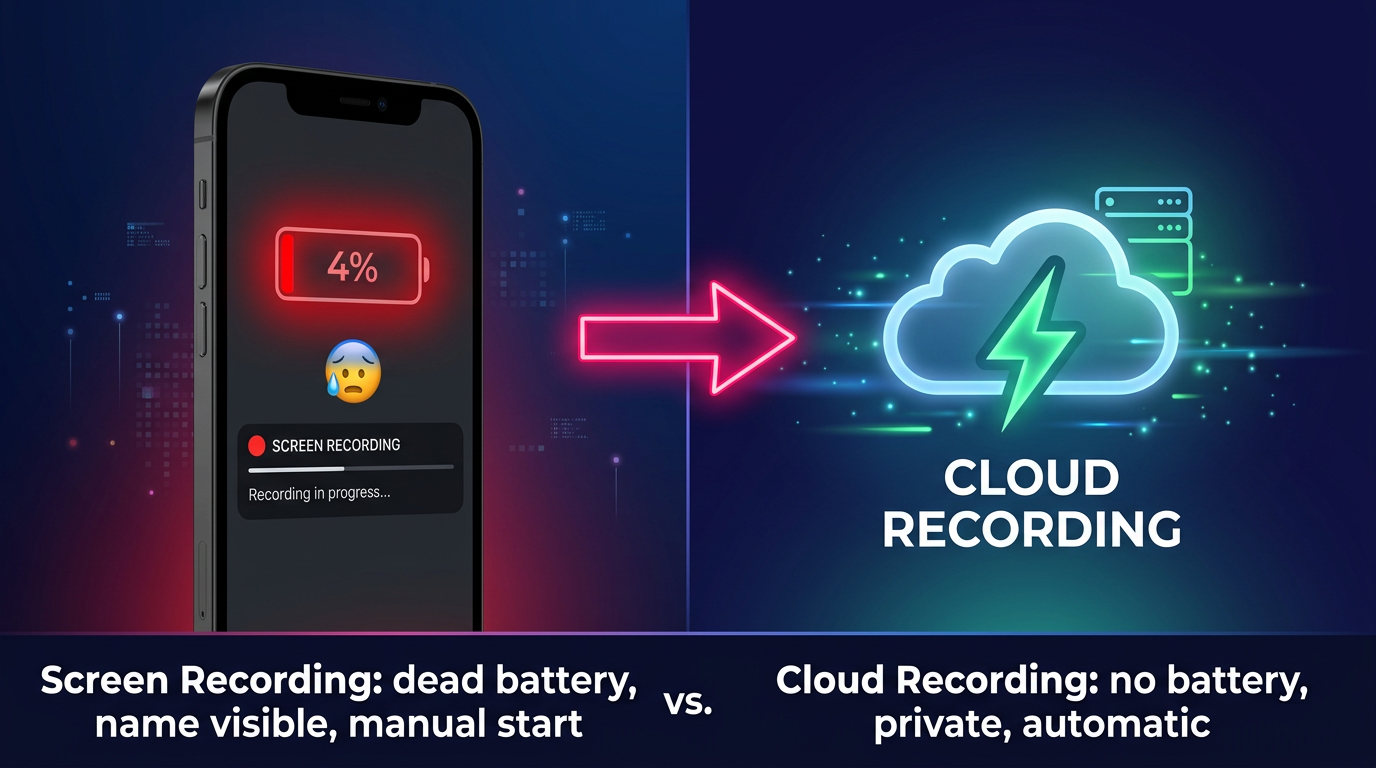
- Battery drain. Screen recording while streaming video is one of the most battery-intensive things your phone can do. On a 4-hour stream, most phones won't survive without a charger.
- One stream at a time. You can't capture two live streams simultaneously.
- Lower quality. You're recording the display's compressed output, not the original stream feed. Depending on your connection speed and display resolution, this can be noticeably worse.
- Notifications get captured. Texts, calls, and alerts show up in the recording unless you use Do Not Disturb.
- Your name is visible. You show up in the viewer/listener list on every platform.
How cloud recording works
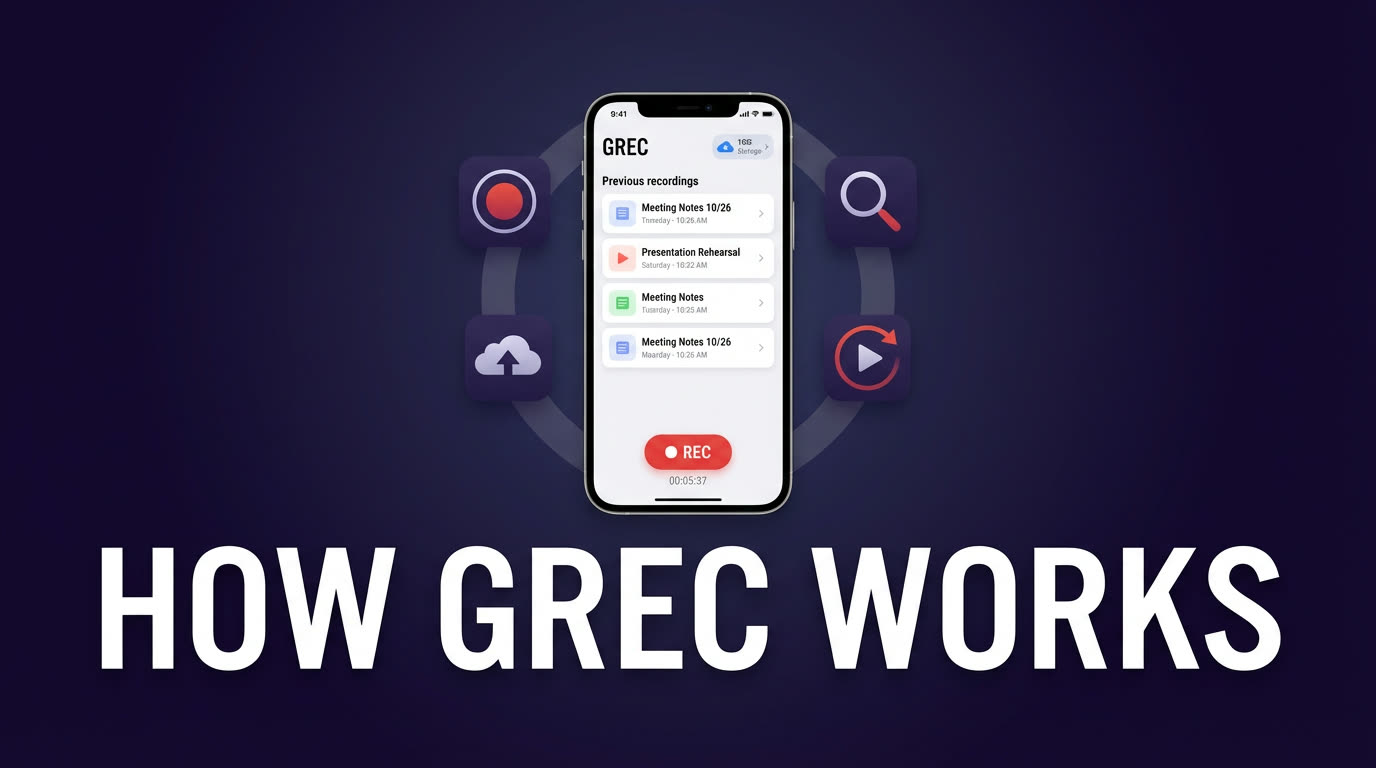
Cloud recording, as offered by GREC, moves the entire process to remote servers. You don't watch the stream to record it — the server does it for you.
The process:
- Add an account to GREC's auto-recording list.
- GREC monitors that account 24/7.
- When the account goes live, recording starts automatically in the cloud.
- You get notified when the recording is ready.
- Watch in-app or download in HD.
GREC is available on iOS and Android, with over 300,000 users and a 4.9/5 rating.
What's good about it:
- Fully automatic. No manual start. GREC detects when a channel goes live and records from the first second.
- Works offline. Your phone can be off, in airplane mode, or have no internet. Recording happens in the cloud regardless.
- HD quality. GREC captures the original stream feed, not a re-recording of screen output.
- Multiple streams at once. Track dozens of accounts and record them all simultaneously — no conflicts.
- Zero battery drain. Your phone isn't doing any work. No heat, no battery consumption, no CPU usage.
- No viewer footprint. Cloud-based recording leaves no public trace. Your name never appears in the streamer's viewer list or audience count.
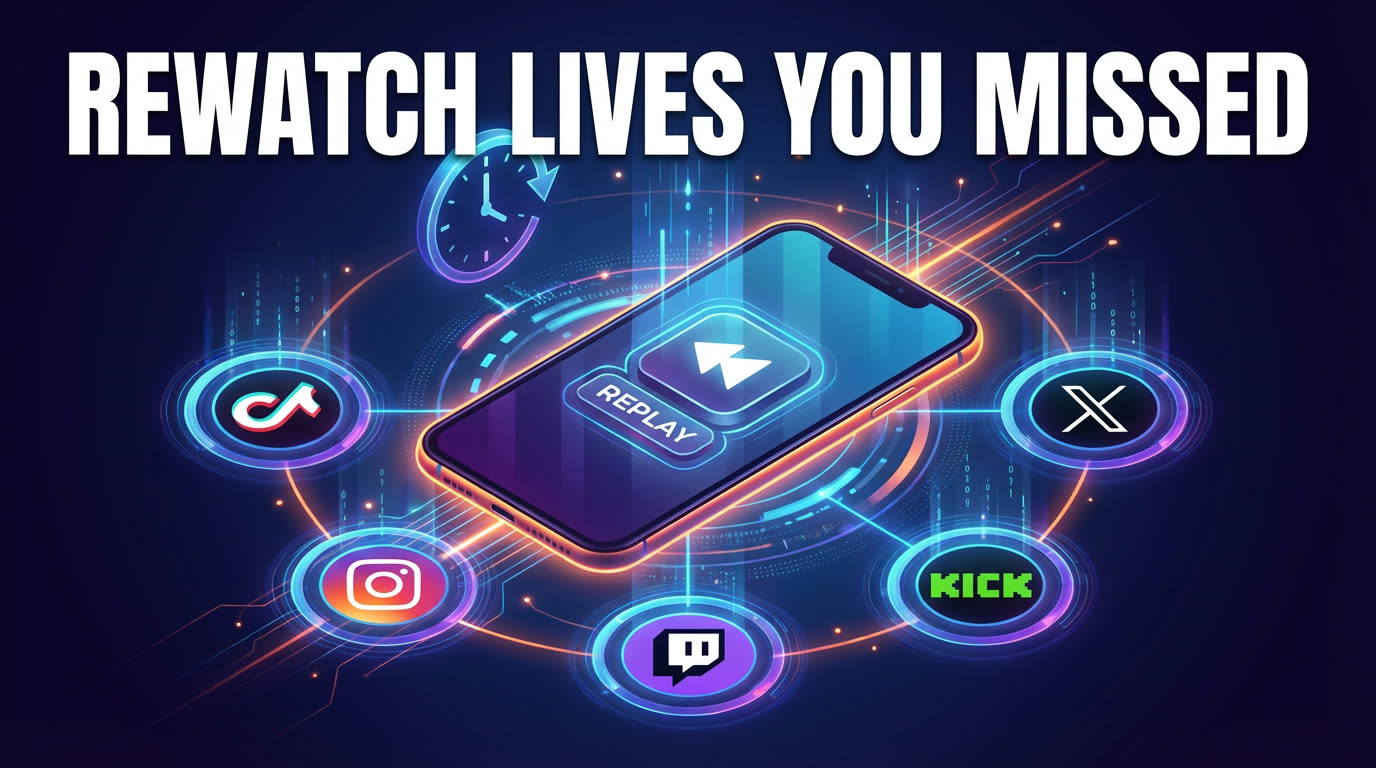
- Cross-platform. Works with TikTok, Instagram, Twitch, Kick, X/Twitter, and more — all from one app.
What's not great:
- It costs money. GREC has a free tier, but unlimited recording requires Premium at $4.99/week. Screen recording is free.
- No facecam overlay. Cloud recording captures the stream, not your reaction to it.
- You need the GREC app. It's a third-party service, not a built-in OS feature.
- Requires an internet-connected account at setup. You need to add the accounts you want to track while you're online (but after that, you can go offline).
Head-to-head comparison table
| Screen recording | Cloud recording (GREC) | |
|---|---|---|
| Cost | Free | Free tier / $4.99/wk Premium |
| Automatic recording | ✗ | ✓ |
| Works with phone off | ✗ | ✓ |
| Records from first second | ✗ | ✓ |
| HD quality (original feed) | ✗ (screen output) | ✓ |
| Multiple streams at once | ✗ | ✓ |
| Battery drain | Heavy | None |
| No viewer footprint | ✗ | ✓ |
| Facecam overlay | ✓ (3rd party) | ✗ |
| Works on any content | ✓ | Supported platforms only |
| No sign-up required | ✓ | ✗ |
When screen recording makes more sense
- You're already watching the stream. If you're tuned in and want to save a segment, screen recording is fast and free.
- You want to capture your reaction. Facecam overlays require screen recording (or OBS on desktop).
- It's a one-time thing. Recording a single, short clip doesn't justify a subscription.
- The platform isn't supported by cloud recording. Screen recording works on anything displayed on your screen.
- Budget is zero. You can't beat free.
When cloud recording makes more sense
- You can't be there when the stream starts. Different time zone, asleep, in a meeting — cloud recording handles it.
- You follow multiple creators who go live unpredictably. Tracking several accounts across platforms is what GREC was built for.
- You want full-length recordings from the first second. No manual start, no missed intros.
- Battery life matters. Screen recording a 4-hour stream kills most phone batteries. Cloud recording uses zero.
- Private viewing matters. Cloud-based recording leaves no viewer footprint. No one knows you watched.
- You want HD quality without depending on your connection. Cloud recording captures the original feed directly.
Privacy: the biggest difference
This is the point that doesn't get enough attention. Every screen recording method requires you to actively join the live stream. On every major platform, that means:
- Your username appears in the viewer or listener list
- The streamer can see you're watching
- Other viewers can see your name
- Your view counts toward analytics
Cloud recording eliminates all of this. GREC records from remote servers — your account never joins the stream. There's no viewer footprint, no notification to the streamer, no public trace that you tuned in. Cloud-based recording leaves no public trace.
For anyone who follows live content for professional research, competitive analysis, or simply prefers not to broadcast their viewing habits, this is a meaningful advantage.
Frequently asked questions
Can I use a screen recorder for Instagram Live or TikTok Live?
Yes — but a screen recorder for Instagram Live or TikTok Live requires your phone to be active, streaming, and recording simultaneously for the entire duration. That means battery drain, a visible username in the viewer list, and missed streams if you fall asleep. A screen recorder is fine for a single spontaneous clip. For regular recording of accounts you follow, cloud recording is more practical.
Can I use both methods at the same time?
Absolutely. Some people use GREC for automatic background recording and screen recording for ad-hoc clips they want to capture in the moment. They complement each other well.
Is cloud recording better quality than screen recording?
Generally yes. Cloud recording captures the original stream feed at its native resolution and bitrate. Screen recording captures whatever your display shows, which is already compressed and potentially at a lower resolution depending on your internet speed and device.
Does GREC work on all platforms?
GREC supports TikTok LIVE, Instagram Live, Twitch, Kick, X/Twitter (both live video and Spaces), and more. Screen recording works on any platform since it captures the display itself.
Is $4.99/week worth it?
That depends on how often you miss live content. If you regularly sleep through streams from creators you follow, or you track multiple accounts across platforms, the cost pays for itself in convenience alone. If you only occasionally want to save a clip you're already watching, screen recording is fine.
Does the streamer know when I screen record?
No platform currently notifies streamers about screen recording. But you are visible in the viewer list. With GREC's cloud recording, you're not visible at all — there's no viewer footprint of any kind.
Try cloud recording — free
GREC records live streams automatically in the cloud. No battery drain, no viewer footprint, no missed beginnings. Start with the free tier.