How to Save Someone Else's Instagram Live (Step-by-Step)
Yes, you can save someone else's Instagram Live. The easiest way is to use GREC, which automatically records live streams to the cloud in HD. You can also use a screen recorder or hope the streamer shares a replay — but both methods have major limitations.
In this guide, we'll walk through every method available in 2026, ranked from most reliable to least.
Can you save someone else's Instagram Live?
Instagram only gives the host of a live stream the ability to save it. If you're just a viewer, Instagram provides no built-in download or save button. The only native option is waiting for the streamer to share the replay to their profile — and many streamers don't.
That's why third-party tools like GREC exist. They fill the gap Instagram deliberately left open.
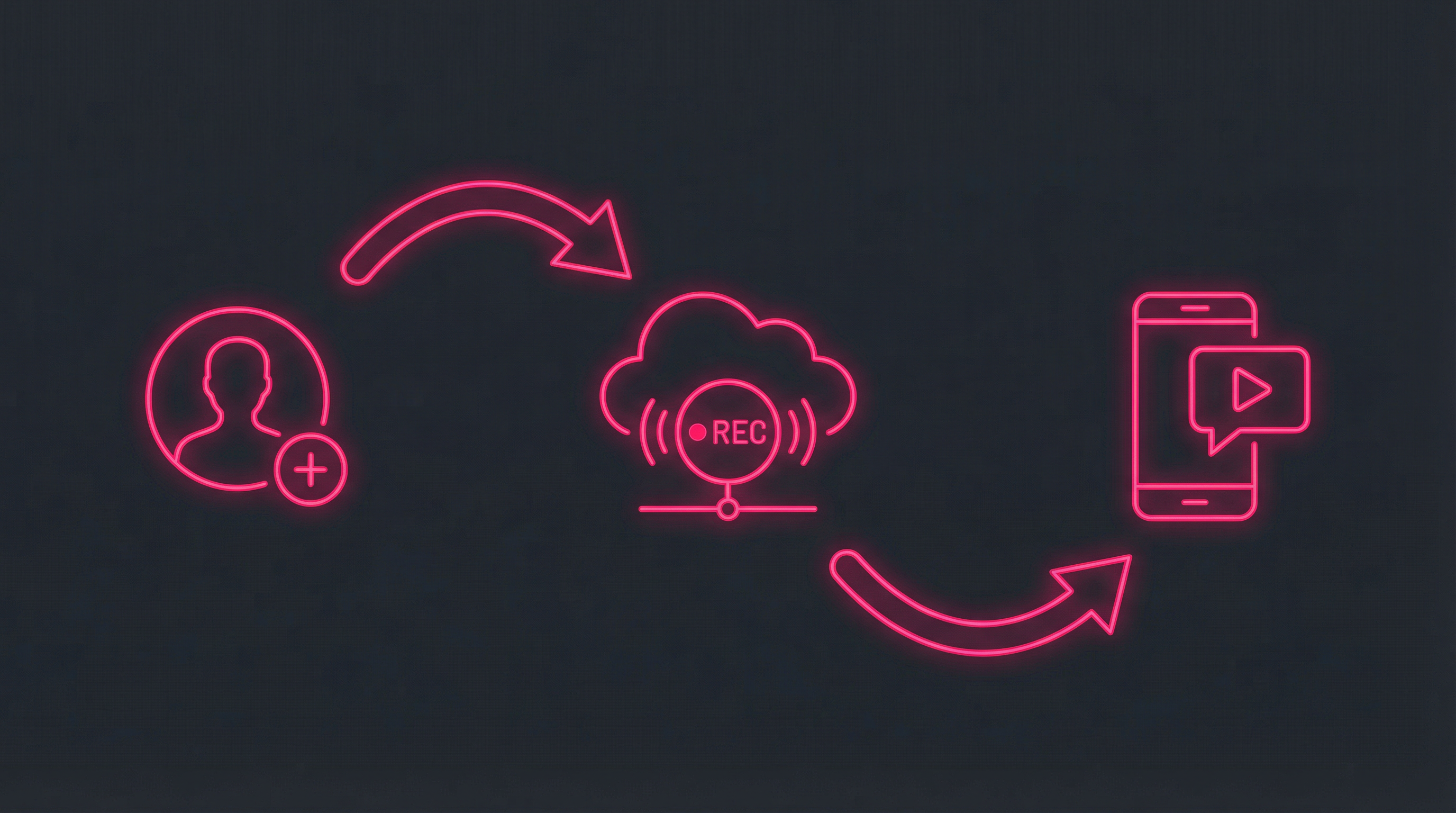
Method 1: Use GREC (automatic cloud recording)
GREC is the most reliable way to save someone else's Instagram Live. It records from the cloud, so you don't even need to be watching.
How it works:
- Open GREC and search for the Instagram username you want to track.
- Tap "Add to Auto Rec" — GREC will now monitor this profile for live streams.
- Wait — When the profile goes live, GREC automatically starts recording in the cloud.
- Get notified — You receive a push notification when the recording is ready.
- Download — Watch in-app or download the HD video to your phone's gallery.
Why this is the best method:
- Fully automatic — no manual effort after setup
- Records from the first second to the last
- Works even when your phone is offline or turned off
- HD quality — often better than screen recordings
- Your name doesn't appear in the viewer list
- Can save multiple people's lives simultaneously
GREC also has a past live history feature. Even if you didn't set up recording before someone went live, you can search their username and unlock previously recorded streams from GREC's archive.
Method 2: Screen recording (manual)
If you're already watching a live and want a quick capture, your phone's built-in screen recorder works in a pinch.
On iOS:
- Open Control Center (swipe down from top-right).
- Tap the screen recording button (circle icon).
- Switch to Instagram and watch the live.
- Stop recording when done — video saves to your Photos app.
On Android:
- Pull down Quick Settings.
- Tap "Screen Record" (or similar, varies by manufacturer).
- Open Instagram and watch the live.
- Stop when finished — video saves to your gallery.
Drawbacks:
- You must be actively watching — can't save a live you missed
- You'll miss the beginning if you didn't start recording immediately
- Your username appears in the viewer list
- Notifications, calls, and banners are captured in the recording
- Heavy battery drain during long streams
- Lower quality than the original stream
Method 3: Wait for the Instagram replay (limited)
After a live ends, Instagram gives the streamer the option to share the replay on their profile for up to 30 days. If they do, you can rewatch it — but you still can't download it natively.
The problems:
- Most streamers don't share replays
- Even if shared, there's no download button
- Replays can be deleted at any time
- You have zero control over availability
This method is unreliable and entirely dependent on the streamer's choices. For anything you truly want to keep, GREC is the only dependable option.
Can you save an Instagram Live after it ends?
With GREC, yes. GREC's past live history feature lets you browse previously recorded streams. If a profile has been recorded by the GREC network, you can unlock and download past lives — even ones that happened before you started using the app.
Without GREC, your only hope is that the streamer shared a replay. Once a replay is removed or was never shared, the content is gone from Instagram permanently.
Frequently asked questions
Does Instagram tell someone if you save their live?
No. Instagram does not notify streamers about screen recordings or third-party app captures. However, your username appears in the viewer list if you watch through the Instagram app. GREC avoids this by recording from the cloud.
Can I save an Instagram Live if I'm not following the person?
Yes. As long as the person's account is public, GREC can track and record their lives regardless of whether you follow them.
Is there a limit to how many lives I can save with GREC?
With GREC Premium, there's no limit. You can track unlimited profiles and record unlimited simultaneous live streams. Free users can access basic features with limited unlocks.
What format are saved videos in?
GREC saves recordings in standard MP4 format, compatible with all devices and video players. Downloads are available in SD and HD quality options.
Save any Instagram Live — automatically
Never miss another live moment. GREC records and saves lives for you, even when you're offline.