Can You Rewatch TikTok Lives You Missed? (3 Working Methods)
Yes, you can rewatch TikTok Lives you missed — but it depends on the method you use and whether the creator enabled replays. TikTok doesn't make this easy by default. Most Lives disappear the moment they end, and there's no built-in "watch later" button during a broadcast. That said, there are three reliable ways to catch up on a stream you slept through or couldn't join in time.
I've tested each of these methods over the past year. Some work perfectly every time, others only in specific situations. Here's exactly what you need to know.
The Short Answer
TikTok only saves a LIVE replay if the creator turns on that setting before going live. Most don't. So if you're counting on the creator to save it for you, you'll be disappointed more often than not.
The most reliable approach? Record the stream yourself before it starts — from the cloud, so you don't even need to be watching.
Method 1: Auto-Record with GREC (Best Option)
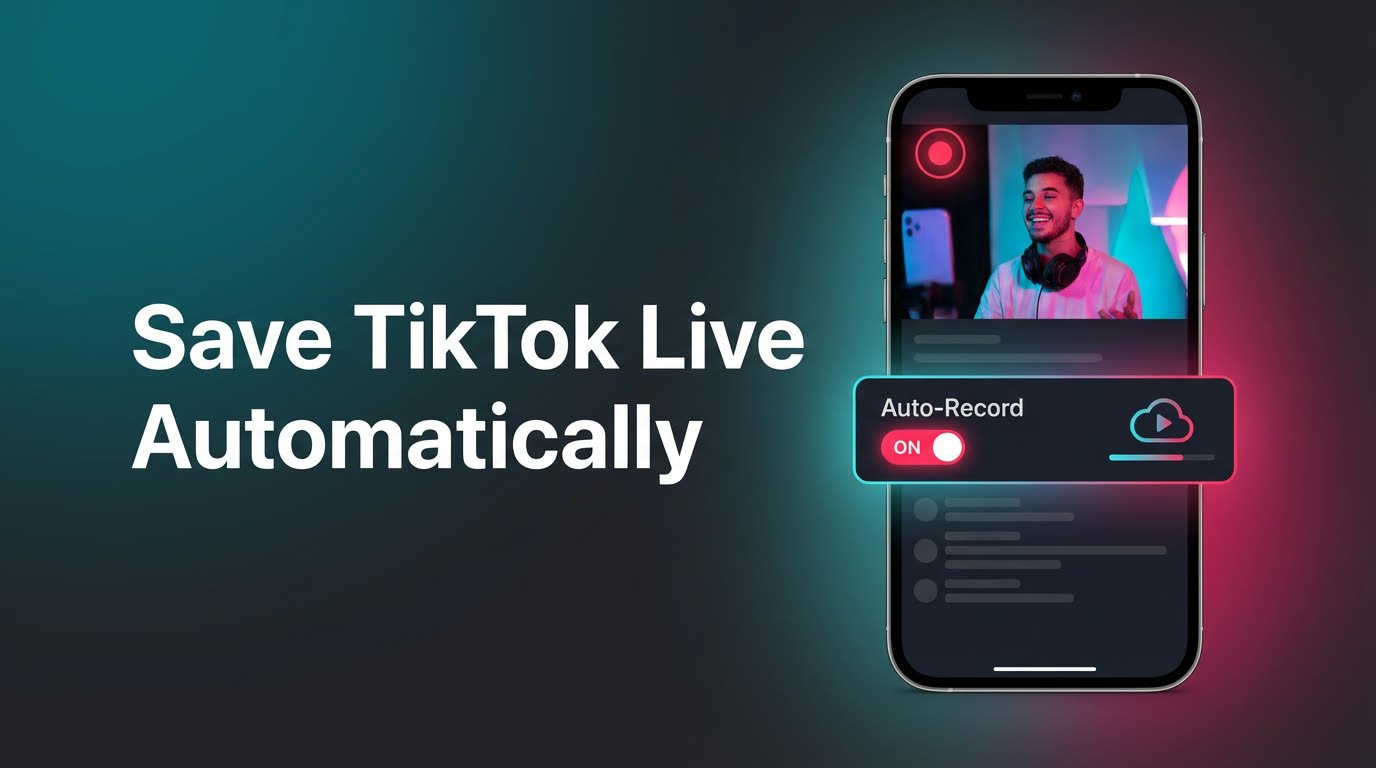
GREC is a cloud-based TikTok LIVE recorder that captures streams automatically, 24/7. You add a creator to your watch list, and GREC's servers handle the rest. When that person goes live — at 3 AM, during your commute, whenever — the recording starts from the very first second.
How it works
- Download GREC on iOS or Android.
- Search for the TikTok creator you want to follow.
- Enable auto-recording. That's it.
The recording runs entirely in the cloud. Your phone can be off, in airplane mode, or out of battery — doesn't matter. GREC's servers do the heavy lifting and store the video in HD quality until you're ready to watch.
Why this is the best method
- Catches every stream — you don't need to know when someone's going live
- Records from the first second — no missed intros or late joins
- HD quality — the recording comes straight from TikTok's stream, not a screen capture
- Private viewing — the cloud-based recording leaves no public trace, so the creator won't see you in their viewer list
- Works while you sleep — literally runs 24/7 without your phone
GREC has a free tier for casual users. If you follow multiple creators or want longer recordings, Premium starts at $4.99/week. The app has 300,000+ users and a 4.9/5 rating across both app stores, so it's well-tested at this point.
For a deeper walkthrough, check out our guide on how to record TikTok LIVE streams.
Method 2: TikTok's Built-In LIVE Replays
TikTok added a LIVE Replay feature that lets creators save their broadcasts for viewers to watch later. When it works, it's convenient — the replay shows up right on the creator's profile, usually within a few hours of the stream ending.
The catch
Creators have to opt in. They need to toggle "Save LIVE Replay" in their settings before starting the broadcast. In practice, plenty of creators either don't know about this feature, forget to enable it, or deliberately leave it off. Replays also expire — TikTok typically removes them after a few days, though the exact window varies.
How to find a LIVE Replay
- Go to the creator's profile.
- Look for a "LIVE Replay" label on their recent videos or a dedicated Replay tab.
- Tap to watch. It plays back like a normal video.
If you don't see a replay, it means the creator didn't save it — and there's nothing you can do after the fact. That's the main downside: you're entirely dependent on the creator's settings.
Method 3: Screen Recording
If you happen to be watching a LIVE and want to save it, screen recording is the old-school fallback. Both iOS (Control Center → Screen Recording) and Android (Quick Settings panel) have built-in tools.
Limitations worth knowing
- You must be watching live — this doesn't help if you missed the stream entirely
- Lower quality — you're recording your screen at its resolution, which is usually worse than the original stream
- Eats battery and storage — a two-hour LIVE can easily take up several GB
- Audio can be tricky — notifications, calls, and system sounds get mixed into the recording
- You'll miss the start — by the time you open the app and start recording, you've already lost the first few minutes
Screen recording is fine as a last resort, but it's not a real solution for someone who regularly misses streams. It only works if you're already there.
Privacy & Viewer Footprint
A question that comes up constantly: "Will the creator know I rewatched their LIVE?"
Here's how each method handles it:
- GREC: No viewer footprint. Since the recording happens on GREC's cloud servers, your TikTok account never joins the stream. The creator's viewer list won't show your name. It's completely private viewing.
- TikTok Replays: TikTok may track replay views, but individual viewer names aren't displayed publicly on replays the way they are during a live stream. Still, TikTok has your data internally.
- Screen Recording: You're watching the stream live, so yes — you'll appear in the viewer list and the creator can see you're there. The screen recording itself is local to your device, but your presence in the LIVE is visible.
If private viewing matters to you, GREC is the only option where the cloud-based recording leaves no public trace at all.
Frequently Asked Questions
Can I rewatch a TikTok LIVE after it ends?
Only if the creator enabled LIVE Replays or if you recorded it with a tool like GREC. TikTok doesn't save Lives by default — once a broadcast ends without replay enabled, it's gone.
Does GREC work if my phone is off?
Yes. GREC records from cloud servers, not your device. Your phone can be powered off, in airplane mode, or completely dead — the recording still happens and waits for you in the app.
Will the creator know I watched their LIVE through GREC?
No. GREC's cloud-based recording doesn't use your TikTok account to join the stream. There's no viewer footprint — the creator won't see your name in their viewer list or analytics.
How long do TikTok LIVE Replays stay available?
It varies, but most replays disappear within a few days. TikTok hasn't published an exact duration, and creators can also delete replays manually at any time.
Is GREC free?
GREC has a free tier that covers basic recording. For more creators, longer recordings, and HD quality, Premium plans start at $4.99/week.
Never miss a TikTok LIVE again
GREC records TikTok LIVE streams automatically in the cloud — even when your phone is off.