How to Save Multiple Live Streams at Once
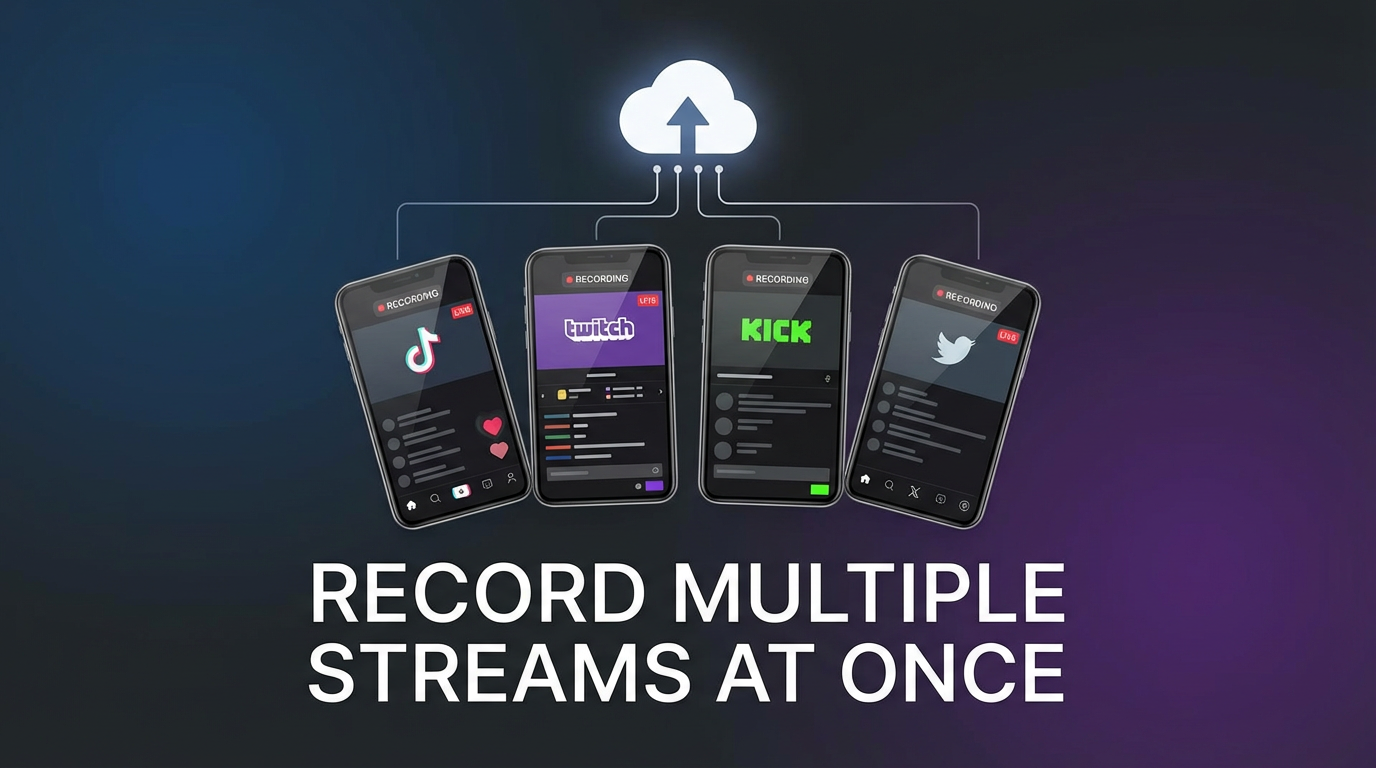
Two creators go live at the same time on different platforms. You want to save both. Screen recording gives you one — and only one. That's been the reality for anyone trying to capture live content across Instagram, TikTok, Twitch, Kick, or X. Until you take the recording off your device entirely.
The multi-stream problem
Live streams don't coordinate with each other. The Twitch streamer you follow starts a 4-hour session at the same time an Instagram creator goes live for a product launch. A Kick streamer is doing a charity marathon while someone on X hosts a breaking-news Space. None of these people checked each other's schedules.
This happens constantly. The bigger your list of creators, the more likely two or three of them overlap on any given day. And live content is temporary — if you don't capture it during the broadcast, your window closes the moment they end the stream.
So the question isn't whether you'll face this situation. It's how you'll handle it when you do.
Why screen recording fails at this
Phone screen recording — the default tool most people reach for — has a hard limit that no workaround can fix: one screen, one recording.
- Single capture. iOS and Android screen recorders capture whatever is on your display. You can only display one app at a time, so you can only record one stream at a time.
- No background recording. If you switch away from the streaming app to check another live, the first recording captures whatever you switched to — not the stream.
- Phone is locked up. For the entire duration of the stream, your phone is dedicated to that one task. No calls, no texts, no using any other app without interrupting the recording.
- Battery and storage. A single hour-long screen recording at full resolution already eats battery and storage. Two simultaneous recordings isn't even possible, but the resource cost of one is already steep.
- You show up as a viewer. Screen recording requires the stream to be open and playing. You're in the viewer list, the creator sees your name, and there's a public record that you watched.
The fundamental issue is architectural: screen recording is tied to your display. One display, one recording. Period.
Desktop workarounds with OBS
OBS Studio is the most common desktop workaround. It's free, powerful, and technically capable of recording multiple sources — but using it for simultaneous live streams introduces a different set of problems.
The typical approach: Open each stream in a separate browser tab, create a scene in OBS with multiple window captures, and hit record.
Where it breaks down:
- CPU load. Each browser tab running a live stream consumes significant resources. Two or three HD streams plus OBS encoding can push even a decent desktop to its limits. Dropped frames, audio stuttering, and thermal throttling are common.
- Audio overlap. OBS captures all desktop audio into one track by default. Two streams playing simultaneously produce overlapping audio that's unusable. Separating audio per stream requires virtual audio cables and per-source routing — a setup most people won't get through.
- One output file. Even with multiple sources in the scene, OBS produces a single video file. You don't get separate recordings per stream unless you run multiple OBS instances, which multiplies the CPU problem.
- Manual and visible. You still need to be at your computer, start recording before the stream begins, and you appear as a viewer in each stream's audience.
- No mobile. OBS is desktop-only. If you're not at your computer when two creators go live, you're out of luck.
OBS works well for recording a single stream with full control over output settings. It was never designed for unattended multi-stream capture.
How GREC handles simultaneous streams
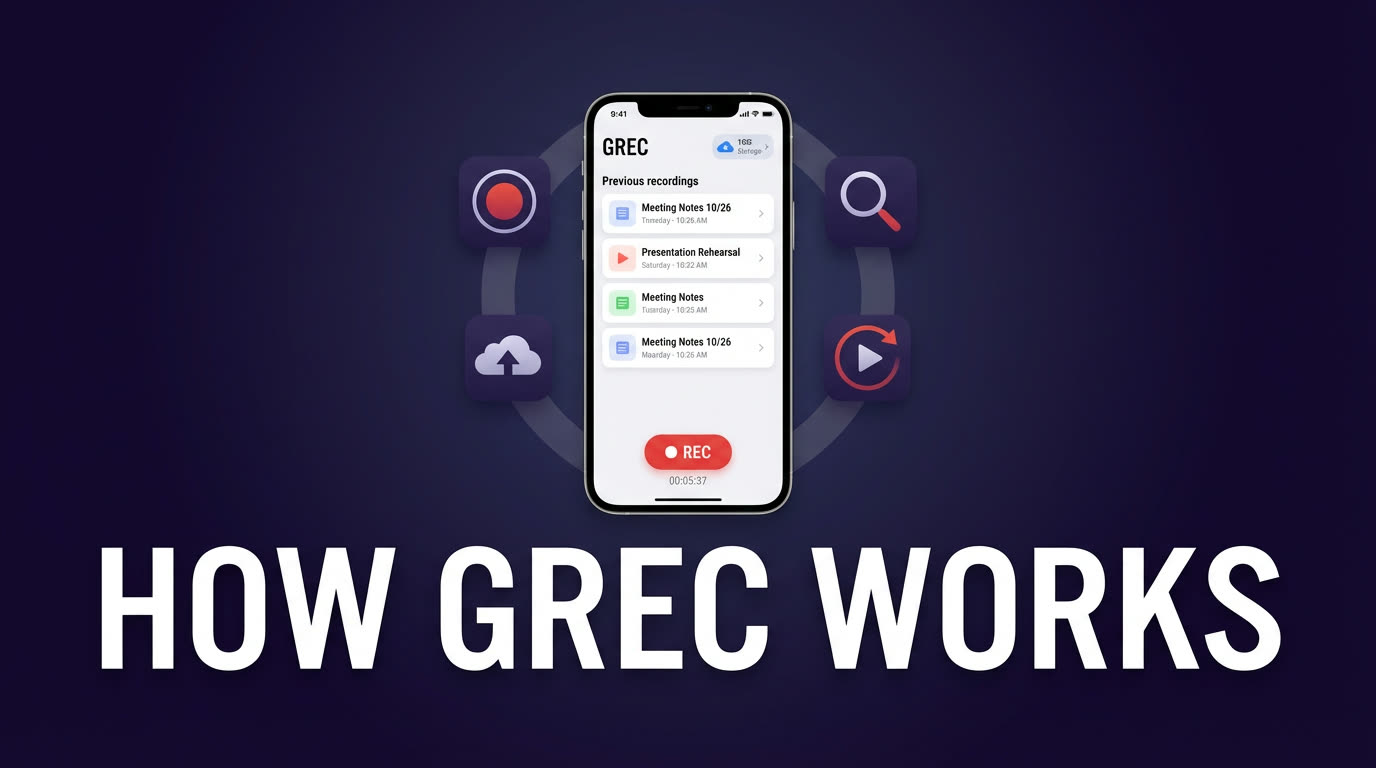
GREC is a cloud-based live stream recorder. Instead of capturing what's on your screen, it records streams on remote servers — independently of your phone or computer. That architectural difference is what makes multi-stream recording possible.
How it works:
- Download GREC from the App Store or Google Play.
- Add the accounts you want to track — across any combination of Instagram, TikTok, Twitch, Kick, X, and other platforms.
- GREC monitors all of them 24/7. When any tracked account goes live, a cloud server starts recording that stream automatically.
- Multiple accounts going live at the same time? Each gets its own recording on its own server. There's no shared resource bottleneck.
- When it's done, each stream is saved as a separate HD file. Watch in-app or download.
Why this solves the multi-stream problem:
- Unlimited simultaneous recordings. Five creators go live at the same time across three different platforms? GREC records all five. Each stream gets its own dedicated cloud process.
- Individual HD files. Every recording is a separate file with clean audio. No overlapping tracks, no merged video, no post-processing needed.
- Cross-platform. You're not limited to one service. Track creators on Instagram, TikTok, Twitch, Kick, and X — all from one app.
- Phone off, streams still recording. Because recording happens in the cloud, your phone can be off, in airplane mode, or doing anything else. The recordings don't depend on your device at all.
- Private viewing. Cloud-based recording leaves no viewer footprint. You don't appear in any creator's viewer list or audience count. No public trace that you watched.
- Automatic from the first second. No manual start, no missed intros. GREC begins recording the moment the stream starts.
With over 300,000 users and a 4.9/5 rating, GREC is the most widely used option for recording live content across platforms. Premium starts at $4.99/week for unlimited auto-recording.
Comparison table
| Feature | Phone screen rec | Desktop OBS | GREC |
|---|---|---|---|
| Record multiple streams at once | ✗ | Technically (with issues) | ✓ |
| Separate file per stream | N/A | ✗ (single output) | ✓ |
| Clean audio per stream | ✓ (one stream only) | ✗ (overlaps) | ✓ |
| Automatic start | ✗ | ✗ | ✓ |
| Works with phone off | ✗ | ✗ | ✓ |
| No viewer footprint | ✗ | ✗ | ✓ |
| Cross-platform | ✗ (one app at a time) | ✓ (browser tabs) | ✓ |
| HD quality | Varies | ✓ | ✓ |
| CPU/battery impact | High | Very high | None |
| Mobile-friendly | ✓ | ✗ | ✓ |
Who actually needs this
Multi-stream recording sounds niche until you realize how often live content overlaps. Here are the situations where it matters most:
Esports and gaming tournaments. Major events run multiple streams simultaneously — a main broadcast, individual player POVs, and commentary channels. If you follow a specific team, their match might overlap with another match you also want to catch. During big tournament weekends, three or four streams running at the same time is normal.
Creator collaborations and events. When creators do joint events, each one often streams their own perspective. A collab between a Twitch streamer and a Kick streamer means two separate broadcasts happening at once. Same with music festivals, charity events, or multi-creator challenges where everyone goes live from their own account.
Breaking news and live coverage. Major events get covered by multiple accounts across multiple platforms. A product launch might have the official stream on one platform while commentators go live on another. When news breaks, several accounts you follow might all start broadcasting within minutes of each other.
Busy schedules with too many creators. If you follow enough live creators, schedule collisions happen weekly. Two of your favorite streamers going live at the same time on a weeknight isn't unusual — it's the norm. The more creators you track, the more often you have to choose which one to watch. With cloud recording, you don't have to choose.
FAQ
Is there a limit to how many streams GREC can record at the same time?
There's no practical limit on simultaneous recordings. Each tracked account gets its own cloud recording process, so they don't compete for resources. Whether it's two streams or twenty, each one is recorded independently.
Do the recordings from different platforms end up in the same format?
Yes. Regardless of whether the original stream was on Instagram, TikTok, Twitch, Kick, or X, GREC delivers each recording as a standard HD video file. You can stream them in-app or download them.
Can I record streams from the same platform at the same time?
Absolutely. You can track multiple accounts on the same platform — say, three different Twitch streamers — and GREC will record all three simultaneously if they happen to go live at the same time.
Does GREC show me as a viewer in any of the streams it records?
No. Cloud-based recording leaves no viewer footprint on any platform. Your name doesn't appear in viewer lists, audience counts, or any public-facing record. The creators have no way to know their stream was recorded by GREC.
What happens if a stream lasts several hours?
GREC records for the full duration of each stream, regardless of length. A 6-hour Twitch marathon and a 15-minute Instagram Live happening at the same time both get fully captured — each as its own complete file.
Record every stream, even when they overlap
GREC captures unlimited simultaneous live streams in the cloud — across every platform, in HD, with no viewer footprint. Your phone can be off.