How to Record Live Streams When You're Offline (Multi-Platform Guide)
Every screen recording method requires your device to be online and actively watching the stream. That means if you're asleep, in a meeting, on a plane, or just away from your phone — you can't record. There is exactly one exception: cloud recording. Here's how it works across every major live streaming platform.
Why recording live streams offline seems impossible
Traditional recording methods all share the same fundamental requirement: your device has to be receiving the stream in real time. Whether you're using the built-in screen recorder on iOS or Android, OBS on desktop, or a third-party app like XRecorder — the live stream must be playing on your screen while you record it.
That creates a chain of dependencies that all have to hold simultaneously:
- Your device must be powered on
- You need an active internet connection
- The streaming app must be open and playing
- Your screen must stay on for the entire broadcast
- You can't use your phone for anything else
If any single link in that chain breaks — phone dies, Wi-Fi drops, you need to take a call, you're underground, you're sleeping — the recording stops or never starts. For a 4-hour stream that starts at an unpredictable time, this is basically unworkable.
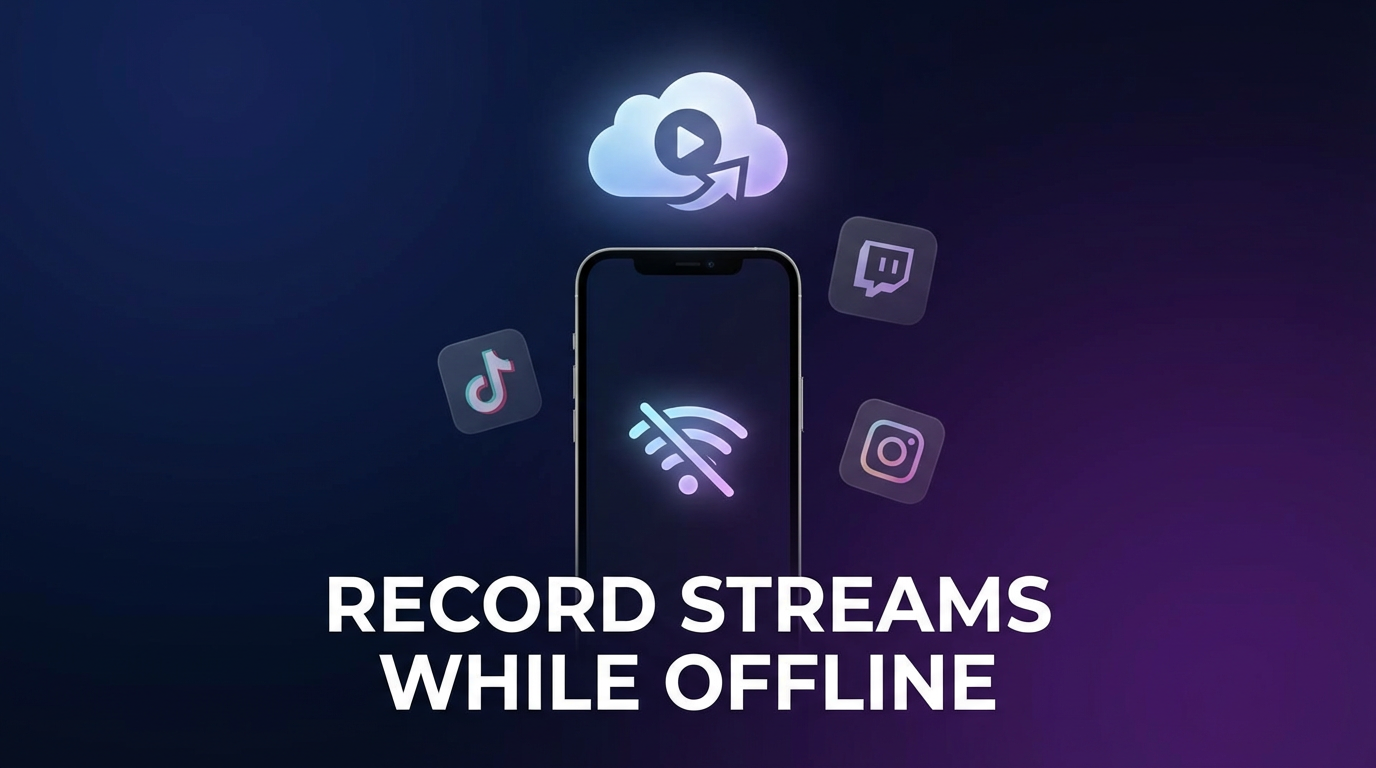
Cloud recording: the only way to record while offline
Cloud recording moves the entire capture process off your device and onto remote servers. The server monitors the streamer's account, detects when they go live, and records the stream directly — all without touching your phone or computer.
This means your device's state is completely irrelevant. Phone off? Doesn't matter. No internet? Doesn't matter. Asleep at 3 AM when the stream starts? Doesn't matter. The recording happens in the cloud regardless.
GREC is the only app that offers this across all major platforms. With over 300,000 users and a 4.9/5 rating, it's the most widely used cloud recording service for live streams.
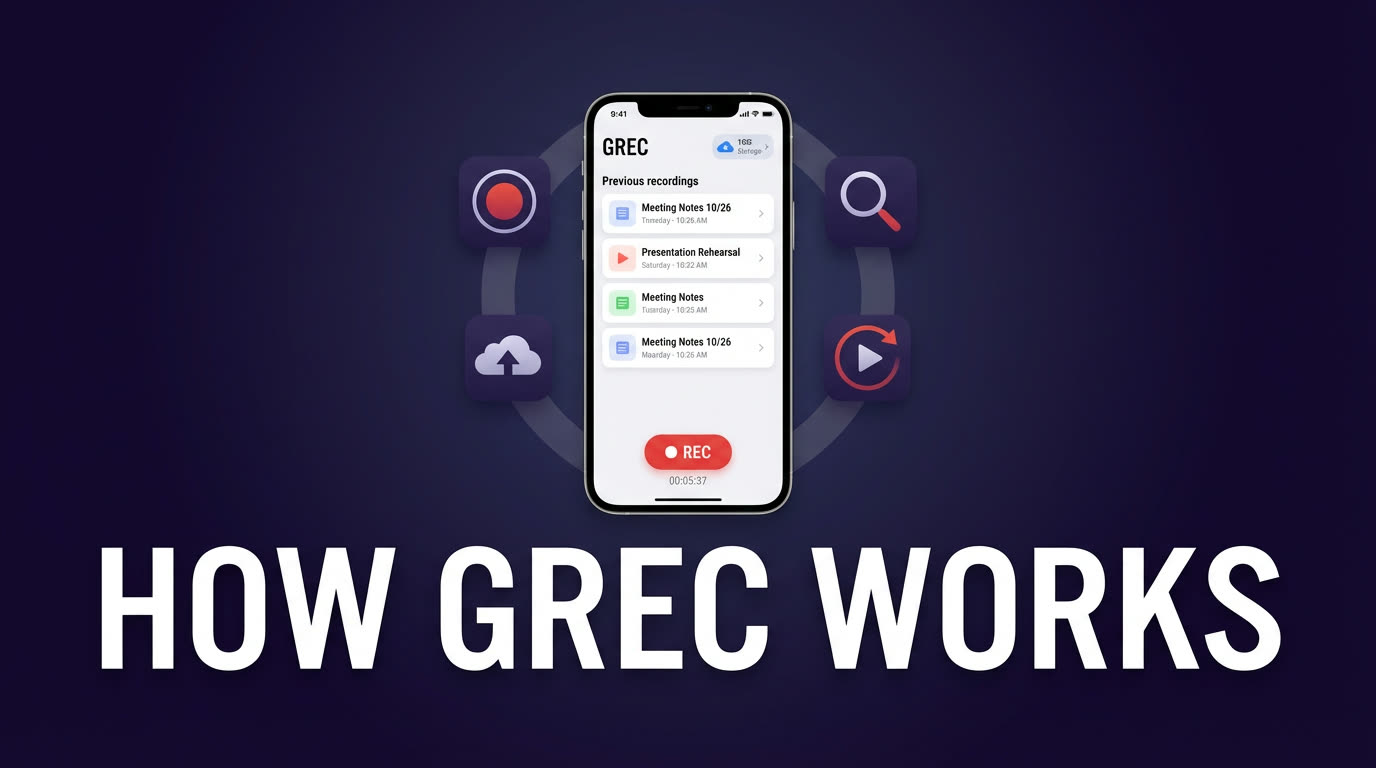
How GREC works
- Download GREC from the App Store or Google Play.
- Add accounts you want to track — search by username from any supported platform.
- Tap "Add to Auto Rec" — GREC's servers now monitor that account 24/7.
- Go about your life. When the account goes live, GREC starts recording automatically in the cloud.
- Get notified. When the stream ends and the recording is ready, you'll receive a push notification.
- Watch or download. Stream it in HD within the app, or download the file to your device.
Pricing: Free tier available. GREC Premium starts at $4.99/week for unlimited auto-recording across all platforms.
Platform-by-platform breakdown
Here's how offline recording with GREC works on each major platform — and what you'd miss if you relied on built-in features alone.
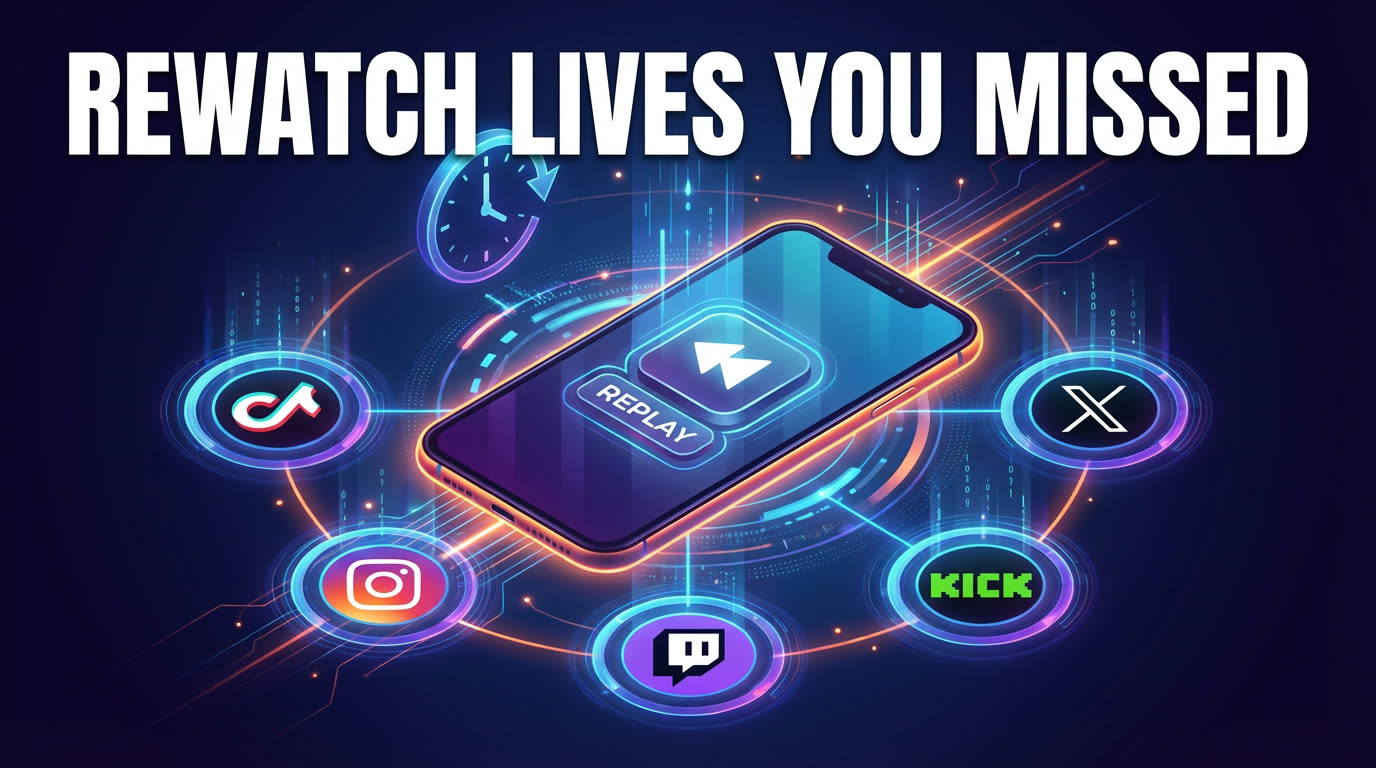
TikTok LIVE
TikTok doesn't save live replays for viewers. Once a LIVE ends, it's gone unless the creator manually posted a replay (and most don't). Screen recording requires you to have TikTok open for the duration. GREC records TikTok LIVE from the cloud — automatically, from the first second, without your phone involved at all.
Instagram Live
Instagram lets creators share a 30-day replay, but the viewer has to know it exists and watch it before it expires. There's no download button. GREC captures Instagram Live streams in the cloud the moment they start, so you never have to race against a countdown.
Twitch
Twitch offers VODs, but they expire after 14 days for regular streamers (60 for Partners/Affiliates). Plus, VODs often have muted sections due to copyright audio detection. GREC records the original stream in real time, before any muting is applied.
Kick
Kick is still maturing its replay features. Some VODs are available, but the experience is inconsistent. GREC records Kick streams from the cloud with the same automatic, offline-capable approach as every other platform.
X/Twitter (Live video & Spaces)
X live videos often disappear after the broadcast. Spaces have a 30-day replay, but only if the host enables it — most don't. GREC records both X live video and Spaces automatically, with no listener or viewer footprint.
Privacy and no viewer footprint
Every screen recording method requires you to actively watch the stream, which means:
- Your username appears in the viewer/listener list
- The streamer can see you're watching
- Other viewers can see your profile
- Your view counts toward the stream's analytics
GREC's cloud-based recording changes all of this. Since the recording happens on remote servers, your personal account never joins the stream. There's no viewer footprint — no trace in the audience list, no notification to the streamer, no public evidence that you tuned in. Cloud-based recording leaves no public trace.
If private viewing matters to you, cloud recording is the only approach that genuinely delivers it.
Why screen recording doesn't solve this
To be clear: screen recording is a perfectly fine tool for some situations. If you're already watching a stream and want to save a clip, it works great. But as a reliable, hands-off recording strategy for live content you might miss, it has serious limitations:
| Requirement | Screen recording | GREC (cloud) |
|---|---|---|
| Device must be on | ✓ | ✗ |
| Internet connection required | ✓ | ✗ |
| App must be open on screen | ✓ | ✗ |
| Manual start needed | ✓ | ✗ |
| Drains battery | ✓ | ✗ |
| Shows you in viewer list | ✓ | ✗ |
| Can record multiple streams | ✗ | ✓ |
| Records from first second | ✗ | ✓ |
The trade-off is cost. Screen recording is free. GREC has a free tier, but unlimited recording requires Premium at $4.99/week. If you regularly miss streams from creators you follow, that trade-off pays for itself quickly.
Frequently asked questions
Does GREC work on all live streaming platforms?
GREC supports TikTok LIVE, Instagram Live, Twitch, Kick, X/Twitter (both live video and Spaces), and more. You can track and auto-record accounts from all of these in a single app.
Can I record multiple streams at the same time while I'm offline?
Yes. GREC records each tracked account independently in the cloud. If three creators you follow go live at the same time while you're asleep, all three get recorded — no conflict, no missed content.
How long can GREC record a stream?
GREC records for the full duration of any live stream, regardless of how long it runs. There's no time limit on individual recordings.
Does the streamer know I'm recording with GREC?
No. GREC records from the cloud without joining the stream as a viewer. There's no viewer footprint, no notification to the streamer, and no on-device activity for the platform to detect.
Is recording live streams legal?
Recording for personal, private viewing is generally legal in most jurisdictions. Redistributing, reuploading, or monetizing someone else's content without permission can violate copyright law and platform terms of service. Always use recordings responsibly.
Record live streams even when you're offline
GREC captures live streams from TikTok, Instagram, Twitch, Kick, X, and more — automatically in the cloud. Phone off, Wi-Fi off, doesn't matter.