How to Never Miss an Instagram Live (3 Methods That Actually Work)
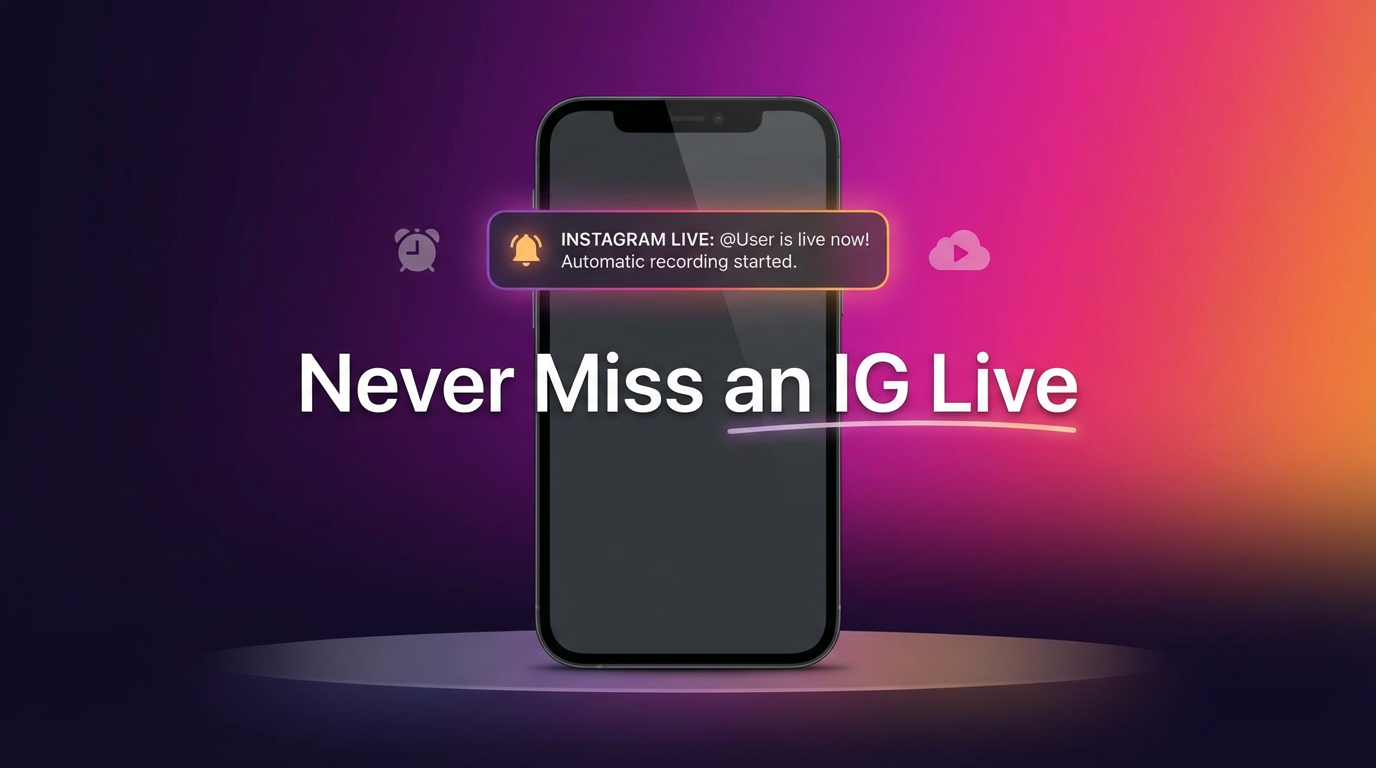
Instagram Live notifications are famously unreliable. Between algorithmic filtering, Do Not Disturb modes, and sheer timing, most people miss at least half the Lives they'd actually want to watch. This guide covers three approaches that fix the problem — from tweaking notification settings (partially effective) to fully automated cloud recording that catches every session even while you sleep.
Why you keep missing Instagram Lives
Instagram doesn't push a notification for every Live session from every account you follow. The algorithm decides which notifications to send based on how often you interact with that account, whether you've recently liked their posts, and a handful of signals you can't control. On top of that:
- Silent modes block alerts — Focus, Do Not Disturb, and Sleep mode all suppress push notifications. If a creator goes live at 2 AM in your time zone, you won't hear about it.
- Notification volume — Follow more than a dozen active accounts and Instagram starts throttling. Not every "going live" alert actually reaches your lock screen.
- Lives are short — Most IG Lives last 15 to 45 minutes. By the time you see the notification, the session might already be over.
- No replays by default — Unless the creator manually shares the replay, the stream vanishes the moment it ends. There's no built-in archive to fall back on.
The result? You follow someone specifically for their Lives and still miss them regularly. Here's how to fix that.
Method 1: Fix your Instagram notification settings
This won't guarantee you'll catch every Live, but it stacks the odds in your favor.
Turn on Live notifications for specific accounts
- Go to the creator's Instagram profile.
- Tap the bell icon (next to the Follow/Message buttons).
- Under "Live Videos," select All.
This tells Instagram you want a push notification every time that account starts a Live. It works — most of the time. But Instagram still filters notifications if it thinks you won't engage, and silent modes on your phone can block them entirely.
Add accounts to your Favorites
- Tap the Instagram logo at the top of your feed.
- Select Favorites.
- Add the accounts you care about.
Favorites get priority in the algorithm. Their posts, Stories, and Lives appear higher in your feed, and notifications are less likely to be suppressed.
Disable Do Not Disturb schedules (or whitelist Instagram)
On iOS, go to Settings → Focus → Do Not Disturb and add Instagram to the allowed apps list. On Android, set Instagram as a priority app under Settings → Notifications → Do Not Disturb. That way Live alerts still break through even during quiet hours.
Bottom line: These tweaks help, but they're not bulletproof. You're still relying on Instagram's algorithm to deliver the notification, and on yourself to be awake and available when it arrives.
Method 2: GREC — automatic cloud recording (most reliable)
If you genuinely can't afford to miss a Live — because you're tracking a creator's schedule for work, fandom, or personal reasons — GREC removes the guesswork entirely.
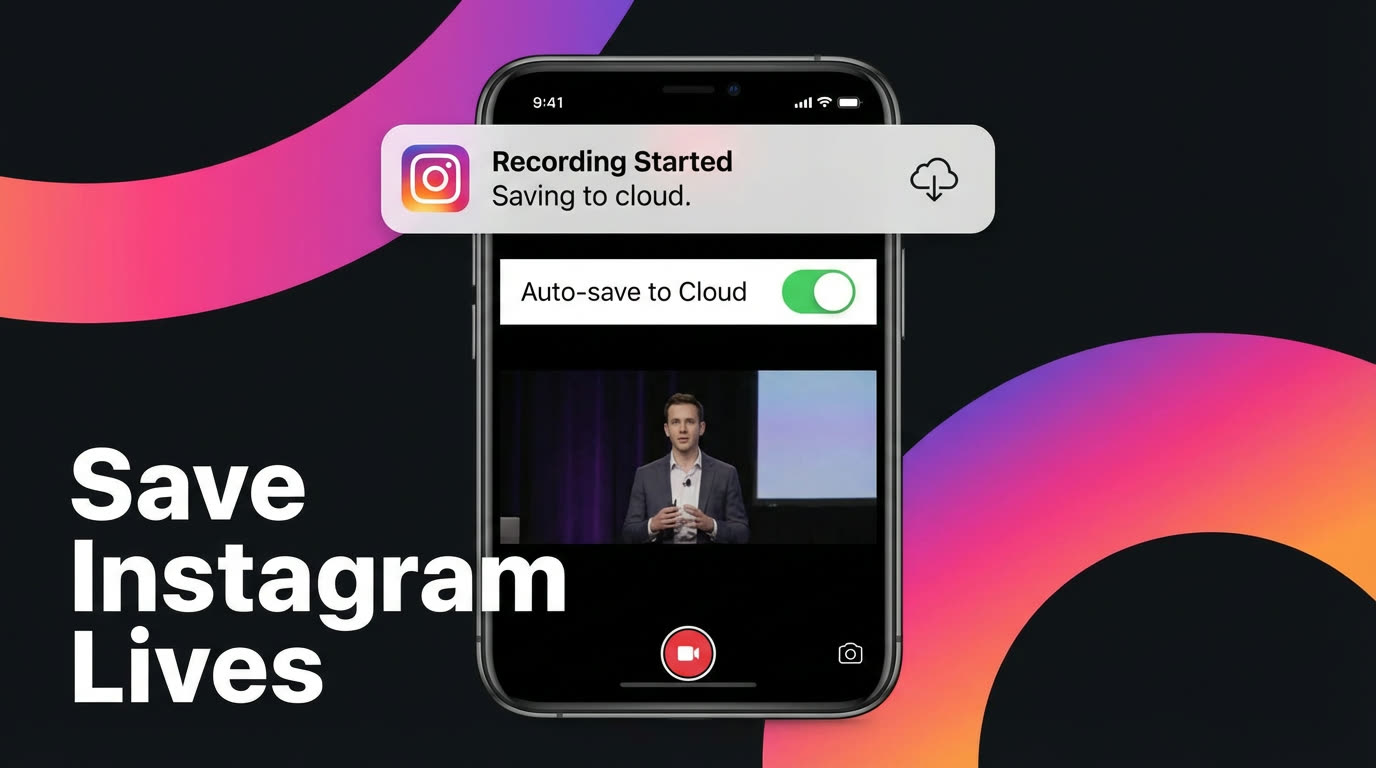
GREC is a cloud-based live stream recorder with over 300,000 users and a 4.9/5 rating. You add an Instagram account, and GREC monitors it 24/7. The moment that account starts a Live, recording begins automatically in the cloud — no manual action, no notification dependency, no need to have your phone on.
How to set it up:
- Download GREC from the App Store or Google Play.
- Create an account — email, Google, or Apple sign-up.
- Search for the Instagram account and tap "Add to Auto Rec."
- Done. GREC watches for Live sessions around the clock. When one starts, it records from the first second in HD.
- Watch or download later — you'll get a push notification when the recording is ready. Stream it in-app or download the file.
Why this solves the problem:
- Fully automatic — you don't have to be awake, online, or holding your phone. GREC detects the Live and records it.
- Captures from the first second — no missed intros, no scrambling to open the app.
- Works with your phone off — recording runs in the cloud. Airplane mode, dead battery, phone in a drawer — doesn't matter.
- HD quality — GREC captures the actual stream feed, not a compressed screen recording.
- Private viewing — cloud-based recording leaves no viewer footprint. The creator can't see your name in the Live viewer list.
- Multiple accounts at once — track dozens of Instagram accounts simultaneously. If three go live at the same time, all three get recorded.
Pricing: Free tier available. GREC Premium starts at $4.99/week and includes unlimited auto-recording across Instagram, Twitch, TikTok LIVE, and other platforms.
Method 3: Third-party alert apps and services
A handful of third-party apps specialize in sending push alerts when specific Instagram accounts go live. They poll Instagram's public data at regular intervals and notify you faster or more reliably than Instagram's own system.
What to expect:
- Better notification delivery than relying on Instagram alone.
- Some apps let you set custom alert tones or repeated reminders.
- They won't record anything — they just tell you to open Instagram and watch.
Limitations:
- You still need to be available to watch the Live in real time.
- If the Live is short, you might open the app only to find it already ended.
- Some of these services break when Instagram changes its API or rate-limits requests. Reliability varies.
- You appear in the viewer list since you're watching directly through Instagram.
Alert apps are a decent step up from raw Instagram notifications, but they don't solve the core problem: you still have to watch live. For a truly "never miss" solution, recording is the answer.
Privacy and viewer footprint
When you watch an Instagram Live directly, your username appears in the viewer list. The creator sees exactly who's watching in real time. For most casual viewers, that's fine. But there are legitimate reasons someone might prefer private viewing — competitive research, monitoring public figures for journalism, or simply personal preference.
Screen recording doesn't help with privacy because you still have to open Instagram and join the Live. Your name shows up regardless of whether you're recording your screen.
GREC is the only approach that provides truly private viewing. Because recording happens in the cloud on remote servers, your Instagram account never joins the Live session. There's no viewer footprint, no username in the list, no public trace that you watched.
Frequently asked questions
Does Instagram notify you when someone goes live?
Sometimes. Instagram sends push notifications for Live sessions, but only when its algorithm decides the notification is worth sending. If you haven't interacted with the account recently, or if your phone is in a Do Not Disturb mode, the notification might never arrive. Turning on Live notifications for specific accounts (via the bell icon on their profile) improves delivery but doesn't guarantee it.
Can I watch an Instagram Live after it ends?
Only if the creator shares the replay. Instagram gives creators the option to post their Live as a replay to their profile, but many don't. If no replay is shared, the stream is gone permanently. GREC recordings give you a copy regardless of whether a replay is available.
Does GREC work for private Instagram accounts?
GREC records publicly available live streams. If an account is set to private, their Lives aren't publicly accessible, and GREC can't record them. For public accounts — which includes the vast majority of creators, influencers, and public figures — it works perfectly.
Will the creator know I recorded their Live with GREC?
No. GREC records from the cloud without joining the Live as a viewer. Your username never appears in the viewer list, and there's no notification sent to the creator. Cloud-based recording leaves no public trace.
Can I use GREC for platforms other than Instagram?
Yes. GREC supports Instagram Live, Twitch, TikTok LIVE, and other live streaming platforms — all from a single app. You can track accounts across multiple platforms and auto-record them simultaneously.
Never miss an Instagram Live again
GREC records Instagram Live streams automatically in the cloud — even when your phone is off.