How to Never Miss a TikTok Live Stream
You follow a TikTok creator you love. They go live. You find out 45 minutes later — or worse, the next morning — because the notification never showed up. Sound familiar? TikTok's live notification system is broken for a lot of people, and there's no reliable built-in fix. But there is a way to make sure you never miss another stream.
The problem — TikTok notifications don't work
If you've ever turned on "live notifications" for a creator and still missed their stream, you're not alone. This is one of the most common complaints on TikTok. You do everything right — you follow the account, you tap the bell icon, you allow push notifications — and it still doesn't matter. The notification either arrives late, arrives when you're asleep, or doesn't arrive at all.
The frustration gets worse when you follow creators who go live on unpredictable schedules. Maybe they're in a different time zone. Maybe they go live spontaneously. Either way, by the time you hear about it, the stream is already over and there's nothing to watch.
Unlike YouTube or Twitch, TikTok doesn't save live streams as VODs by default. When a TikTok live ends, it's gone. There's no replay button. If you weren't there in real time, you missed it.
Why TikTok's notification system fails
TikTok does have a notification system for live streams. When a creator you follow goes live, you're supposed to get a push notification. In practice, it fails regularly for several reasons:
- Delayed pushes. Notifications often arrive 10–30 minutes after the stream has started. By then, you've missed the opening, the energy is different, and sometimes the stream is already winding down.
- Notification fatigue. If you follow hundreds of accounts, TikTok batches or suppresses some notifications to avoid overwhelming you. The algorithm decides which notifications are "important enough" to show — and your favorite creator's live might not make the cut.
- Do Not Disturb and Focus modes. If your phone is in DND, sleep mode, or any Focus mode, live notifications get silently dropped. They don't queue up for later — they just disappear.
- Time zone mismatches. Your favorite creator goes live at 3 AM your time. Even if the notification fires correctly, you're asleep. By morning, the stream is long gone.
- Algorithm filtering. TikTok's algorithm doesn't treat all follows equally. If you haven't engaged with a creator's content recently, TikTok may deprioritize their live notifications — even if you have the bell turned on.
- App not running. On some Android devices, aggressive battery optimization kills background processes for TikTok, which means push notifications never get delivered at all.
The result? You set up notifications thinking you're covered, and then miss stream after stream without knowing why.
Manual workarounds (and why they fall short)
People have come up with all kinds of workarounds to catch TikTok lives. None of them are great:
- Checking the profile manually. You open TikTok, go to the creator's profile, and check if there's a live badge. This works — if you happen to check at the exact right time. Most people can't refresh a profile every 15 minutes all day.
- Setting alarms. If a creator announces a schedule, you can set a phone alarm. But many creators don't stick to schedules, go live spontaneously, or change plans without notice. Alarms only work for predictable streams.
- Social media alerts. Some creators post on Instagram or Twitter before going live. But this means monitoring multiple apps constantly, and not every creator cross-posts. You're still relying on another notification system that has its own reliability problems.
- Third-party notification bots. A few services claim to send faster live alerts. Most are unreliable, some are scams, and the ones that do work still require you to be available at the exact moment the alert comes in. If you're asleep, in a meeting, or just busy — you still miss the stream.
Every manual workaround shares the same fatal flaw: they all require you to be awake, available, and near your phone at the exact moment the stream starts. For creators in other time zones or with unpredictable schedules, that's just not realistic.
GREC — automatic cloud recording
Here's the real solution: instead of trying to be online when a creator goes live, let GREC record it for you automatically.
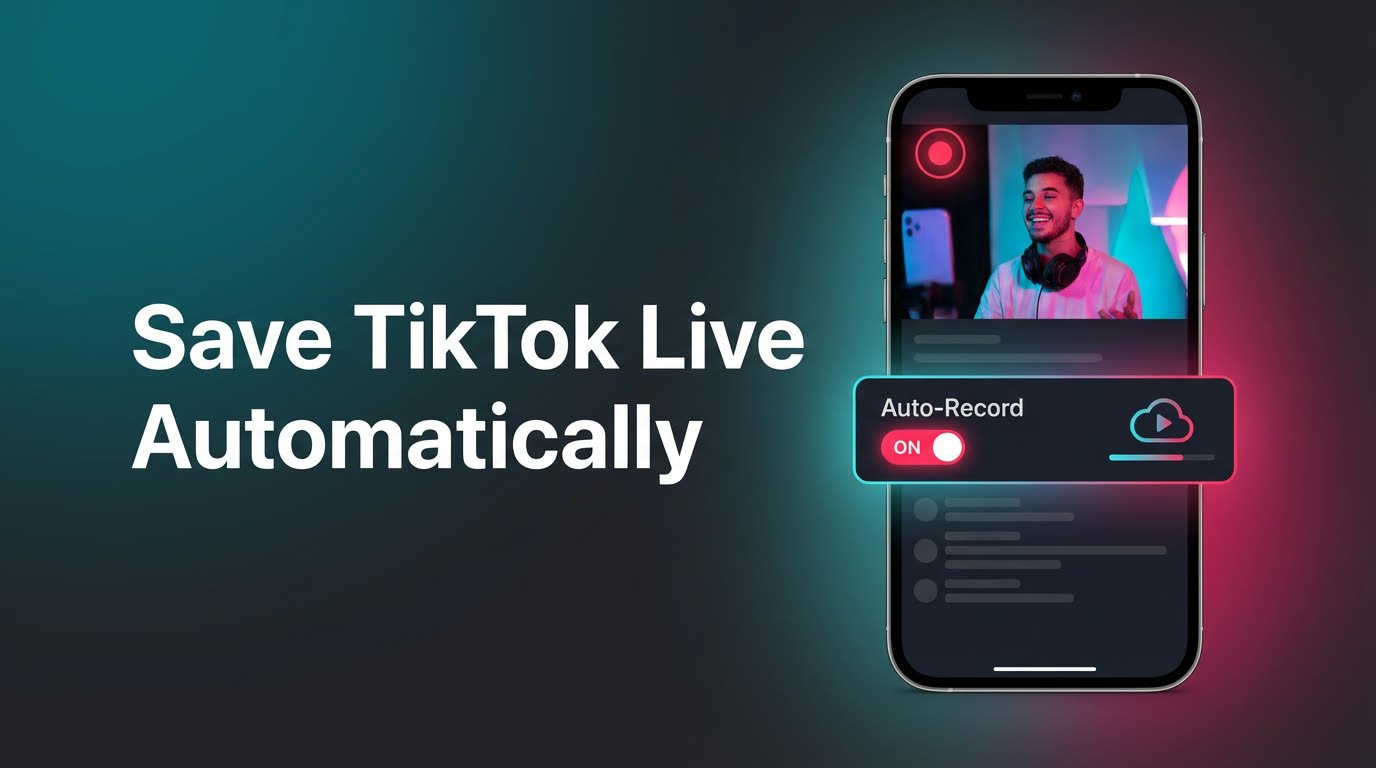
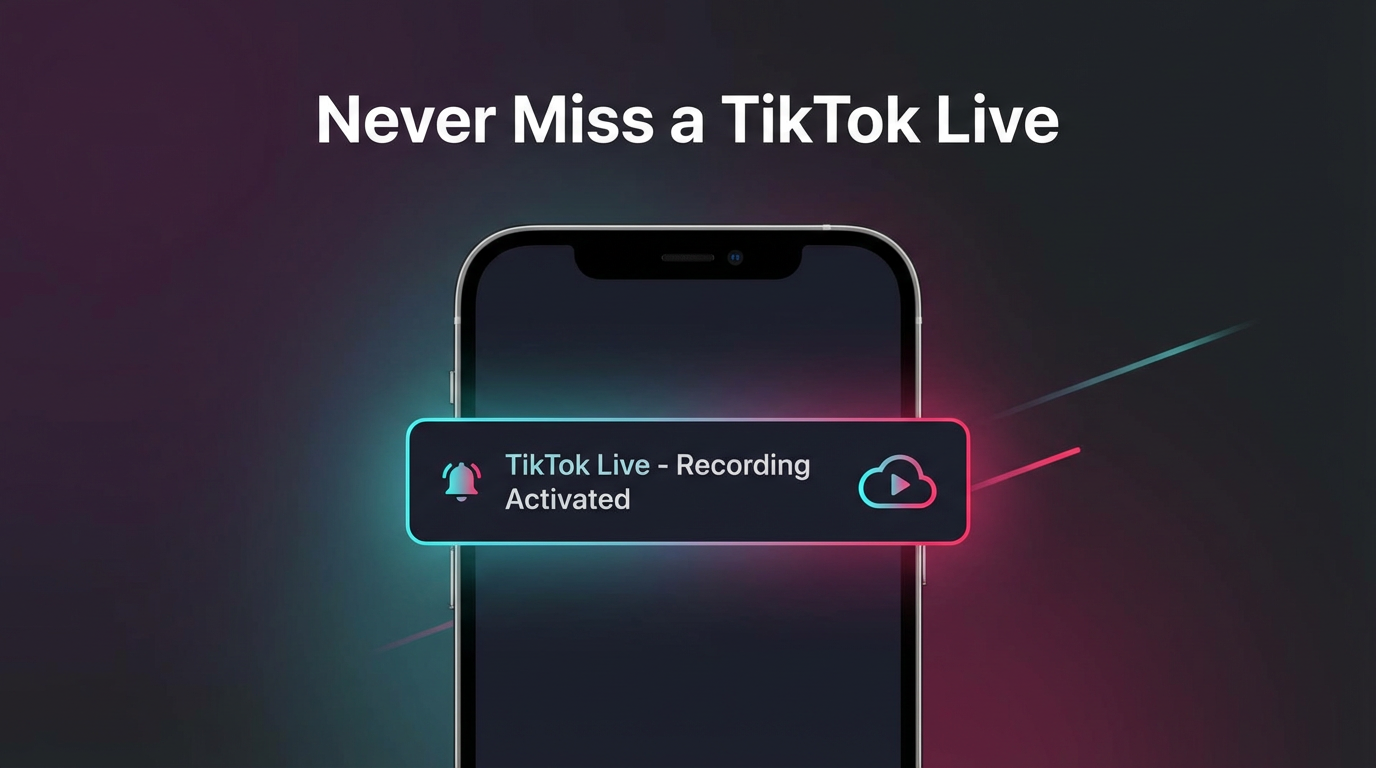
GREC is a cloud-based live stream recorder. It monitors TikTok accounts 24/7 from remote servers and starts recording the moment someone goes live — no manual intervention, no phone required. When the stream ends, you get a notification and can watch the full recording at your convenience.
Here's why it actually solves the problem:
- Records even if you can't watch live. Creator goes live at 3 AM your time? Doesn't matter. GREC's cloud servers are always running, always watching. You'll have the full recording waiting for you when you wake up.
- No more relying on TikTok notifications. You don't need TikTok's push system to work. GREC monitors accounts independently and catches every live stream regardless of what TikTok's notification algorithm decides to do.
- Records from the very first second. No missed intros. GREC starts capturing the moment the stream begins, so you get the complete experience from start to finish.
- Works across time zones. It doesn't matter where you are or what time it is. GREC runs in the cloud 24/7, so time zone differences are irrelevant.
- Private viewing. Cloud-based recording leaves no viewer footprint. You don't appear in the creator's live viewer list, and there's no public trace that you watched.
- Multiple creators at once. Add dozens of TikTok accounts to your GREC watchlist. It records them all simultaneously — even if three creators go live at the same time.
- HD quality. GREC captures the original stream feed directly, not a screen recording. The quality matches what you'd see watching live.
- Works with your phone off. Recording happens on GREC's servers, not your device. Your phone can be powered down, in airplane mode, or out of battery — GREC still records.
With over 300,000 users and a 4.9/5 rating, GREC is the go-to app for people who are serious about catching live content they'd otherwise miss.
How to set up GREC
- Download GREC from the App Store or Google Play.
- Create an account — sign up with email, Google, or Apple.
- Search for the TikTok creator you want to track and tap "Add to Auto Rec."
- GREC monitors 24/7. When that creator goes live, recording starts automatically in the cloud — no action needed from you.
- Get notified when the recording is ready. Watch it in the app or download the HD file to your device.
That's it. One-time setup, and you'll never miss that creator's live again. Add as many accounts as you want — GREC handles them all.
Pricing: Free tier available. GREC Premium starts at $4.99/week and unlocks unlimited auto-recording across all platforms (TikTok, Instagram, Twitch, Kick, X/Twitter, and more).
FAQ
Does GREC work if the TikTok creator goes live unexpectedly?
Yes. GREC monitors the accounts you've added around the clock. It doesn't rely on schedules or announcements — the moment the creator starts a live stream, recording begins automatically. Surprise streams are captured just like scheduled ones.
Will the creator know I'm recording their live?
No. GREC records from cloud servers, not from your TikTok account. You don't join the live as a viewer, so your name never appears in the viewer list. Cloud-based recording leaves no public trace.
Can I record multiple TikTok creators at the same time?
Yes. You can add as many TikTok accounts as you want to your GREC watchlist. If several creators go live simultaneously, GREC records all of them in parallel.
What if I just want to be notified, not record?
GREC sends a notification whenever a tracked account goes live — which already makes it more reliable than TikTok's built-in alerts. But the real advantage is that you also get the recording. Even if you see the notification too late, you can still watch the entire stream afterward.
Never miss a TikTok live again
GREC auto-records TikTok lives in the cloud — even with your phone off. Try it free.