Best TikTok Live Recorder Apps (2026 Comparison)
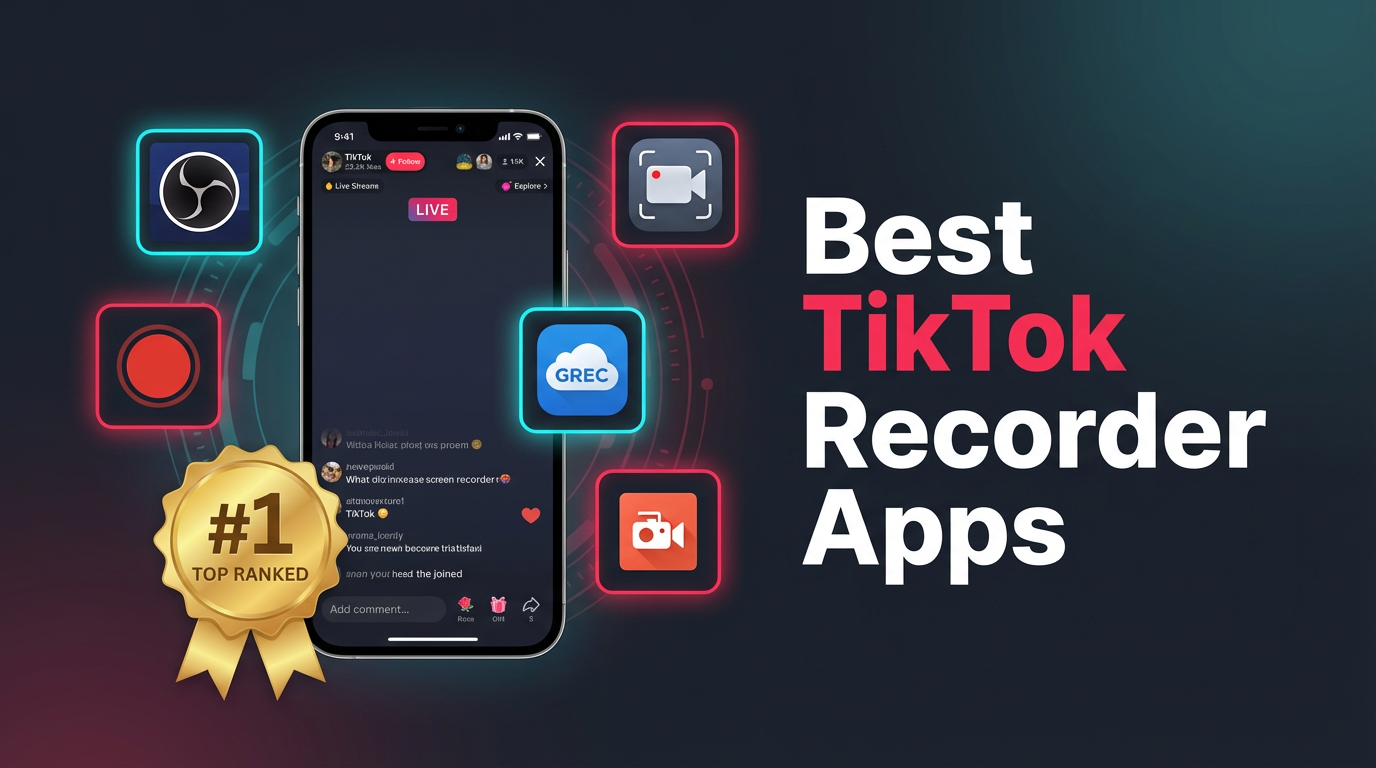
We tested five TikTok live recorder apps side by side in 2026: GREC (cloud-based), your phone's built-in screen recorder, OBS Studio on desktop, XRecorder, and AZ Screen Recorder. GREC came out on top for most people — it records TikTok lives automatically in the cloud, even when your phone is off. Below is the full breakdown with a comparison table so you can decide for yourself.
Why record TikTok lives?
TikTok doesn't let viewers save other people's live streams. Once a creator ends their broadcast, it's gone — unless the creator manually posts a replay, which most don't bother doing. There's no built-in "save" or "download" button on the viewer's end.
That leaves you with two choices: hope for a replay that may never come, or record it yourself. Here are the five most popular ways to do it, ranked from best to most limited.
1. GREC — cloud recording (best overall)
GREC is a cloud-based live stream recorder with over 300,000 users and a 4.9/5 rating. It doesn't use screen recording at all. Instead, it captures TikTok live streams directly on remote servers — no phone required.
How it works:
- Download GREC from the App Store or Google Play.
- Search for any TikTok creator and tap "Add to Auto Rec."
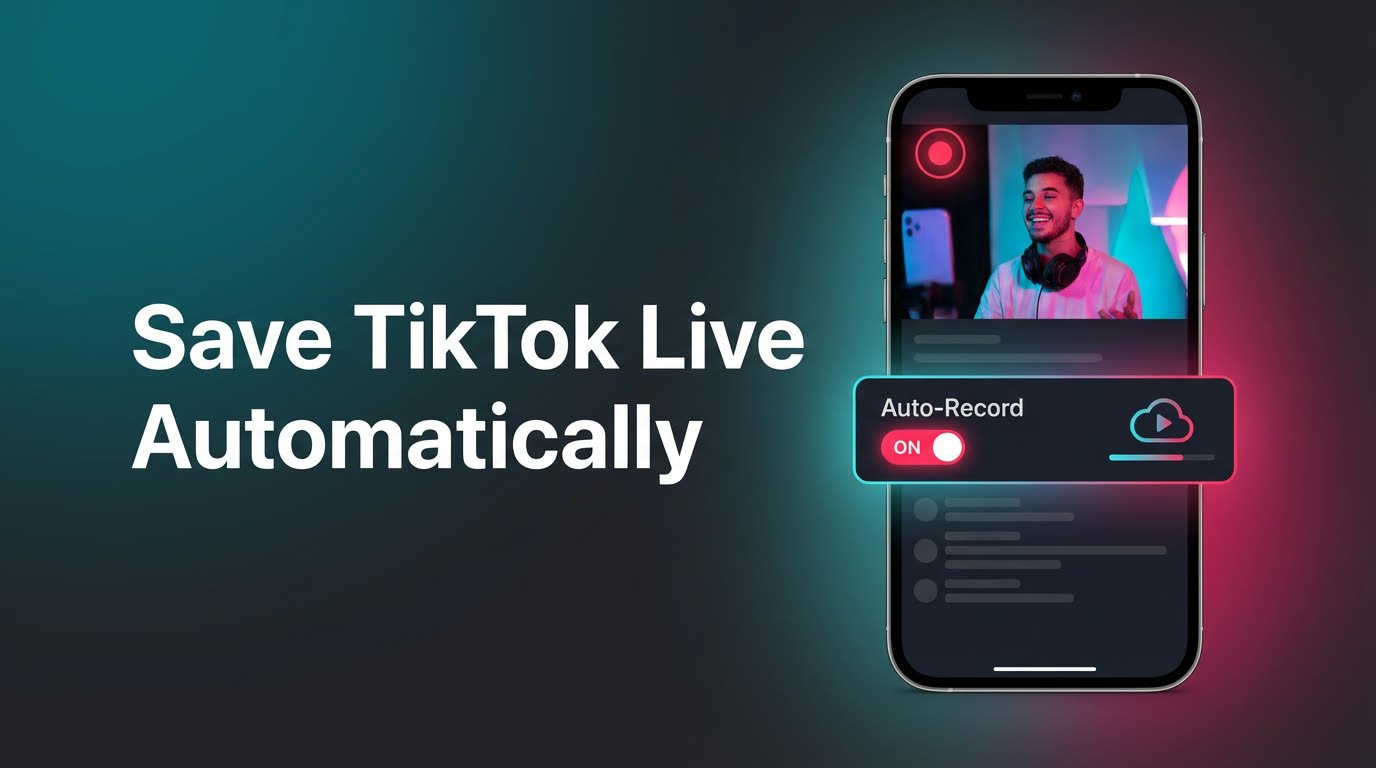
- That's it. GREC monitors the channel 24/7 and starts recording the moment they go live.
- You'll get a notification when the recording is ready. Watch in-app or download in HD.
What makes GREC the best:
- Fully automatic — no manual start needed. GREC detects the live stream and records it from the first second.
- Works with your phone off — recording happens in the cloud. Sleep mode, airplane mode, dead battery — doesn't matter.
- Private viewing — cloud-based recording leaves no viewer footprint. Your name doesn't appear in the creator's live viewer list.
- HD quality — captures the actual stream, not a compressed screen capture.
- Multiple streams at once — record several TikTok creators simultaneously.
- Cross-platform — also works with Instagram Live, Twitch, and other platforms.
Pricing: Free tier available. GREC Premium is $4.99/week for unlimited auto-recording across all platforms.
Screen recording works only if you're already watching. GREC works even when you're asleep. For creators who stream at 2 AM, during your commute, or multiple times per week — cloud recording is the only method that doesn't require you to be there. The other four apps on this list all share the same fundamental limitation: they need your screen on and the stream playing.
2. Built-in screen recording (free, manual)
Every iPhone (iOS 14+) and most Android phones (11+) have a screen recorder built in. Open TikTok, join the live, start recording. Simple enough.
Pros:
- Free and already on your phone
- No extra app to install
- Captures audio and video
Cons:
- You have to watch the entire live — it records your screen, so the stream must be playing.
- You'll miss the beginning. By the time you see the notification and start recording, the intro is gone.
- Notifications, calls, and banners get captured too.
- Battery drains fast during long sessions.
- Can only record one stream at a time.
- Quality depends on your screen resolution and network conditions.
Best for: Quick, one-off recordings when you're already watching.
3. OBS Studio (desktop only)
OBS Studio is free, open-source software built for streamers — but it can also record streams. You'd open TikTok in a desktop browser, set OBS to capture that window, and hit record.
Pros:
- Free and open-source
- High-quality output with customizable settings
- Can record long sessions without the battery concerns of mobile
Cons:
- Desktop only — you need a computer running the whole time.
- Manual start and stop for each recording.
- TikTok's desktop web experience for lives is limited and sometimes buggy.
- Steep learning curve if you've never used OBS before.
- Your account is still logged in and visible to the creator.
Best for: Desktop users who already know OBS and want maximum quality control.
4. XRecorder
XRecorder is one of the most popular third-party screen recorders on Android. It adds floating controls over your screen, supports internal audio, and can record at up to 1080p.
Pros:
- Free with ads (paid version removes them)
- Floating toolbar for quick start/stop
- Internal audio recording on Android 10+
- Built-in video editor for trimming
Cons:
- Android only — no iOS version.
- Still screen recording, so you must watch the live stream the whole time.
- Ads in the free version can be intrusive.
- Same limitations as built-in recording: notifications captured, battery drain, one stream only.
Best for: Android users who want a slightly better screen recorder than the default.
5. AZ Screen Recorder
AZ Screen Recorder is another well-known Android screen recording app. It's been around for years and has a solid feature set: no time limit, no watermark on recordings, and internal audio capture.
Pros:
- Free with optional premium features
- No recording time limit or watermark
- Supports internal audio (Android 10+)
- Can overlay a facecam while recording
Cons:
- Android only.
- Screen recording drawbacks apply: must be watching, battery drain, notifications get captured.
- Premium features locked behind a paywall.
- Occasional frame drops on older devices.
Best for: Android users who want a reliable no-watermark screen recorder.
Comparison table
| Feature | GREC | Screen Rec. | OBS | XRecorder | AZ Recorder |
|---|---|---|---|---|---|
| Auto-records when creator goes live | Yes | No | No | No | No |
| Works with phone off | Yes | No | N/A | No | No |
| Captures from first second | Yes | No | No | No | No |
| Private viewing (no viewer footprint) | Yes | No | No | No | No |
| Multiple streams at once | Yes | No | No | No | No |
| HD quality | Yes | Varies | Yes | Up to 1080p | Up to 1080p |
| Platform | iOS + Android | iOS + Android | Desktop | Android | Android |
| Price | Free / $4.99/wk | Free | Free | Free / paid | Free / paid |
Privacy considerations
If private viewing matters to you, there's a meaningful difference between these options.
Screen recording (built-in, XRecorder, AZ Recorder) and OBS all require you to open TikTok and join the live stream. That means your account shows up in the viewer list. The creator can see you're watching. They can't tell you're recording, but they know you're there.
GREC works differently. It records TikTok lives entirely in the cloud, independent of your phone and your TikTok account. Cloud-based recording leaves no public trace — your name never appears in the live viewer count or chat. There's no device-side activity for TikTok to detect.
None of these apps notify the creator that a recording is taking place. TikTok does not have a recording detection feature. But if showing up in the viewer list concerns you, GREC is the only option that avoids it entirely.
FAQ
Does TikTok notify creators when you screen record their live?
No. TikTok does not send any notification when someone screen records a live stream. The creator won't know you're recording regardless of which method you use. The only difference is whether your name shows up in the viewer list — which it does for screen recording but not for GREC.
Can I record a TikTok live without watching it?
Only with GREC. All screen recording methods require the live stream to be playing on your screen. GREC records in the cloud automatically, so you don't need to open TikTok at all. Your phone can be off and it'll still capture the full stream.
Is GREC free?
GREC has a free tier that lets you try the app. For unlimited auto-recording across TikTok, Instagram Live, Twitch, and other platforms, GREC Premium costs $4.99/week.
Which app is best for recording multiple TikTok lives at the same time?
GREC is the only option that handles multiple simultaneous recordings. Screen recording captures your entire display, so you can only watch (and record) one live at a time. GREC's cloud servers can record several TikTok creators simultaneously without any conflict.
Do these apps work for TikTok lives on desktop?
OBS Studio works on desktop. GREC works from its mobile app but records in the cloud, so the recording itself isn't tied to any device. XRecorder and AZ Screen Recorder are Android-only and don't have desktop versions.
Record TikTok lives automatically
GREC captures TikTok live streams in the cloud — even when your phone is off. Try it free.