How to Auto-Record Instagram Lives While You're Offline
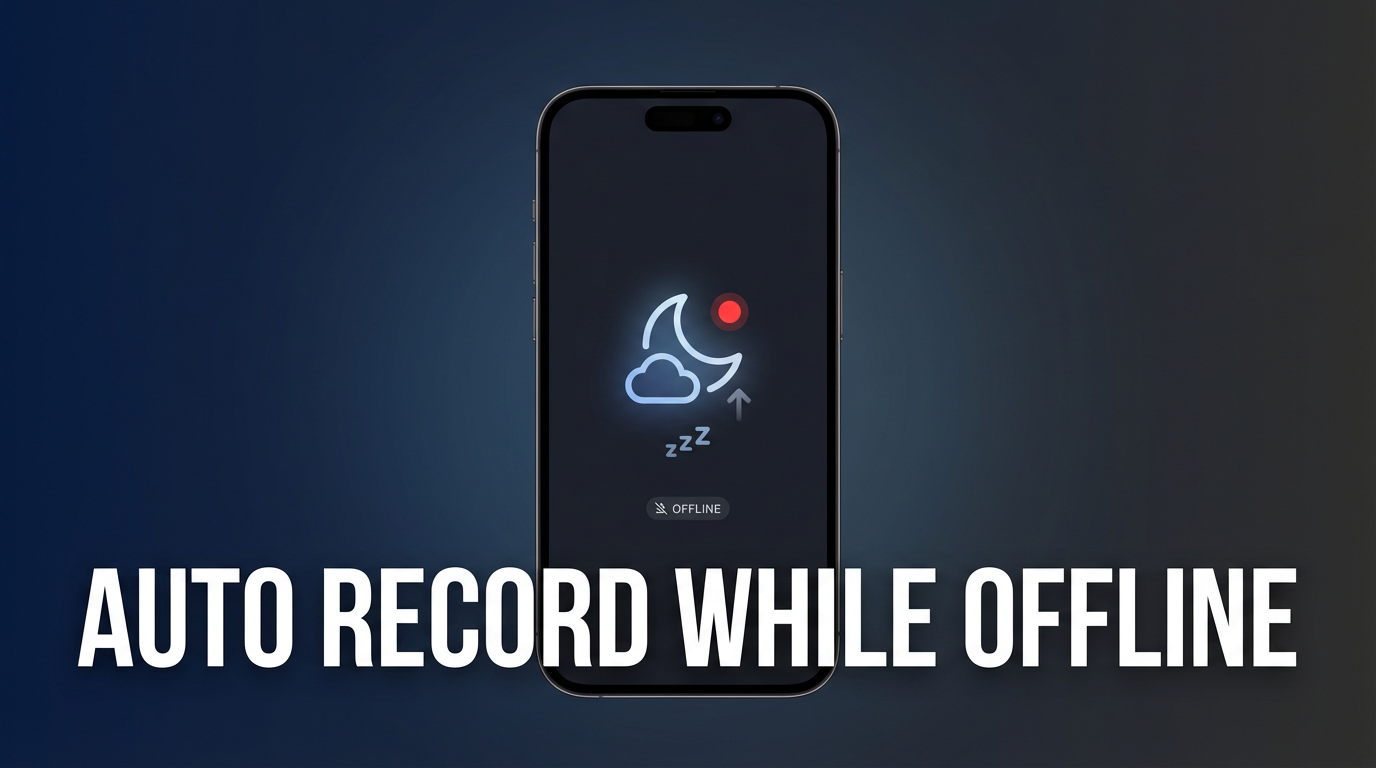
GREC automatically records Instagram Lives while your phone is offline, asleep, or turned off. It uses cloud-based recording — meaning GREC's servers detect live streams and capture them for you without any involvement from your phone. You wake up to perfectly recorded, full-length HD videos ready to download.
This is the feature that makes GREC fundamentally different from every screen recorder on the market. You don't need to be awake, online, or even have the app open. GREC handles everything.
How automatic offline recording works
GREC's recording pipeline is entirely cloud-based. Here's what happens behind the scenes:
- You add profiles — In the GREC app, you search for Instagram usernames and add them to your "Auto Rec" list. This is a one-time setup per profile.
- GREC monitors 24/7 — GREC's cloud infrastructure continuously checks whether your tracked profiles are live. This happens on GREC's servers, not on your phone.
- Live detected — The instant a tracked profile starts a live stream, GREC's servers begin recording automatically.
- Full capture — The recording runs from the first second of the live to the very last. No missed beginnings, no abrupt endings.
- You get notified — Once the recording is complete, GREC sends you a push notification. The video is ready to watch in-app or download in HD.
Your phone plays zero role in the actual recording. It can be in airplane mode, powered off, dead battery, or on the other side of the world. The recording still happens perfectly.
Setting up Auto Rec in GREC
Getting started takes under a minute:
- Download GREC from the App Store or Google Play.
- Create an account — Quick signup with email, Google, or Apple.
- Search profiles — Type any Instagram username into GREC's search.
- Tap "Add to Auto Rec" — That's it. GREC will now automatically record every future live from this profile.
- Enable notifications — So you know the moment a recording is ready.
You can add unlimited profiles to your Auto Rec list with GREC Premium. Every profile is monitored independently, and multiple simultaneous lives are recorded in parallel — something no screen recorder can do.
What "offline" really means
When we say GREC works offline, we mean it in the fullest sense:
- Phone turned off — Recording still happens in the cloud.
- Airplane mode — No problem. GREC's servers don't need your phone to be connected.
- No Wi-Fi, no data — The recording is waiting for you whenever you come back online.
- Phone dead/out of battery — Cloud recording is completely independent of your device.
- You're sleeping — Wake up to perfectly captured lives. This is the most common use case.
- Different timezone — Your favorite streamer goes live at 3 AM your time? GREC captures it.
The only time you need an internet connection is to watch or download the completed recording in the GREC app. The actual recording process requires nothing from you.
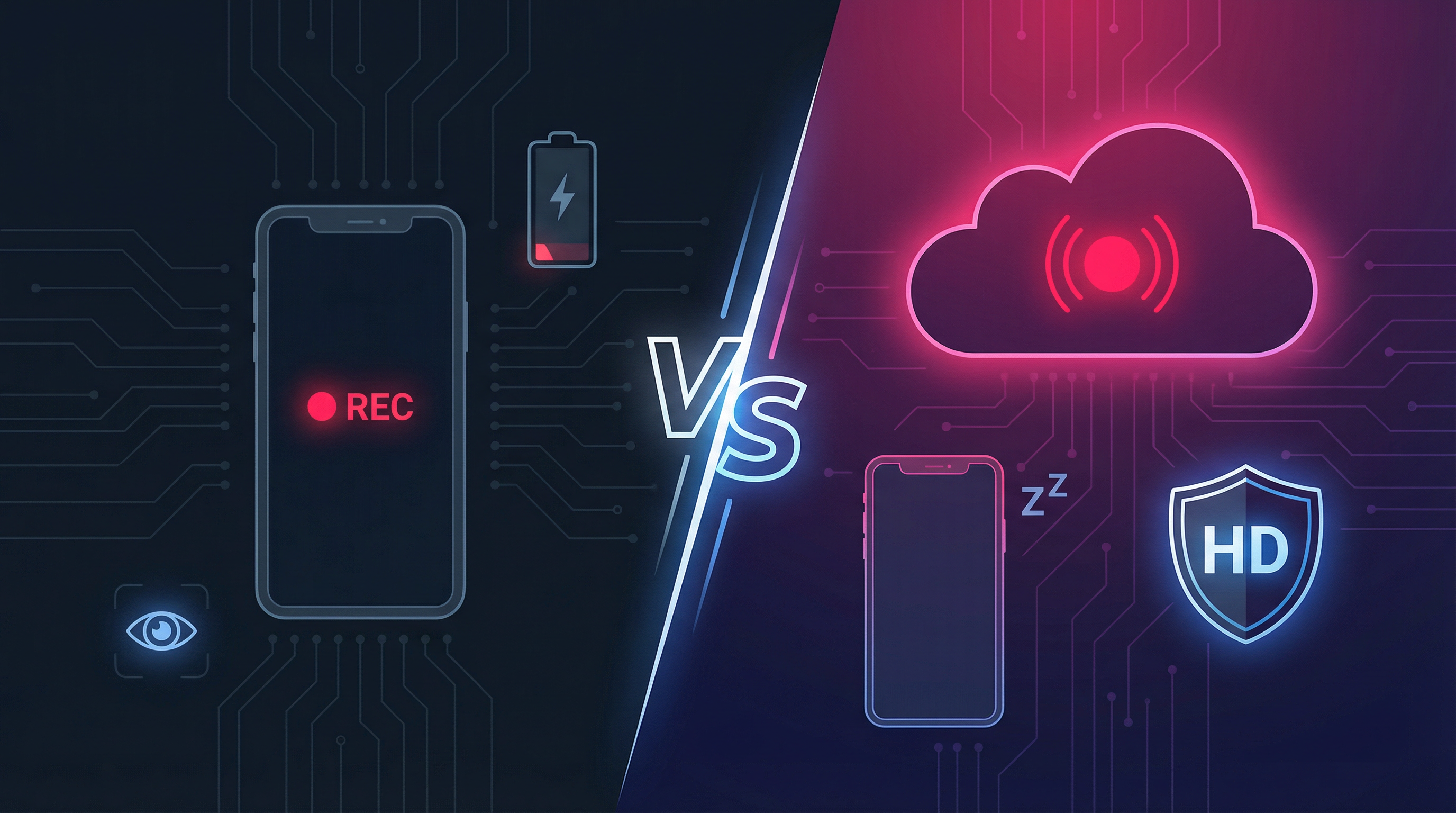
Cloud recording vs. screen recording: why it matters
The fundamental difference between GREC and screen recorders is where the recording happens:
- Screen recorders (XRecorder, AZ Recorder, iOS built-in) capture pixels from your phone's display. Your phone must be on, the app must be open, you must be watching, and your battery drains rapidly. If you're not awake, online, and actively watching — there's no recording.
- GREC (cloud recording) captures the stream directly on GREC's servers. Your phone isn't involved. The result is higher quality, zero battery drain, zero effort, and 100% capture rate.
Think of it this way: a screen recorder is like trying to film a TV show by pointing a camera at your screen. GREC is like having the TV network save a copy for you directly.
Real use cases: when offline auto-recording saves the day
The overnight live
Your favorite creator goes live at 2 AM in your timezone. You're asleep. With GREC, the entire live is recorded and ready to watch when you wake up. Without GREC, it's gone.
The work-hours live
Someone goes live during your work day. You can't watch. GREC captures it silently in the cloud while you focus on your job. Download it during your commute home.
The travel scenario
You're on a flight with no internet. Three of your tracked profiles go live simultaneously. GREC records all three, in full, in HD. When you land and connect to Wi-Fi, three recordings are waiting.
The multi-stream problem
Two people you follow go live at the same time. With a screen recorder, you can only capture one. GREC records both simultaneously without breaking a sweat.
The "I forgot" scenario
You meant to watch someone's live but forgot. With GREC's Auto Rec, forgetting doesn't matter. Every live is captured automatically. Your memory is no longer the weak link.
Frequently asked questions
Does Auto Rec use my phone's battery?
No. All recording happens on GREC's servers. The only battery usage is the standard push notification when a recording is complete.
Can I auto-record from multiple profiles at once?
Yes. GREC Premium lets you add unlimited profiles to your Auto Rec list. Every profile is monitored independently, and all simultaneous lives are recorded in parallel.
How quickly does GREC detect a new live?
GREC typically detects live streams within seconds of them starting. In most cases, the recording includes the full live from the very first moment.
Where are recordings stored?
Recordings are stored securely in GREC's cloud. You can stream them directly in the app or download them in HD to your device. Premium subscribers get unlimited cloud storage.
What if I run out of storage?
Free users have limited storage. Upgrading to GREC Premium or purchasing a storage plan (2TB, 5TB, or Unlimited) ensures you never run out. Visit the GREC Store for options.
Never miss a live — even while you sleep
GREC's cloud recording works 24/7, with or without your phone. Set it up once, and every live is captured automatically.