How to Record Kick Streams on iPhone (2 Methods, 2026)
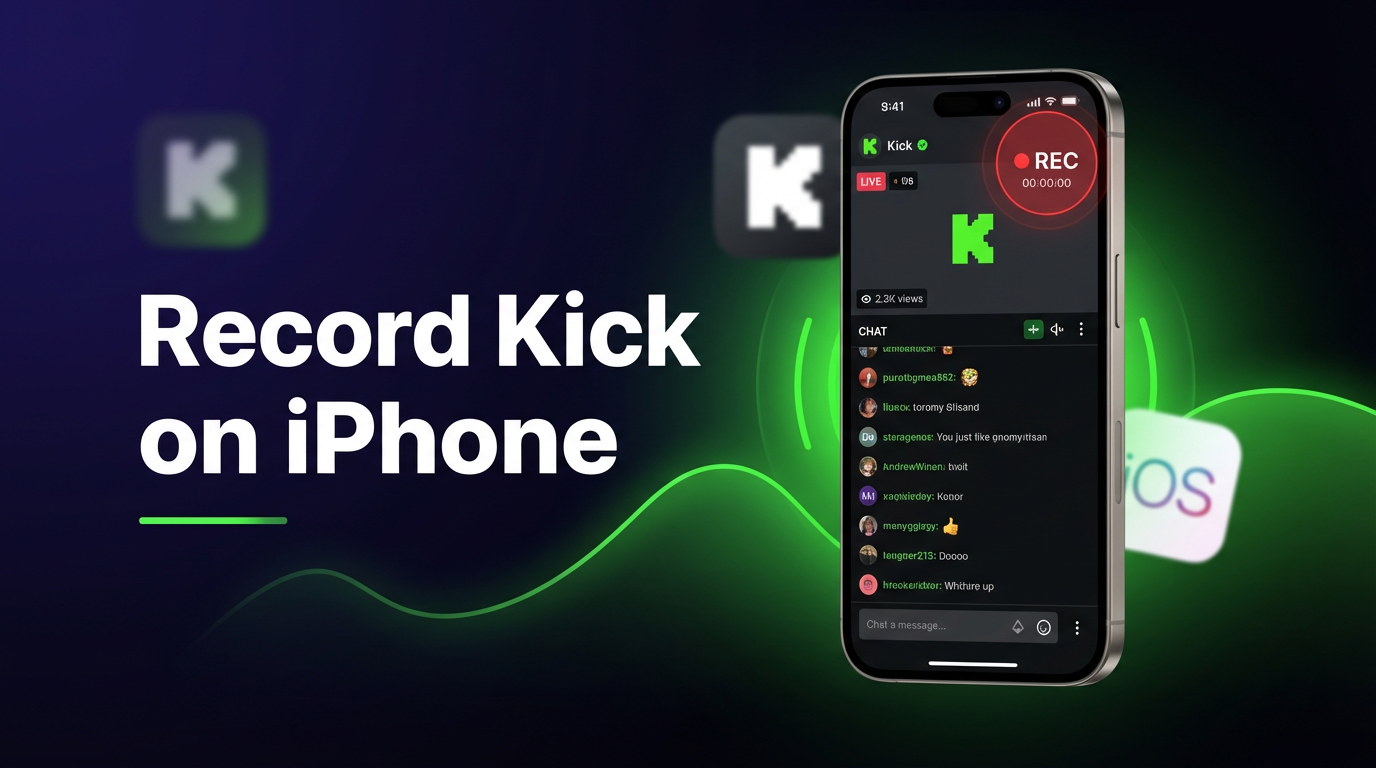
Kick doesn't let you save someone else's live stream. Once a broadcast ends, it's gone — unless the streamer uploaded a VOD. If you want your own copy of a Kick stream on iPhone, you have two options: the built-in iOS screen recorder or GREC's automatic cloud recording.
Why record Kick streams on iPhone?
Kick has grown fast since launching, but it still lacks basic replay features that viewers want. Most streamers don't post VODs, and there's no clips system like Twitch's. If you missed a stream or just want to rewatch a good moment later, you're out of luck unless you recorded it yourself.
Common reasons people record Kick streams on iPhone:
- The streamer doesn't upload VODs after going live
- You want to watch a stream that happens while you're busy, asleep, or in a different time zone
- You'd rather watch on your own schedule instead of being glued to a live broadcast
- You want to keep a personal archive of streams you enjoy
Here are the two methods that work on iPhone, with honest trade-offs for each.
Method 1: iOS screen recording (free, manual)
Every iPhone running iOS 14 or later has a built-in screen recorder. It captures everything on your display, including a Kick stream playing in Safari or the Kick app.
Step-by-step:
- Add Screen Recording to Control Center. Go to Settings → Control Center and tap the green "+" next to Screen Recording if it isn't already listed.
- Open Kick and navigate to the live stream you want to record.
- Open Control Center. On iPhones with Face ID, swipe down from the top-right corner. On older models with a Home button, swipe up from the bottom.
- Long-press the record button (the circle icon). Turn on the microphone if you want to capture stream audio. Tap "Start Recording."
- Switch back to Kick. A red indicator appears in the status bar — that means recording is active.
- When the stream ends (or whenever you're done), tap the red status bar and confirm "Stop." The video saves to your Photos app.
That's it. Free, no extra apps, works right now. But it comes with real limitations — enough that most people who record Kick regularly switch to something else.
Screen recording limitations
iOS screen recording works in a pinch, but it's built for capturing quick demos, not hour-long live streams. Here's where it falls short:
- You have to watch the entire stream. The Kick app must stay open and on-screen for the full duration. Lock your phone or switch apps and the recording either stops or captures the wrong thing.
- You'll miss the beginning. By the time you get a notification that someone went live, open Kick, and start the screen recorder, the first few minutes are already gone.
- Notifications get recorded. Texts, calls, banners — everything that pops up on your screen ends up in the video. You need to remember to enable Do Not Disturb every time.
- Battery drain is serious. Screen recording while streaming video over cellular or Wi-Fi is one of the most battery-intensive things your iPhone can do. A 2-hour stream can burn through 40-50% of your battery.
- Storage fills up fast. Screen recordings at iPhone resolution produce large files. One hour of recording can take 1-3 GB depending on your display settings.
- Lower video quality. You're recording compressed video playing on your screen — not the original stream. The result is noticeably softer than the source.
- One stream at a time. If two Kick streamers you follow go live at the same time, you can only capture one.
Screen recording is a reasonable option if you only need to capture a short segment once in a while. For anything more, there's a better approach.
Method 2: GREC cloud recording (recommended)
GREC is a cloud-based live stream recorder designed for exactly this problem. Instead of recording your screen, GREC captures Kick streams directly on remote servers — automatically, in HD, without touching your iPhone.
How to set up GREC for Kick on iPhone:
- Download GREC from the App Store.
- Create an account — sign up with email, Google, or Apple.
- Search for a Kick streamer by username and tap "Add to Auto Rec."
- Done. GREC monitors that channel 24/7. When the streamer goes live, recording starts automatically in the cloud.
- Watch or download — you'll get a push notification when the recording is ready. Stream it in the app or download in HD.
Why GREC is the better option for Kick on iPhone:
- Fully automatic. No need to open Kick, no need to start anything manually. GREC detects the live stream and records it on its own.
- Works with your phone off. Recording happens on GREC's servers. Your iPhone can be powered down, in airplane mode, or sitting in a drawer — doesn't matter.
- Records from the first second. No missed intros. GREC starts capturing as soon as the stream begins, before you'd even get a notification.
- HD quality. GREC grabs the actual stream feed, not a compressed screen capture. The result is sharper and more consistent than screen recording.
- Zero battery and storage impact. Nothing runs on your iPhone during recording. No battery drain, no storage eaten up by multi-gigabyte files.
- Multiple streams at once. Track and record several Kick channels simultaneously. If three streamers go live at the same time, GREC records all of them.
- Private viewing. Cloud-based recording leaves no viewer footprint. Your name never appears in the stream's viewer list or chat.
- Cross-platform. GREC also works with Twitch, Instagram Live, TikTok LIVE, X/Twitter, and more — all from one app.
Pricing: Free tier available. GREC Premium starts at $4.99/week for unlimited auto-recording across all platforms. Over 300,000 users and a 4.9/5 rating.
Quick comparison table
| iOS Screen Recording | GREC | |
|---|---|---|
| Price | Free | Free / $4.99/wk |
| Must watch live | ✓ | ✗ |
| Works with phone off | ✗ | ✓ |
| Automatic start | ✗ | ✓ |
| iPhone storage used | 1-3 GB/hr | None |
| Battery drain | Heavy | None |
| Video quality | Screen quality | HD (original feed) |
| Multiple streams | ✗ | ✓ |
| Private viewing | ✗ | ✓ |
Privacy and private viewing
When you watch a Kick stream to screen record it, you're a visible viewer. Your username shows up in the chat viewer count, and the streamer can see you're watching. You can't record without being present in the audience.
GREC's cloud-based recording changes that entirely. Since the recording happens on remote servers, your account never joins the stream. There's no viewer footprint — no entry in the viewer list, no notification to the streamer, no public trace that you watched.
For anyone who prefers to keep their viewing habits private — whether for professional reasons, personal preference, or simply not wanting to be noticed — GREC is the only option that offers genuinely private recording on iPhone.
Frequently asked questions
Does Kick notify the streamer when I screen record?
No. Kick has no mechanism to detect iOS screen recording. The streamer won't receive a notification. However, you do appear in the viewer list while watching, so the streamer can see you're in the audience — they just can't tell you're recording.
Can I record Kick streams without watching them live?
Not with screen recording — you have to keep the stream playing on-screen the whole time. With GREC, yes. GREC records in the cloud independently of your phone, so you don't need to watch at all. The recording happens whether you're awake, busy, or offline.
How much iPhone storage does a Kick screen recording use?
Roughly 1-3 GB per hour, depending on your screen resolution and the content being recorded. Long streams eat through storage quickly. GREC recordings are stored in the cloud and don't use any iPhone storage until you choose to download them.
Does GREC work with Kick and other platforms?
Yes. GREC supports Kick, Twitch, Instagram Live, TikTok LIVE, X/Twitter, and other live streaming platforms. You can track and auto-record channels across all of them from a single app and subscription.
Is it legal to record Kick live streams?
Recording live streams for personal, private viewing is generally legal in most jurisdictions. Redistributing, reuploading, or monetizing someone else's content without permission can violate copyright law and Kick's terms of service. Always respect creators' rights.
Can I record Kick on iPhone without an app?
Yes — the built-in iOS screen recorder works without installing anything. But you're limited to manual recording while watching. For automatic recording that works in the background (or with your phone off), you'll need GREC.
Record Kick streams on iPhone — automatically
GREC captures Kick live streams in the cloud, even when your phone is off. HD quality, no storage used, fully private.