Best Kick Live Recorder Apps (2026)
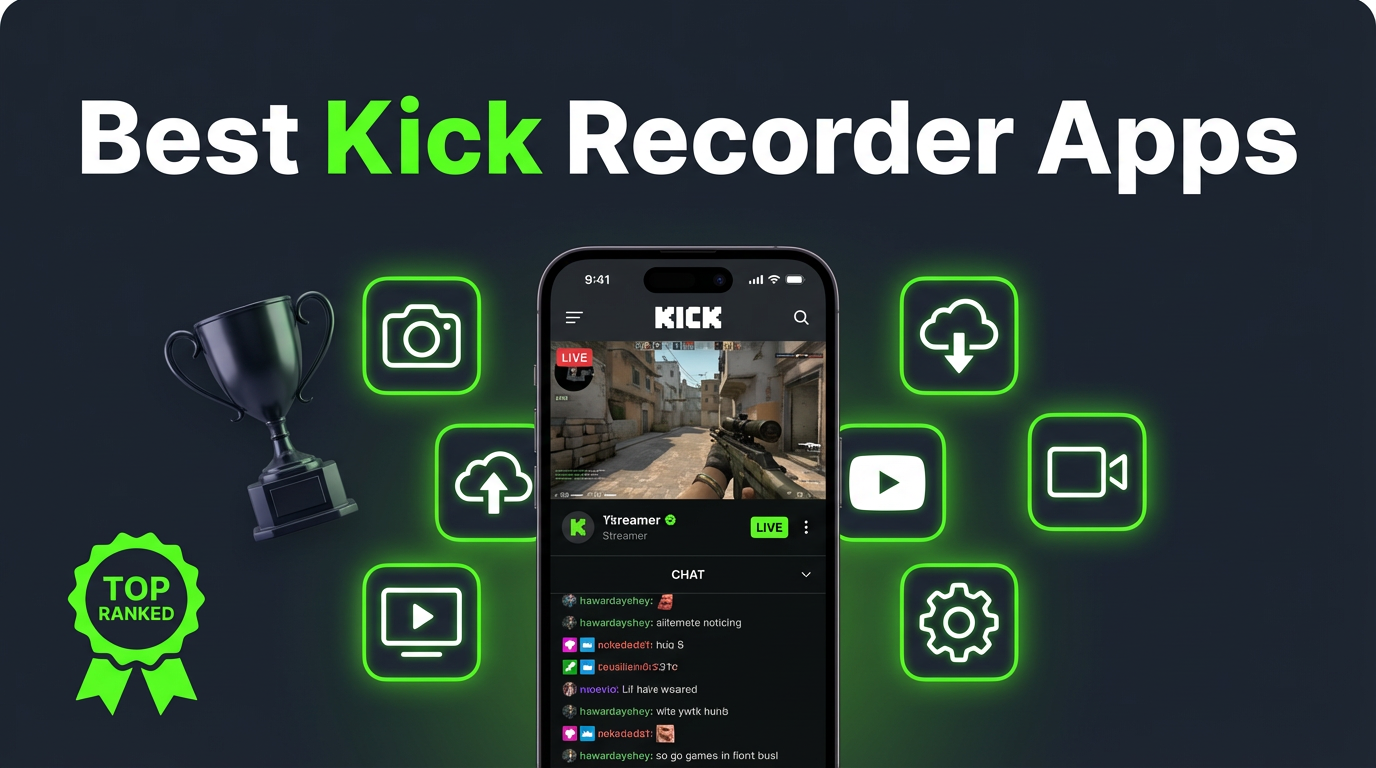
Looking for the best way to record Kick live streams? We tested cloud recorders, screen recording tools, desktop software, and mobile apps to find what actually works in 2026. Here's the breakdown — with honest pros, cons, and a comparison table at the end.
Kick doesn't have a built-in "save stream" button for viewers. If you want to keep a copy of someone's live broadcast, you need to bring your own tool. These are the four main approaches, ranked from best to most limited.
What to look for in a Kick recorder
Before we dive in, here's what separates a good Kick recorder from a mediocre one:
- Automatic recording — Can it start recording without you being there? Kick streamers don't always announce when they're going live.
- Quality — Does it capture the actual stream feed or a compressed screen recording?
- Privacy — Does your username show up in the viewer list while recording?
- Reliability — Will it catch the stream from the first second, or do you risk missing the start?
- Device independence — Can it record when your phone is off or you're away from your computer?
Keep these criteria in mind as we go through each option.
1. GREC — cloud recording (best overall)
GREC is a cloud-based live stream recorder. Instead of capturing your screen, it records Kick streams directly from remote servers. You add a channel, and GREC handles everything else — monitoring, recording, and delivering the finished file in HD.
How to record Kick streams with GREC:
- Download GREC from the App Store or Google Play.
- Search for a Kick channel and tap "Add to Auto Rec."
- GREC monitors 24/7. When the streamer goes live, recording starts automatically in the cloud.
- Get notified when the recording is ready. Watch in-app or download in HD.
Why GREC is #1:
- Fully automatic — no need to be online or press anything. GREC detects the stream and records it.
- Private viewing — cloud-based recording leaves no viewer footprint. Your username never shows up in chat or the viewer list.
- Works with your phone off — recording happens on remote servers. Airplane mode, dead battery, doesn't matter.
- Captures from the first second — no missed intros or late starts.
- HD quality — grabs the actual stream feed, not a compressed screen capture.
- Multiple channels at once — record several Kick streamers simultaneously.
- Cross-platform — also works with Twitch, Instagram Live, TikTok LIVE, and more.
Pricing: Free tier available. GREC Premium starts at $4.99/week for unlimited auto-recording. Over 300,000 users, 4.9/5 rating.
Cons:
- Premium subscription needed for unlimited recording
- No facecam overlay (it's cloud-based, not a screen recorder)
2. Built-in screen recording (iOS & Android)
Your phone already has a screen recorder built in. On iOS (14+), add Screen Recording to Control Center. On Android (11+), find Screen Record in Quick Settings. Both will capture whatever's on your display — including a Kick stream.
Pros:
- Free and pre-installed
- No extra app needed
- Records video + audio
Cons:
- You have to be watching — the Kick stream must be playing on screen the entire time
- Your name appears in chat — you're visible in the viewer list
- You'll miss the start — by the time you get a notification and start recording, the intro is gone
- Notifications get captured — texts and alerts appear in the recording
- Battery drain — screen recording while streaming kills your battery
- One stream at a time — can't record two Kick channels simultaneously
- Lower quality — you're recording compressed screen output
3. OBS Studio (desktop)
OBS Studio is free, open-source desktop software for recording and streaming. Since you can watch Kick in a browser, OBS can capture the window.
How to use OBS for Kick:
- Install OBS from obsproject.com.
- Open the Kick stream in your browser.
- Add a "Window Capture" source in OBS pointed at the browser window.
- Add "Audio Output Capture" for the stream's sound.
- Click "Start Recording."
Pros:
- Free and open-source
- High-quality output with custom resolution and bitrate
- Multiple audio sources
- Works on Windows, macOS, Linux
Cons:
- Desktop only — no mobile option
- Manual start — you have to be at your computer when the stream begins
- You're in the viewer list — the streamer can see you watching
- Learning curve — OBS has dozens of settings
- Missed beginnings — if the stream starts unexpectedly, you lose the first part
4. Third-party screen recorder apps
Apps like XRecorder (Android), AZ Screen Recorder (Android), Record it! (iOS), and DU Recorder (iOS/Android) add features beyond the built-in recorder: facecam overlays, editing tools, custom quality settings.
Pros:
- Facecam overlay for reaction recordings
- Built-in editing tools
- Custom resolution and frame rate
Cons:
- Same fundamental limitations as built-in screen recording — must be watching, visible in viewer list, miss the start
- Most show ads or add watermarks
- Battery drain on long Kick sessions
Side-by-side comparison table
| Feature | GREC | Screen Rec | OBS | 3rd Party |
|---|---|---|---|---|
| Automatic recording | ✓ | ✗ | ✗ | ✗ |
| Records from first second | ✓ | ✗ | ✗ | ✗ |
| No viewer footprint | ✓ | ✗ | ✗ | ✗ |
| Works offline / phone off | ✓ | ✗ | ✗ | ✗ |
| HD quality | ✓ | ✓ | ✓ | ✓ |
| Multiple streams at once | ✓ | ✗ | ✗ | ✗ |
| Zero battery/CPU usage | ✓ | ✗ | ✗ | ✗ |
| Mobile (no computer) | ✓ | ✓ | ✗ | ✓ |
| Free option | ✓ | ✓ | ✓ | ✓ |
| Facecam overlay | ✗ | ✗ | ✓ | ✓ |
Privacy and viewer footprint
This is a bigger deal than most people realize. Every screen recording method — built-in, OBS, third-party apps — requires you to watch the Kick stream. That means your username appears in the viewer list and the streamer's chat. You're publicly present in the broadcast.
GREC is the only option that avoids this. Since recording happens on cloud servers, your account never joins the stream. There's no viewer footprint, no chat presence, no public trace. The streamer and other viewers have no way of knowing the broadcast was captured. It's genuinely private viewing.
If that matters to you — and for many people it does — it's a strong reason to go with GREC over the alternatives.
Frequently Asked Questions
Can I record Kick streams for free?
Yes. Built-in screen recording on iOS and Android is completely free. OBS Studio is free. GREC also has a free tier. Third-party apps are usually free with ads. The question isn't whether free options exist — it's which trade-offs you're willing to accept.
What's the best Kick recorder for iPhone?
GREC is the best option on iPhone because it records automatically in the cloud with no screen recording needed. If you want a free on-device option, the built-in iOS screen recorder works but requires you to watch the entire stream with the screen active.
Can I record a Kick stream without the streamer knowing?
Kick doesn't notify streamers about recording. However, screen recording methods require you to join the stream, so your username appears in the viewer list. GREC's cloud-based recording leaves no viewer footprint — the streamer has no way of knowing the stream was recorded.
Does GREC work with platforms other than Kick?
Yes. GREC supports Kick, Twitch, Instagram Live, TikTok LIVE, and other platforms from a single app. One subscription covers all platforms.
How is GREC different from a regular screen recorder?
A screen recorder captures what's on your display — meaning you have to be watching, your battery drains, and your username is visible. GREC records on cloud servers. Your phone can be off, you don't need to be watching, and no one knows you recorded. The quality is also better since GREC captures the actual stream feed rather than compressed screen output.
The easiest way to record Kick streams
GREC records Kick live streams automatically in the cloud — even when your phone is off.