How to Record Kick Streams on Android
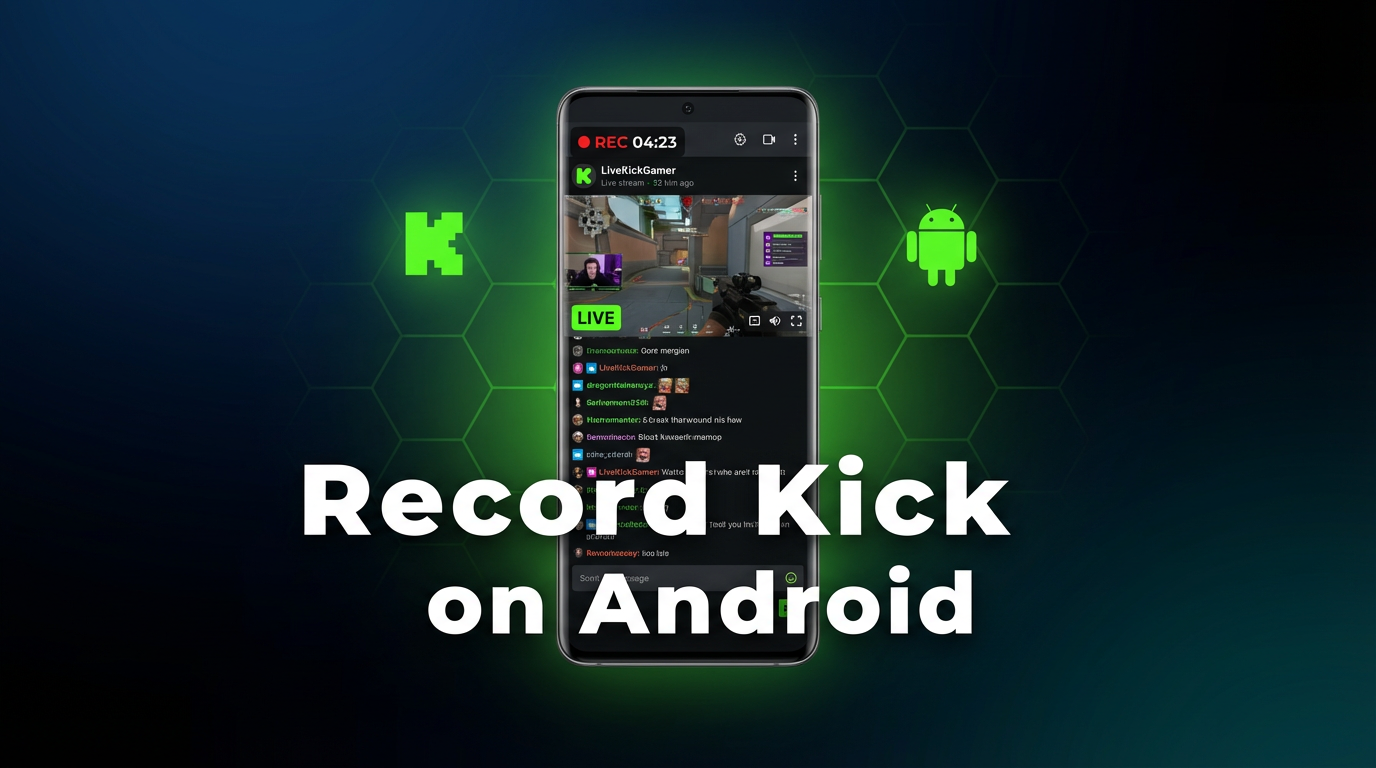
Kick is growing fast. Streamers are moving over from Twitch, bringing their audiences with them. But Kick doesn\'t give viewers a built-in way to save someone else\'s live stream, and VOD availability depends entirely on the streamer\'s settings. If you want to keep a copy of a Kick stream on your Android phone, here are two methods that actually work.
Why record Kick streams?
Kick has attracted a wave of creators looking for better revenue splits and fewer content restrictions. The platform is growing quickly, but its viewer-side features are still catching up. VODs (past broadcasts) aren\'t always available — some streamers turn them off, some delete them after a few days, and some never enable them at all.
If you follow a streamer who goes live at odd hours, or you want to rewatch a particular segment from a long broadcast, you\'re out of luck unless you recorded it yourself. That\'s where these two methods come in.
Method 1: Android screen recording
Android 11 and later includes a built-in screen recorder. It captures everything on your display, including Kick streams playing in the browser or the Kick app.
Step-by-step:
- Open the Kick stream — launch the Kick app or open kick.com in Chrome and navigate to the live channel.
- Pull down the notification shade — swipe down from the top of the screen twice to expand the quick settings panel.
- Tap "Screen Recorder" — if you don\'t see it, tap the pencil/edit icon to add it to your quick tiles.
- Choose audio source — select "Media audio" or "Device audio" to capture the stream\'s sound. Avoid "Microphone" unless you want ambient noise mixed in.
- Start recording — a 3-second countdown begins. Make sure the Kick stream is visible and playing.
- Stop when done — tap the red stop button in the notification bar. The video file is saved to your gallery.
Pros:
- Free, built into Android 11+
- No extra apps needed
- Records both video and audio
Cons:
- You must watch the entire stream — the Kick app has to stay on screen, and your phone has to stay awake for the full duration.
- You\'ll miss the beginning — unless you\'re ready the moment the stream starts, the first few minutes are lost.
- Notifications get recorded — texts, calls, and app alerts will appear in your capture. Turn on Do Not Disturb before recording.
- Battery drain — screen recording while streaming video burns through battery fast. A 3-hour stream can drain your phone completely.
- Storage fills up — screen recordings at full resolution eat a lot of space. A 2-hour stream can be 4-6 GB.
- One stream at a time — you can\'t record two Kick streams simultaneously.
Method 2: GREC cloud recording
GREC is a cloud-based live stream recorder. Instead of capturing your screen, it records Kick streams on remote servers — completely independent of your phone. Your phone can be off, in airplane mode, or running other apps. GREC handles everything in the cloud.
Step-by-step:
- Download GREC from Google Play (also on App Store if you have an iPhone too).
- Create an account — sign up with email, Google, or Apple.
- Search for the Kick streamer — find them by username and tap "Add to Auto Rec."
- That\'s it. GREC now monitors that channel 24/7. When the streamer goes live, recording starts automatically in the cloud.
- Get notified when it\'s ready — open GREC, stream the recording in-app, or download it to your phone.
Why GREC works well on Android:
- No screen recording needed — your phone is free to do other things, or nothing at all.
- Records from the first second — GREC catches the stream start automatically. No missed intros.
- 24/7 monitoring — you don\'t need to know when the streamer goes live. GREC watches for you.
- Private viewing — cloud-based recording leaves no viewer footprint on Kick. The streamer\'s viewer count doesn\'t change, and your name doesn\'t appear anywhere.
- HD quality — GREC captures the actual stream feed, not a re-encoding of your screen.
- Works across platforms — the same app records Kick, Twitch, Instagram Live, TikTok LIVE, X/Twitter, and more.
Pricing: Free tier available. GREC Premium starts at $4.99/week for unlimited auto-recording across all platforms. Over 300,000 users, 4.9/5 rating.
GREC vs. Android screen recording
| GREC | Android Screen Rec | |
|---|---|---|
| Records while phone is off | ✓ | ✗ |
| Automatic — no manual start | ✓ | ✗ |
| Captures from first second | ✓ | ✗ |
| No viewer footprint | ✓ | ✗ |
| HD quality | ✓ | ✓ |
| No battery drain | ✓ | ✗ |
| Multiple streams at once | ✓ | ✗ |
| No phone storage used | ✓ | ✗ |
| Free | Free tier + Premium | ✓ |
Screen recording works for short, planned recordings where you\'re already watching. For anything longer, anything unscheduled, or any situation where you want your phone free, GREC is the more practical option.
Privacy and viewer footprint
When you screen record a Kick stream, you\'re watching it live in the app. Your username appears in the viewer list, and you contribute to the viewer count. The streamer and other viewers can see you\'re there.
GREC\'s cloud recording works differently. The recording happens on remote servers — your Kick account is never involved. There\'s no viewer footprint: no entry in the chat user list, no bump in the viewer count, no public trace that you watched the stream. For people who prefer private viewing, this is a meaningful difference.
Frequently asked questions
Does Kick allow viewers to record streams?
Kick doesn\'t have a built-in recording or download feature for viewers. VODs are available only if the streamer enables them, and they can be deleted at any time. Recording for personal, private viewing is a common workaround — just don\'t redistribute content without the streamer\'s permission.
Can I record Kick on older Android phones?
The built-in screen recorder requires Android 11 or later. If your phone is on an older version, you\'d need a third-party screen recording app from the Play Store. GREC works on Android 7.0 and above, so it covers a wider range of devices.
Will the streamer know I recorded their stream?
Screen recording generates no notification on Kick — the streamer won\'t be alerted. With GREC, there\'s even less to detect: recording happens in the cloud, your account never joins the stream, and there\'s no viewer footprint at all.
How much storage does a Kick stream recording use?
Screen recordings at full resolution can use 2-3 GB per hour. GREC stores recordings in the cloud, so they don\'t take up space on your phone until you choose to download them. You can stream them directly in the GREC app instead.
Record Kick streams without draining your battery
GREC records Kick live streams in the cloud — even when your Android phone is off. No viewer footprint, HD quality, fully automatic.