Can You Rewatch Twitter Spaces You Missed? (Yes — Here's How)
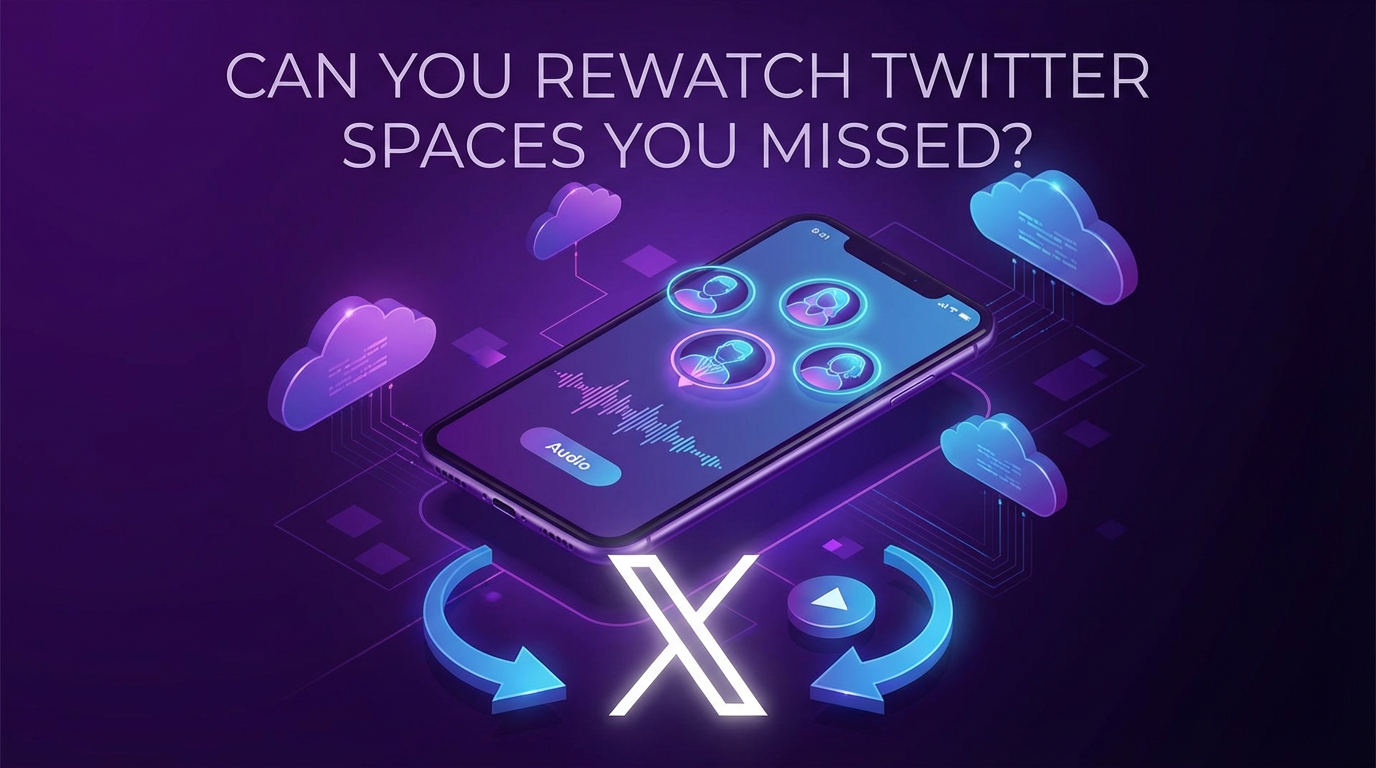
Yes, you can rewatch Twitter Spaces you missed — but it depends on whether the host enabled replay. X gives hosts the option to keep a Space available for 30 days after it ends, but many don't turn it on, and those who do can delete it at any time. If you want a guaranteed copy, GREC records Twitter Spaces automatically in the cloud so you'll never lose one.
X's built-in Spaces replay
When someone hosts a Twitter Space on X, they can choose to make the recording available after the conversation ends. If they do, listeners can replay it directly from the original Space link or from the host's profile.
How it works:
- The host must toggle "Record Space" before the Space starts.
- If enabled, the replay stays available for up to 30 days.
- After 30 days, X removes it automatically.
- The host can delete the replay at any point — even minutes after the Space ends.
The catch: You're entirely at the host's mercy. There's no way to know ahead of time whether a Space will have a replay. Plenty of hosts skip the toggle, forget it, or deliberately keep their conversations ephemeral. And even when a replay exists, 30 days goes fast — especially if you're catching up on multiple Spaces from different creators.
If you open a Space link and see "This Space has ended" with no playback option, the recording either wasn't enabled or was already removed. At that point, it's gone for good — unless someone else recorded it.
GREC — automatic cloud recording (most reliable)
GREC is a cloud-based recorder that captures Twitter Spaces (and other live audio/video) automatically on remote servers. It doesn't rely on X's replay feature at all — it records the Space as it happens, directly from the stream. With over 300,000 users and a 4.9/5 rating, it's the go-to tool for people who don't want to gamble on whether a host enabled replay.
How to record Twitter Spaces with GREC:
- Download GREC from the App Store or Google Play.
- Create an account — sign up with email, Google, or Apple.
- Add X/Twitter accounts — search for any username and tap "Add to Auto Rec."
- Walk away — GREC monitors those accounts 24/7. The moment they start a Space, recording begins automatically in the cloud.
- Listen or download — you'll get a push notification when the recording is ready. Stream it in-app or download in HD.
Why GREC is the most reliable way to rewatch Spaces:
- Fully automatic — you don't need to be online, tuned in, or even awake. GREC detects the Space and records it for you.
- Captures from the first second — no missed openings. Recording starts when the Space starts.
- Independent of the host — it doesn't matter whether the host enabled replay, deleted it, or never turned it on. You have your own copy.
- No 30-day expiration — your recordings are saved in GREC without a countdown timer.
- Works with your phone off — recording happens entirely in the cloud. Phone off, Wi-Fi off, airplane mode — doesn't matter.
- Private viewing — cloud-based recording leaves no public trace. You never appear as a listener in the Space.
- HD audio quality — captures the actual audio stream, not a re-recorded version through your device's microphone.
- Multi-platform — GREC also works with Instagram Live, TikTok LIVE, Twitch, and more. One app, one subscription.
Pricing: Free tier available. GREC Premium starts at $4.99/week and includes unlimited auto-recording across all platforms.
For a deeper walkthrough, see our full guide: How to Record X/Twitter Live Streams.
Screen recording as a fallback
If you're already listening to a Space live and want to save it, your phone's built-in screen recorder will work in a pinch.
On iPhone (iOS 14+)
- Add "Screen Recording" to Control Center (Settings → Control Center).
- Open the Space in the X app.
- Swipe down from the top-right corner to open Control Center.
- Long-press the record button, enable the microphone, and tap "Start Recording."
- Switch back to the Space. A red status bar means it's recording.
- Tap the red bar and confirm to stop when the Space ends.
On Android (11+)
- Pull down Quick Settings and tap "Screen Record" (add it via the edit icon if you don't see it).
- Open the Space in the X app.
- Select media audio as the source and start recording.
- Switch back to the Space.
- Pull down the notification shade and tap "Stop" when finished.
Why screen recording is a fallback, not a solution:
- You have to be listening live — if you missed the Space, this doesn't help at all.
- Manual start — you'll miss whatever was said before you hit record.
- You show up as a listener — your profile is visible to the host and everyone in the Space.
- Battery drain — keeping the screen on with active recording chews through battery fast.
- Notifications get captured — texts, calls, and banners end up in your recording.
- One Space at a time — can't record two overlapping Spaces simultaneously.
Tip: Turn on Do Not Disturb before you start recording to keep notifications out of the capture.
Privacy considerations
If you'd rather listen without anyone knowing, here's how each method stacks up:
- X's built-in replay: You show up as a listener when you tune in live. Replays don't show listener lists, but X tracks engagement internally.
- GREC: Cloud-based recording leaves no viewer footprint. You never join the Space, so your name doesn't appear in the listener list. There's no on-device activity for X to detect. Private viewing from start to finish.
- Screen recording: You must be in the Space to record it, which means your profile is visible to the host, speakers, and other listeners the entire time.
For private viewing without any public trace, GREC is the only option that keeps you completely invisible.
Frequently asked questions
Can I replay a Twitter Space after it ends?
Only if the host enabled recording before the Space started. If they did, the replay is available for up to 30 days through the original link. If they didn't — or if they deleted the recording — there's no built-in way to access it. GREC captures the Space independently, so you'll have a copy regardless of the host's settings.
Why can't I find the replay for a Space I wanted to hear?
Three common reasons: the host didn't toggle "Record Space" before starting, the host deleted the replay after the Space ended, or 30 days have passed and X removed it automatically. None of these affect GREC recordings since it captures the audio directly during the live broadcast.
Does GREC record Twitter Spaces or just video streams?
GREC records both. It captures Twitter Spaces (audio) as well as video live streams on X/Twitter, Instagram Live, TikTok LIVE, Twitch, and other platforms. Everything runs through the same app and subscription.
Is it legal to record a Twitter Space?
Recording a Twitter Space for personal, private listening is generally legal in most jurisdictions. However, redistributing, reuploading, or monetizing someone else's Space without their permission can violate copyright law and X's terms of service. Always respect creators' rights and use recordings for personal use.
Can the host tell if I recorded their Space?
X doesn't notify hosts when someone records via screen recording or third-party tools. With GREC, there's an extra layer — since recording happens in the cloud, your account never joins the Space at all. There's no listener footprint, no viewer count increment, and nothing for the host to notice.
Never miss a Twitter Space again
GREC records Twitter Spaces automatically in the cloud — even when your phone is off.