Best X/Twitter Live Recorder Apps (2026 Comparison)
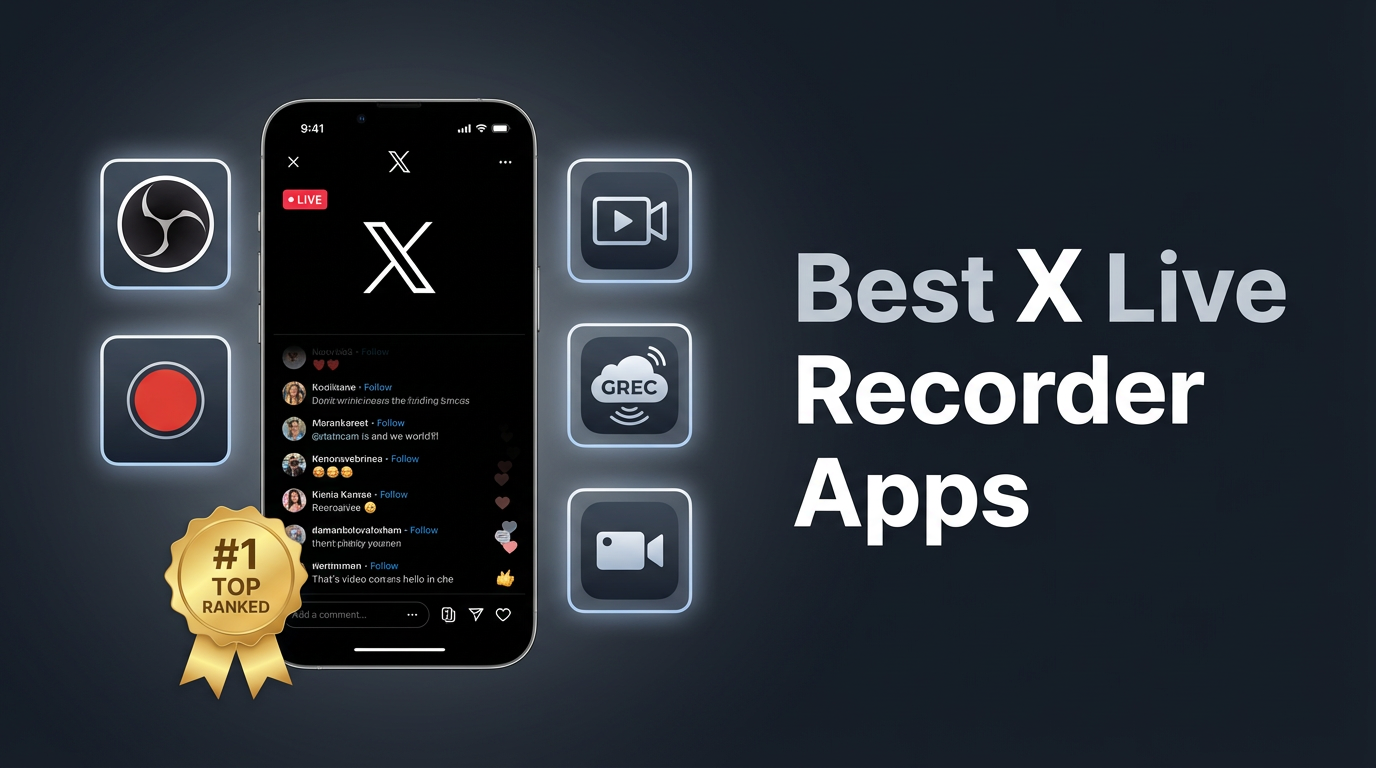
X (formerly Twitter) lets creators go live with video and host audio-only Spaces — but there's no built-in way to save someone else's live content. Once it ends, it's usually gone. If you want to keep a copy, you'll need a recorder app. Here's how the top options stack up in 2026.
Why you'd want to record X/Twitter live
X Live videos disappear after the broadcast ends unless the host explicitly posts a replay. Even when replays exist, they can be deleted at any time. Spaces have a 30-day replay window, but that's only if the host turned on recording — most don't.
If you're following someone who does important live Q&As, product launches, or breaking-news commentary, you've probably opened X only to see "This Space has ended" or a live video that's already over. A recorder app solves that problem permanently.
Here are the four main approaches, ranked by how well they handle X/Twitter content:
1. GREC — automatic cloud recording (best overall)
GREC is a cloud-based recorder that captures X live video and Spaces automatically on remote servers. It doesn't use screen recording — it grabs the actual stream directly. With over 300,000 users and a 4.9/5 rating, it's the most widely used option for recording live content across platforms.
How it works with X/Twitter:
- Download GREC from the App Store or Google Play.
- Add an X account — search by username and tap "Add to Auto Rec."
- Leave it running — GREC monitors the account 24/7. When they go live or start a Space, recording begins automatically in the cloud.
- Watch later — you'll get a notification when the recording is ready. Stream it in-app or download in HD.
Why GREC is #1 for X/Twitter:
- Captures both Live video and Spaces — one app handles all X live content.
- Fully automatic — no need to be online or open X. GREC starts recording the moment the host goes live.
- Private viewing — cloud-based recording leaves no viewer footprint. You don't show up in the Space listener count or live viewer list.
- Works with your phone off — recording runs in the cloud. Airplane mode, phone powered down — doesn't matter.
- Records from the first second — no missed intros or opening remarks.
- HD quality — captures the original stream feed, not a compressed screen capture.
- Multiple accounts at once — track and record several X accounts simultaneously.
- Cross-platform — also works with TikTok, Instagram, Twitch, Kick, and more.
Pricing: Free tier available. GREC Premium starts at $4.99/week for unlimited auto-recording across all platforms.
2. Built-in screen recording (iOS & Android)
Every modern phone has a built-in screen recorder. It captures whatever's on your display, including an X live video or Space playing in the app.
For X Live video: Open the live broadcast in X, start your screen recorder, and let it run. You'll get a video file with both the stream video and audio.
For X Spaces: The same approach works, but since Spaces are audio-only, you'll end up with a video file of the Spaces UI. The audio quality is fine; the visual is just the screen.
Pros:
- Free, built into iOS 14+ and Android 11+
- No extra apps needed
- Captures both video and audio
Cons:
- You must be listening/watching — the X app has to stay open on screen for the entire broadcast.
- Your name appears in the audience — the host and other listeners can see you're there.
- You'll miss the start — by the time you notice and hit record, the first few minutes are gone.
- Notifications get recorded — texts, calls, and alerts show up in the capture.
- Battery drain — long Spaces can run for hours, and screen recording eats battery fast.
- One broadcast at a time — can't capture two live sessions simultaneously.
3. OBS Studio (desktop)
OBS Studio is a free, open-source screen recorder for Windows, macOS, and Linux. Since X live content plays in the browser, you can point OBS at the browser window and record it.
How to use OBS for X/Twitter live:
- Open X in your browser and navigate to the live broadcast or Space.
- In OBS, add a "Window Capture" source and select the browser window.
- Add "Audio Output Capture" to grab the stream's audio.
- Click "Start Recording" and let it run until the broadcast ends.
Pros:
- Free and open-source
- High-quality output with custom resolution and bitrate
- Works on all desktop operating systems
Cons:
- Desktop only — no mobile support
- Manual start — you need to be at your computer before the broadcast begins
- You're visible — you show up in the viewer/listener count
- Steeper learning curve — OBS has dozens of settings to configure
- No automation — can't schedule or auto-start recordings
4. Third-party screen recorder apps
Apps like XRecorder (Android), AZ Screen Recorder (Android), and Record it! (iOS) provide screen recording with added features: facecam overlays, editors, custom quality settings.
For X/Twitter live content, they work identically to built-in screen recording — same strengths, same limitations. The main advantage is extra editing features and compatibility with older OS versions.
Pros:
- Built-in editing and trimming tools
- Facecam overlay option
- Works on older phones without built-in screen recording
Cons:
- Same limitations as built-in screen recording (must be watching, visible to host, miss the start)
- Ads and watermarks in free versions
- Battery drain on long broadcasts
Side-by-side comparison table
| Feature | GREC | Screen Rec | OBS | 3rd Party |
|---|---|---|---|---|
| Records X Live video | ✓ | ✓ | ✓ | ✓ |
| Records X Spaces | ✓ | ✓ | ✓ | ✓ |
| Automatic recording | ✓ | ✗ | ✗ | ✗ |
| Records from first second | ✓ | ✗ | ✗ | ✗ |
| No viewer footprint | ✓ | ✗ | ✗ | ✗ |
| Works offline / phone off | ✓ | ✗ | ✗ | ✗ |
| HD quality | ✓ | ✓ | ✓ | ✓ |
| Multiple streams at once | ✓ | ✗ | ✗ | ✗ |
| Mobile (no computer needed) | ✓ | ✓ | ✗ | ✓ |
| Free option | ✓ | ✓ | ✓ | ✓ |
| Facecam overlay | ✗ | ✗ | ✓ | ✓ |
Recording X Spaces (audio-only)
X Spaces deserve a separate mention because they work differently from live video. Spaces are audio-only rooms — think live podcasts. Here's what you should know:
- 30-day replay: Hosts can enable replay, which keeps the Space available for 30 days. But many hosts don't turn this on, and even when they do, the recording disappears after the 30-day window.
- No official download: X doesn't let listeners download Space recordings. Even the 30-day replay is stream-only.
- Screen recording works but requires you to sit through the entire Space with your phone awake and X open.
- GREC records Spaces from the cloud — it starts automatically when a tracked account launches a Space, and you don't need to be in the room at all. No listener footprint, no battery drain, no manual work.
For Spaces specifically, GREC is the only option that doesn't require you to be present for the entire session. If you follow accounts that host multi-hour Spaces, that's a significant difference.
Privacy and viewer footprint
Every screen recording method requires you to actively join the live video or Space. That means:
- Your profile shows up in the listener/viewer list
- The host can see you're in the room
- Other participants can see your name
GREC's cloud-based recording changes this entirely. Since recording happens on remote servers, your account never joins the broadcast. There's no viewer footprint — no trace in the audience list, no notification to the host, no public evidence that you tuned in.
If private viewing matters to you — whether for professional reasons or personal preference — cloud recording is the only approach that leaves no public trace.
Frequently asked questions
Does X notify the host when someone records their live?
No. X doesn't detect or notify anyone about screen recording. There's no mechanism in the app for it. With GREC, there's nothing to detect in the first place — recording happens in the cloud, completely separate from the X platform.
Can I record X Spaces that have already ended?
Only if the host enabled the 30-day replay. You can screen record the replay while it plays, but once the 30 days are up, it's gone. GREC solves this by recording the Space live as it happens, so you always have a copy regardless of the host's replay settings.
Is GREC only for X/Twitter?
No. GREC works across multiple platforms — X, Instagram Live, TikTok LIVE, Twitch, Kick, and more. You can track and auto-record accounts from all of these in a single app.
How long can GREC record an X live session?
GREC records for the full duration of the broadcast, no matter how long it runs. Some X Spaces go on for 6+ hours, and GREC captures every minute without interruption.
Is it legal to record X live broadcasts?
Recording for personal, private viewing is generally legal. Redistributing, reuploading, or monetizing someone else's content without their permission can violate copyright law and X's terms of service. Use recordings responsibly and respect creators' rights.
Record every X live and Space — automatically
GREC captures X/Twitter live video and Spaces in the cloud, even when your phone is off. No viewer footprint.