How to Watch Old Kick Streams and Clips
You missed a Kick stream. Now you want to watch it back. But the VOD isn't there, the clips are gone, and there's nothing you can do about it. This is a common problem on Kick, where past broadcasts aren't guaranteed to stick around. Here's where old Kick streams actually go — and how to make sure you never lose one again.
Where do old Kick streams go?
Short answer: it depends entirely on the streamer.
Kick doesn't automatically archive every broadcast. When a stream ends, the live feed stops — and unless the streamer has specifically enabled VOD storage, the content is just gone. There's no platform-wide archive, no public history, and no way for viewers to request that a past stream be made available.
If you're looking for an old Kick stream right now, here's where to check:
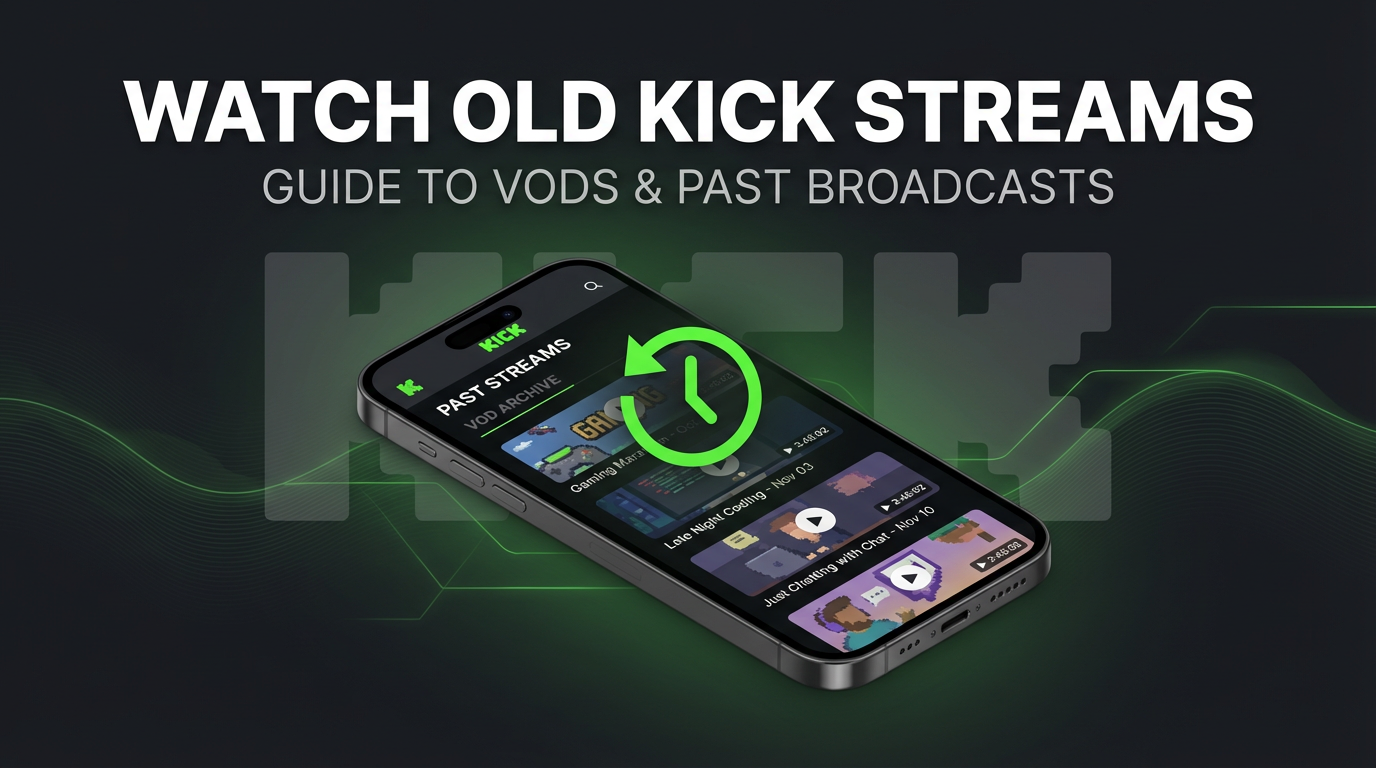
- The streamer's channel page. Go to
kick.com/usernameand look for a "Past Streams" or "Videos" tab below the player. If VODs are enabled, recent broadcasts will be listed here. - The clips tab. Short viewer-created highlights sometimes survive even after the full VOD is removed, though this isn't guaranteed.
- Third-party searches. Some Kick content gets clipped and reposted on YouTube or social media. It's hit-or-miss, and you'll rarely find a full broadcast this way.
If none of those turn up anything, the stream is most likely gone for good.
Kick's replay system and its limits
Kick gives streamers the option to save past broadcasts as VODs. But the system has several gaps that make it unreliable for viewers who want to go back and watch something they missed:
- VODs are optional. The streamer decides whether past broadcasts get stored. Many don't enable this — some because they prefer live-only content, others because they don't know the setting exists.
- No guaranteed retention period. Twitch gives Affiliates 60 days of VOD storage. Kick doesn't publish a comparable policy. A VOD might stay up for months or disappear in a week — there's no firm timeline viewers can count on.
- Streamers can delete VODs at any time. Even when a VOD exists, one click removes it permanently. There's no recycle bin, no grace period, no undo.
- Platform-side cleanup happens. Kick may remove VODs during storage management or policy changes. Since there's no published retention guarantee, content can be wiped without notice.
- Account changes destroy everything. If a streamer gets banned, deactivates their account, or migrates to a new channel, all associated VODs disappear with them.
Bottom line: Kick's VOD system works when the streamer actively maintains it. But as a viewer, you have zero control over whether a past stream will be there when you go looking for it.
Kick clips: what you can and can't do
Kick lets viewers create short clips during live broadcasts — typically 30 to 60 seconds of highlighted content. Clips are useful for sharing moments, but they come with real limitations:
- Clips are tied to the original broadcast. If the streamer removes the VOD or their account changes, associated clips can vanish too.
- You can't clip a full stream. Clips capture a brief window. If you want the entire two-hour broadcast, clips won't get you there.
- Clip creation requires being live. You need to be watching the stream in real time to create a clip. If you missed the broadcast entirely, you can't go back and clip from it after the fact — unless the VOD is still up.
- Clips aren't permanent. Like VODs, clips on Kick don't carry a firm retention guarantee. They can be removed by the streamer, flagged, or cleared during platform updates.
Clips are better than nothing, but they're not a replacement for having the full recording saved somewhere you control.
GREC: never lose a Kick stream again
GREC is a cloud-based recorder that captures Kick streams automatically on remote servers. It doesn't depend on Kick's VOD system at all — GREC records the live broadcast directly, so you have a full copy regardless of what the streamer does afterward.
- Automatic recording. Add a Kick channel to GREC and it monitors that channel 24/7. When the streamer goes live, recording starts in the cloud immediately — no manual action needed.
- Independent of VOD settings. Doesn't matter whether the streamer has VODs enabled, disabled, or deletes them later. GREC records the live feed itself. Your copy is separate.
- Permanent storage. No expiration countdown. No streamer deletion. No platform cleanup. Your recordings stay in GREC for as long as you want them.
- HD quality. GREC captures the actual stream feed — not a compressed screen recording. The quality matches what you'd see watching live.
- Works with your phone off. Recording runs entirely in the cloud. Your phone can be powered down, in airplane mode, or out of battery. Doesn't matter.
- Multiple channels simultaneously. Track several Kick streamers at once. If three go live at the same time, GREC records all three.
Over 300,000 users and a 4.9/5 rating across the App Store and Google Play. GREC also works with Twitch, Instagram Live, TikTok LIVE, X/Twitter, and other platforms.
Pricing: Free tier available. GREC Premium starts at $4.99/week for unlimited auto-recording across all platforms.
How to set up GREC
- Download GREC from the App Store or Google Play.
- Create an account — sign up with email, Google, or Apple.
- Search for the Kick channel you want to record. Type the streamer's username and tap "Add to Auto Rec."
- That's it. GREC now monitors that channel around the clock. Every time they go live, recording starts automatically.
- Watch or download later. You'll get a push notification when the recording is ready. Stream it in the app or download in HD.
Setup takes about 30 seconds. Once a channel is added, every future broadcast gets recorded — no need to open the app or do anything manually.
Privacy and private viewing
Watching a Kick stream live means you show up. Your name appears in the viewer list. The streamer can see you're in the audience. If you chat, everyone sees your username.
GREC removes all of that. Cloud-based recording leaves no viewer footprint. Your account never joins the stream — there's no entry in the viewer list, no notification to the streamer, no public trace that you watched. You can catch up on recordings privately, on your own schedule, without anyone on Kick knowing about it.
Frequently asked questions
Can I recover a Kick VOD that was already deleted?
No. Once a VOD is removed by the streamer or the platform, there's no way to get it back. Kick doesn't offer a recovery option and there's no public archive. The only way to have a copy is to record the stream while it's live — which is what GREC does automatically.
Does GREC work if the streamer has VODs turned off?
Yes. GREC records the live broadcast directly, completely independent of Kick's VOD settings. Whether the streamer enables, disables, or deletes VODs makes no difference — your GREC recording is a separate copy in the cloud.
Will the streamer know I'm recording?
No. GREC records from the cloud without joining the stream as a viewer. Your username doesn't appear in the chat or viewer list. There's no notification to the streamer and no device-level activity for Kick to detect.
Can I watch recordings offline?
Yes. Download any recording from GREC to your device and watch without an internet connection.
Does GREC record clips too?
GREC records the full live stream, not individual clips. But since you have the complete broadcast saved, you can scrub to any moment — effectively better access than Kick's clip system provides.
Never lose a Kick stream again
GREC records Kick streams in the cloud — automatically, in HD, even with your phone off. No more missing VODs or deleted clips.