How to Save Kick Streams When You're Offline
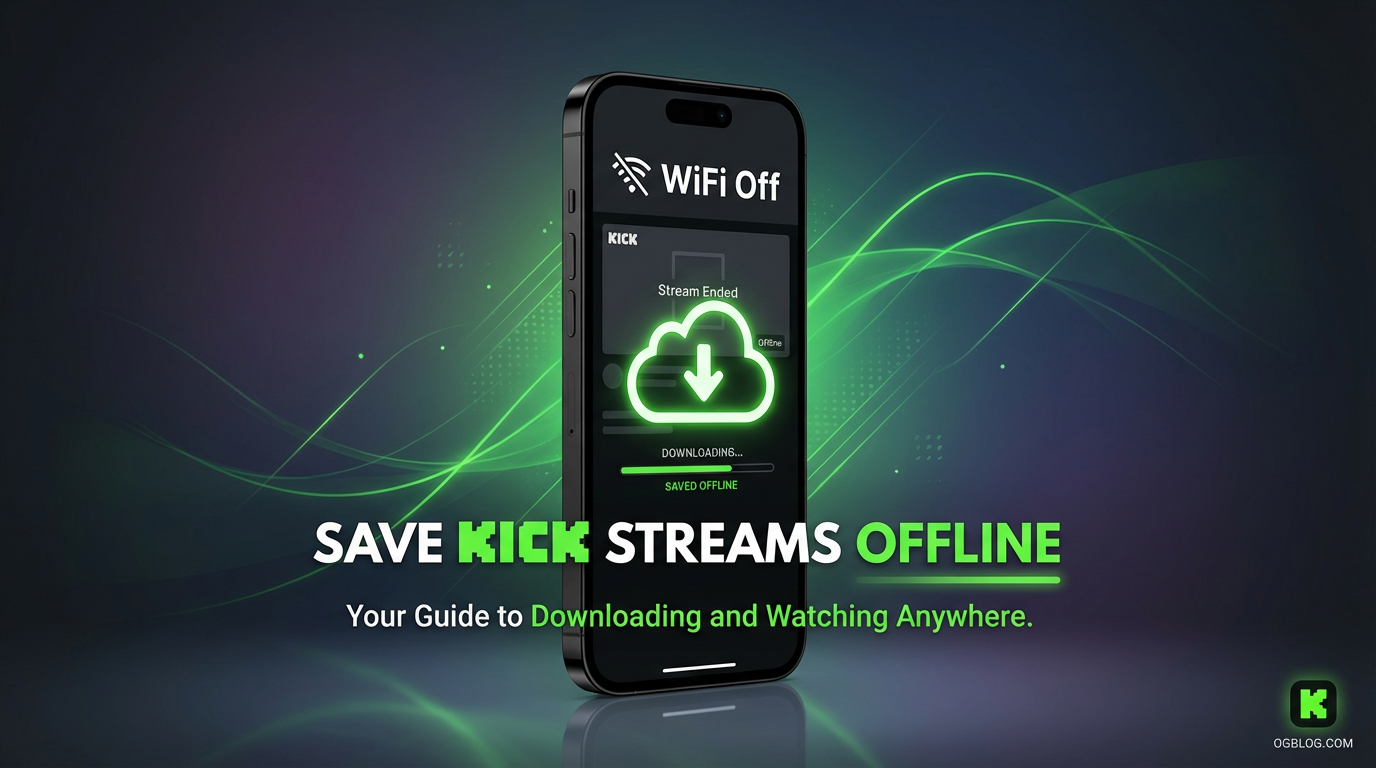
You don't need to be online to save a Kick live stream. GREC's cloud recording captures Kick broadcasts automatically on remote servers — even when your phone is off, in airplane mode, or completely out of reach. Here's how it works and why Kick's built-in options aren't enough.
The problem: Kick streams don't wait for you
Live streams happen on the streamer's schedule, not yours. Maybe you're at work, asleep, or just don't have your phone handy. By the time you check Kick, the stream is over — and depending on the creator's settings, there may be nothing left to watch.
Screen recording isn't an option either. Every screen recorder — built-in or third-party — requires your device to be on, the app to be open, and the stream to be playing on your screen. If you're not actively watching, you're not recording. That makes screen recording useless for streams you can't attend live.
What you need is something that records for you, without touching your phone.
Can you replay Kick streams after they end?
Sometimes — but it's unreliable. Kick has a VOD system, but it depends entirely on the streamer:
- VODs are optional. Creators choose whether to save their broadcasts. Many don't.
- VODs can be deleted. Even when enabled, the streamer can remove them at any time.
- No guaranteed retention period. Unlike Twitch's structured 14/60-day policy, Kick doesn't promise how long VODs stick around.
- No download button. Even if a VOD exists, Kick doesn't let you save it to your device.
Relying on Kick's replay system means gambling that (a) the streamer enabled VODs, (b) they haven't deleted it, and (c) the VOD will still be there when you get around to watching. That's a lot of ifs.
GREC: cloud recording that works while you're offline
GREC is a cloud-based live stream recorder designed for exactly this situation. You tell it which Kick channels to watch, and it monitors them 24/7 from its own servers. When a channel goes live, GREC starts recording automatically — regardless of what your phone is doing.
Your phone can be:
- Powered off
- In airplane mode
- On a different Wi-Fi network
- Out of battery
- Sitting in a drawer
Doesn't matter. GREC's servers handle the recording independently. When the stream ends, you'll get a push notification (once your phone is back online). Open the app, and the full recording is waiting for you in HD.
How GREC captures Kick streams when your phone is off
Step-by-step setup:
- Download GREC from the App Store or Google Play.
- Search for Kick channels you want to follow.
- Tap "Add to Auto Rec" for each channel.
- That's it. Put your phone away. GREC monitors those channels around the clock.
What happens when the streamer goes live:
- GREC's cloud servers detect the broadcast within seconds.
- Recording starts automatically — from the very first second of the stream.
- The entire broadcast is captured in HD on remote servers.
- When the stream ends, the recording is processed and added to your GREC library.
- You get a notification. Watch in-app or download the file.
Why this approach works when you're offline:
- No device dependency. Recording happens on GREC's servers, not your phone. Zero battery, zero CPU, zero storage used on your end.
- Captures from second one. No missed intros. GREC picks up the stream the moment it starts.
- Works across time zones. If your favorite streamer is live at 3 AM your time, GREC records it while you sleep.
- Multiple channels simultaneously. Track as many Kick streamers as you want. GREC records all of them at once if they go live at the same time.
- HD quality. Captures the actual stream feed — not a screen recording of compressed video.
Pricing: Free tier available. GREC Premium starts at $4.99/week for unlimited auto-recording across all platforms. Over 300,000 users and a 4.9/5 rating.
Privacy and private viewing
Here's something most people don't think about: when you screen-record a Kick stream, you have to watch it live — which means your username appears in the viewer list. Even if you just want to save the recording, you're publicly present in the broadcast.
GREC's cloud-based recording leaves no public trace. Your account never joins the stream. The streamer doesn't see your name in chat. Other viewers don't know you're there. There's no viewer footprint whatsoever. It's genuinely private viewing — you get the recording without anyone knowing.
That said, use recordings responsibly. Kick streams are the creator's content. Personal, private viewing is fine; reuploading or redistributing without permission isn't.
Frequently Asked Questions
Can I record a Kick stream that's happening right now while I'm away?
Yes — if you've already added the channel to GREC. It picks up live streams automatically. If you haven't added the channel yet, set it up now and GREC will capture the next broadcast. For a stream already in progress, it'll start recording from the moment you add the channel.
How long can GREC record a single Kick stream?
GREC captures the full broadcast regardless of length. Whether it's a 30-minute session or an 8-hour marathon, you'll get the complete recording.
Do I need to keep the GREC app open?
No. Once you've added channels, GREC's cloud servers handle everything. You can close the app, turn off your phone, or uninstall it and reinstall later — your recordings will still be there in your account.
What if the Kick streamer also saves a VOD?
You'll have both — GREC's recording in your library and the streamer's VOD on Kick. GREC gives you a personal copy that you can watch anytime, even if the streamer later deletes their VOD.
Does GREC work for platforms other than Kick?
Yes. GREC supports Kick, Twitch, Instagram Live, TikTok LIVE, and other platforms. One app, one subscription, all platforms.
Save Kick streams — even when you're offline
GREC records Kick live streams automatically in the cloud. Your phone doesn't need to be on.