Best Twitch Stream Recorder Apps in 2026 (Tested & Compared)
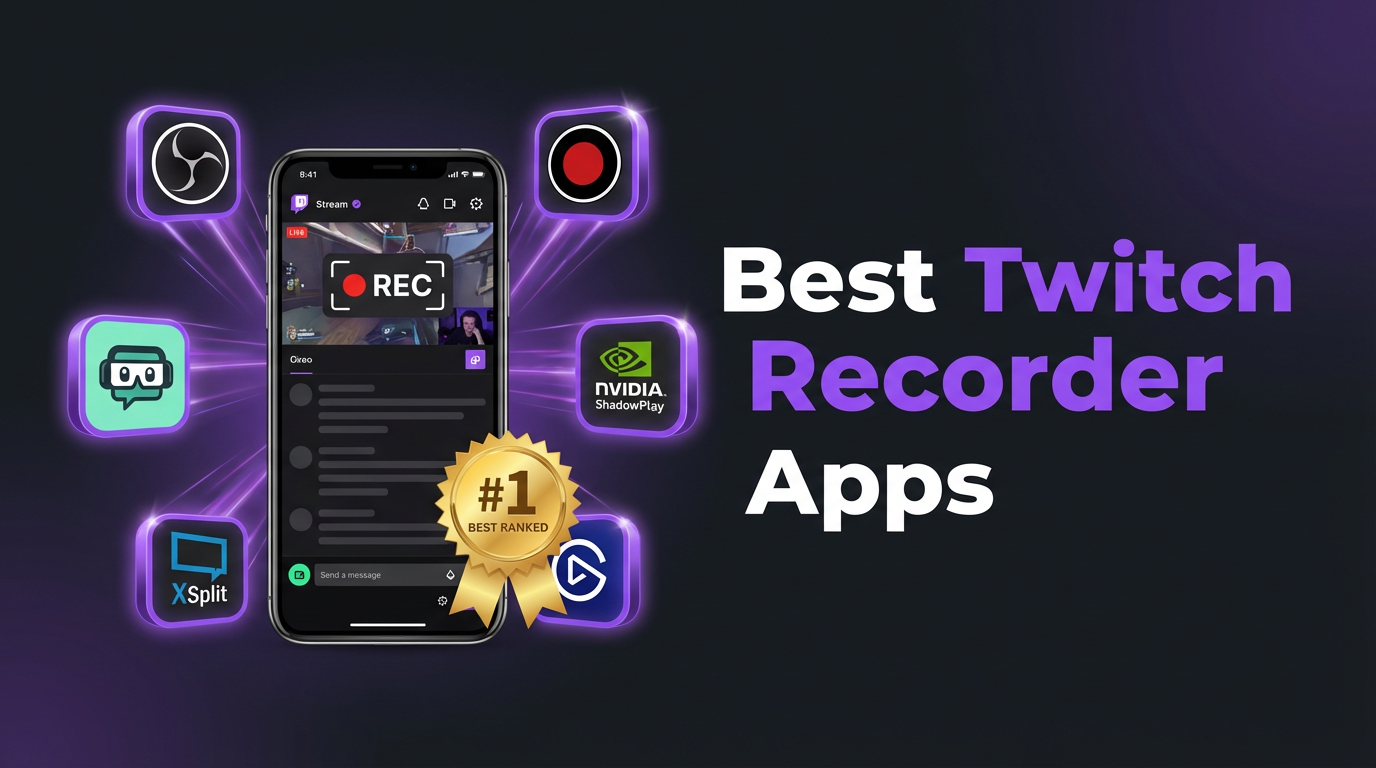
We tested the most popular Twitch stream recording tools in 2026 across automation, quality, privacy, and ease of use. GREC stands out as the top pick for most users thanks to fully automatic cloud recording, but OBS, Streamlink, and screen recorder apps each have their strengths. Here's how they stack up.
What to look for in a Twitch recorder
Not every recording situation calls for the same tool. Before we dive into the rankings, here are the factors that actually matter:
- Automation — Can it record without you pressing start? If a streamer goes live at 3 AM, does the tool catch it?
- Quality — Does it capture the original stream feed or a compressed screen recording?
- Privacy — Does your username appear in the viewer list? Can the streamer tell you're recording?
- Device requirements — Do you need a computer? Does your phone need to stay on?
- Ease of setup — How long from download to first recording?
- Cost — Free options exist, but what trade-offs come with them?
1. GREC — best overall (cloud recording)
GREC is a cloud-based live stream recorder with over 300,000 users and a 4.9/5 rating. It records Twitch streams on remote servers — automatically, in HD, from the first second. You add a channel, and GREC handles everything else. No manual start, no device left running, no presence in the viewer list.
Key strengths:
- Fully automatic — GREC monitors channels 24/7 and starts recording the moment a stream goes live. You don't need to be online, awake, or holding your phone.
- HD quality — Captures the actual stream feed, not a screen recording of compressed video.
- Private viewing — Cloud-based recording leaves no viewer footprint. Your username never appears in the viewer list or chat.
- Works offline — Your phone can be off, in airplane mode, or out of battery. Recording happens in the cloud.
- Captures from the first second — No missed intros. GREC starts recording as soon as the stream begins.
- Multi-platform — Also supports Instagram Live, TikTok LIVE, and other platforms from one app.
- Multiple streams simultaneously — Record several Twitch channels at the same time.
Limitations:
- Premium features require a subscription ($4.99/week).
- Free tier has recording limits.
- No facecam overlay or live editing (it's a capture tool, not a production tool).
Best for: Anyone who wants reliable, hands-off Twitch recording with complete privacy. Especially useful if you follow streamers in different time zones or can't be online during live sessions.
Download: App Store | Google Play
2. OBS Studio — best free desktop recorder
OBS Studio is free, open-source, and the standard tool for streaming and recording on desktop. It captures any window or display on your computer, making it a natural fit for recording Twitch streams playing in a browser.
Key strengths:
- Free and open-source — no subscriptions, no watermarks, no feature gates.
- Extremely customizable — resolution, bitrate, frame rate, audio sources, scene layouts.
- Works on Windows, macOS, and Linux.
- Can record and stream simultaneously.
- Huge community with plugins and tutorials.
Limitations:
- Manual start required — you need to click "Start Recording" before the stream begins.
- Requires a computer — no mobile option.
- You must be watching — the stream has to be playing in your browser while OBS records.
- You're in the viewer list — the streamer can see your username.
- Missed beginnings — if you're late to the stream, the first portion is lost.
- Learning curve — configuring OBS correctly takes time for beginners.
Best for: Desktop users who want high-quality, free recording and don't mind manually starting captures.
3. Streamlink — best CLI tool for advanced users
Streamlink is a command-line utility that extracts live streams from sites like Twitch and pipes them directly to a media player or file. It doesn't use a browser — it grabs the stream URL and downloads the video data directly.
Key strengths:
- Free and open-source.
- Captures the original stream data — no screen recording compression.
- Can be scripted to start automatically (with cron jobs or task schedulers).
- Lightweight — uses minimal CPU and memory compared to OBS or screen recording.
- Works on Windows, macOS, and Linux.
Limitations:
- Command-line only — no graphical interface. You need to be comfortable with terminal commands.
- Automation requires scripting — auto-start is possible but you have to set it up yourself.
- Requires a computer running — your PC needs to stay on and connected.
- No mobile version.
- You may appear in viewer stats — depending on how the stream is accessed.
- Can break when Twitch changes APIs — requires occasional updates.
Best for: Technical users who want direct stream capture without a browser and are comfortable with the command line.
4. Screen recorder apps — most accessible
Screen recording — whether built into your phone or via a third-party app — is the most straightforward option. Open Twitch, start recording, done. Popular third-party options include XRecorder, AZ Screen Recorder, Record it!, and DU Recorder.
Key strengths:
- Built-in screen recording is free on iOS 14+ and Android 11+.
- Third-party apps add features like facecam overlay and editing tools.
- No technical setup — works immediately.
- Captures video and audio together.
Limitations:
- Manual and real-time — you must be watching the stream the entire time it's recording.
- Lower quality — you're recording compressed screen output, not the original feed.
- You're in the viewer list — the streamer can see you.
- Battery and storage drain — long recording sessions eat battery and fill up your phone.
- Notifications bleed in — texts, calls, and alerts can appear in the recording.
- One stream at a time — can't capture multiple channels simultaneously.
- Missed beginnings — by the time you see the notification and hit record, the intro is gone.
Best for: Quick, one-off recordings when you're already watching and don't need automation or privacy.
Full comparison table
| Feature | GREC | OBS Studio | Streamlink | Screen Rec |
|---|---|---|---|---|
| Automatic recording | ✓ | ✗ | With scripting | ✗ |
| Captures from first second | ✓ | ✗ | With scripting | ✗ |
| No viewer footprint | ✓ | ✗ | ✗ | ✗ |
| Works with phone off | ✓ | ✗ | ✗ | ✗ |
| HD quality (original feed) | ✓ | ✓ | ✓ | ✗ |
| Multiple streams at once | ✓ | ✗ | Multiple instances | ✗ |
| Zero battery/CPU usage | ✓ | ✗ | ✗ | ✗ |
| Mobile friendly | ✓ | ✗ | ✗ | ✓ |
| Free option | ✓ | ✓ | ✓ | ✓ |
| No technical setup | ✓ | ✗ | ✗ | ✓ |
| Cross-platform support | Twitch, IG, TikTok+ | Any window | Many sites | Any app |
Privacy considerations
Every method except GREC requires you to watch the stream directly, which means your username appears in the Twitch viewer list. The streamer and their moderators can see you're there. They can't tell you're recording, but they know you're watching.
GREC is the only tool that provides truly private viewing. Cloud-based recording leaves no viewer footprint — your Twitch account never joins the channel, and there's no on-device activity for Twitch to detect. If private viewing matters for your use case, this is the only option that achieves it.
Frequently asked questions
What's the best free Twitch recorder?
For desktop, OBS Studio is the best free option — powerful, customizable, no watermarks. For mobile, the built-in screen recorder on iOS and Android works well for casual captures. GREC also offers a free tier with limited recording capacity, which is enough to test the auto-recording workflow.
Can I record Twitch streams on my phone?
Yes. GREC is the best phone option since it records in the cloud without needing the stream open. Alternatively, you can use your phone's built-in screen recorder or a third-party app, but you'll need to keep the stream playing the entire time.
Does Twitch notify the streamer when I record?
No. Twitch has no mechanism to detect recording — not screen recording, not OBS, not any tool. The streamer can see your username in the viewer list if you're watching, but they can't tell you're recording. GREC avoids even the viewer list since recording happens in the cloud.
Can I record a Twitch stream without watching it?
Only with GREC or a scripted Streamlink setup. GREC records automatically in the cloud, so you don't need to watch or even have your device on. Streamlink can be automated with scripts, but requires a computer to stay running. All other methods require you to be actively watching.
Is it legal to record Twitch streams?
Recording for personal, private viewing is generally legal. Redistributing, reuploading, or monetizing someone else's content without permission can violate copyright law and Twitch's terms. Always respect creators' rights.
Record Twitch streams automatically
GREC captures Twitch streams in HD from the first second — no manual start, no device needed.